Configuring Syslog Logging
Chapter 19: Maintenance 585
To configure Syslog logging
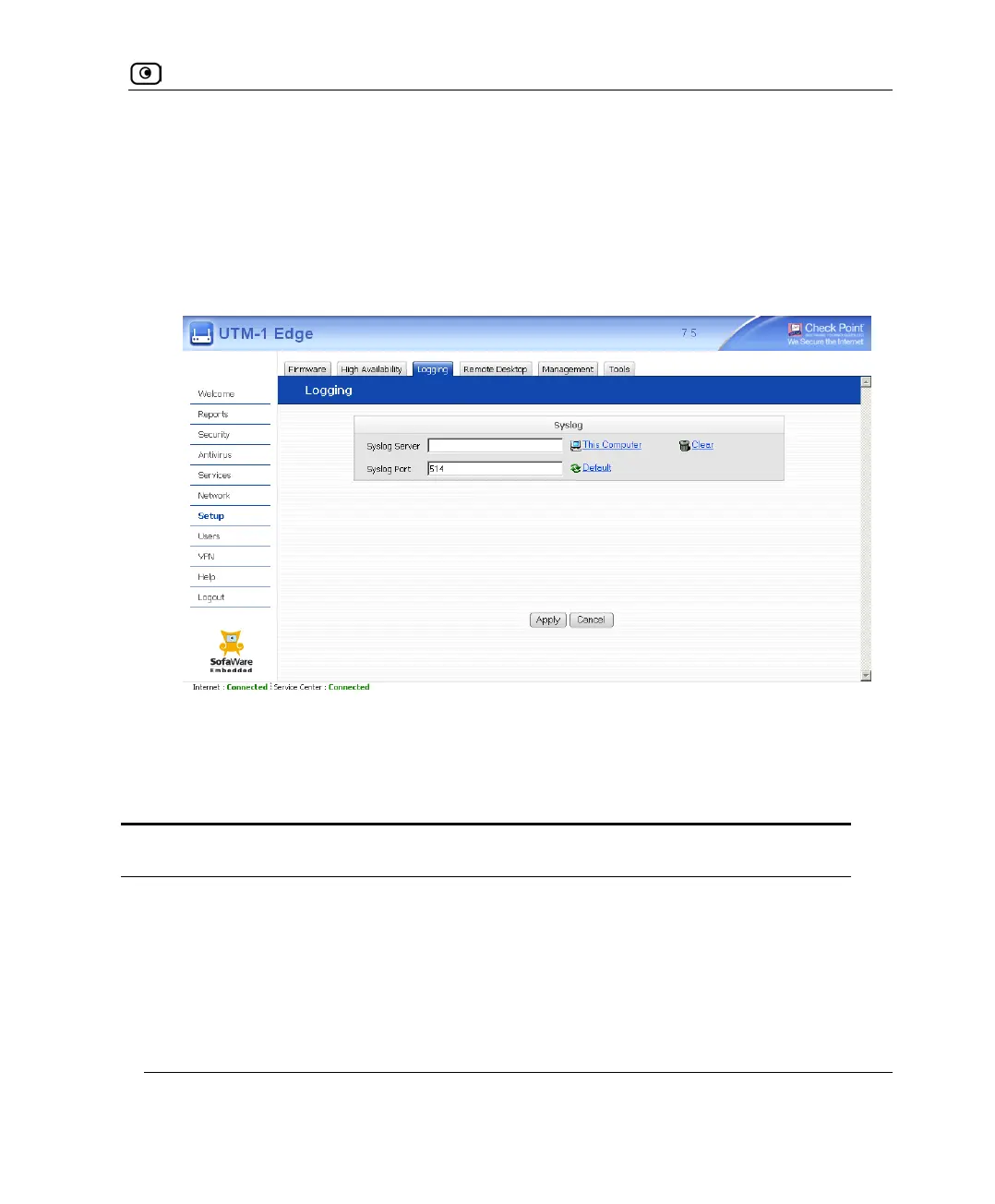
1. Click Setup in the main menu, and click the Logging tab.
The Logging page appears.
2. Complete the fields using the information in the following table.
3. Click Apply.
Table 120: Logging Page Fields
In this field… Do this…
Syslog Server Type the IP address of the computer that will run the Syslog service
(one of your network computers), or click This Computer to allow your
computer to host the service.
Clear
Click to clear the Syslog Server field.















 To Next Page