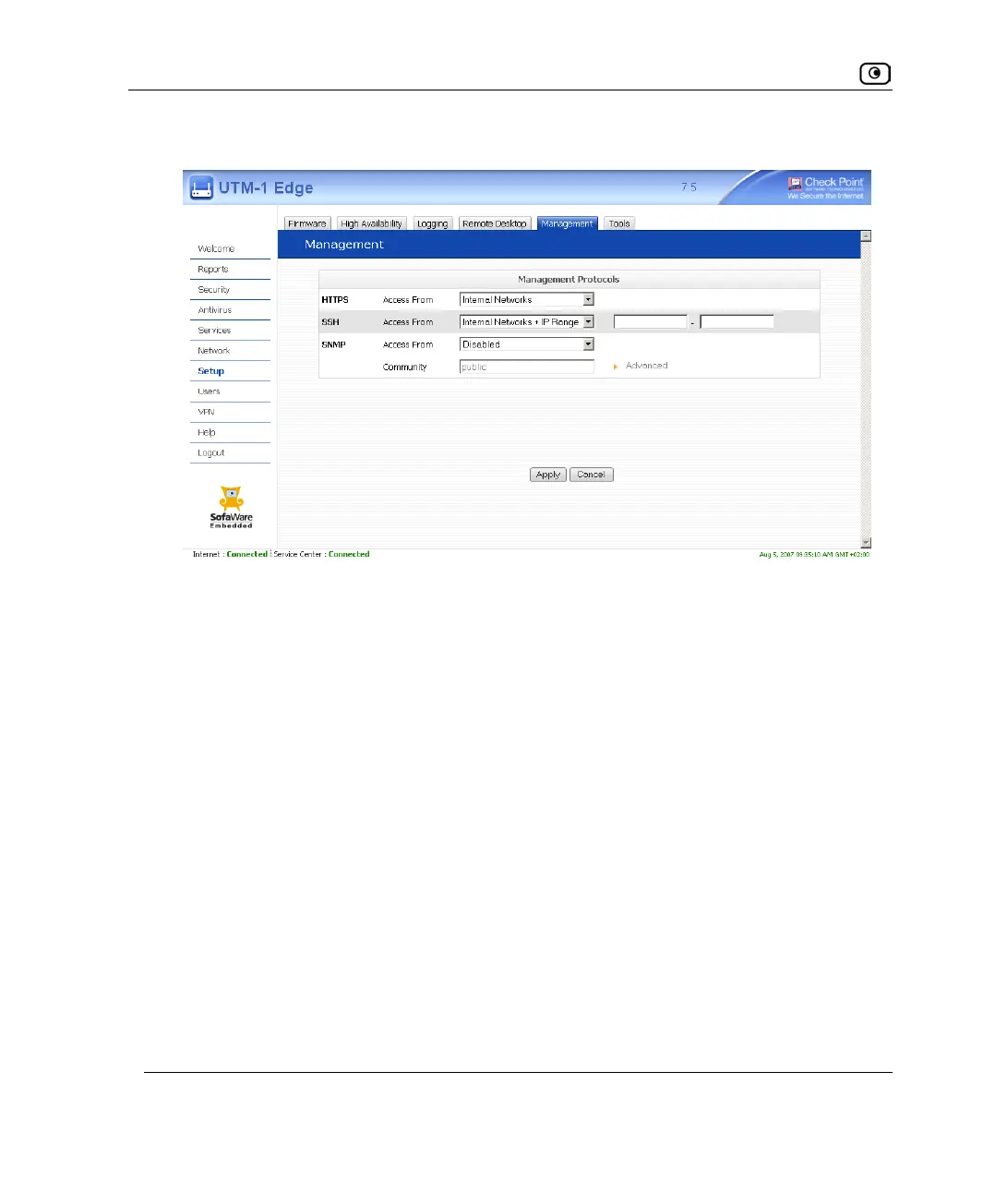
Configuring SSH
596 Check Point UTM-1 Edge User Guide
If you selected Internal Networks + IP Range, additional fields appear.
3. If you selected Internal Networks + IP Range, enter the desired IP address range
in the fields provided.
4. Click Apply.
The SSH configuration is saved. If you configured remote SSH access, you can now
control the UTM-1 appliance from the Internet, using an SSHv2 client.
For information on all supported commands, refer to the Embedded NGX CLI
Reference Guide.















 To Next Page