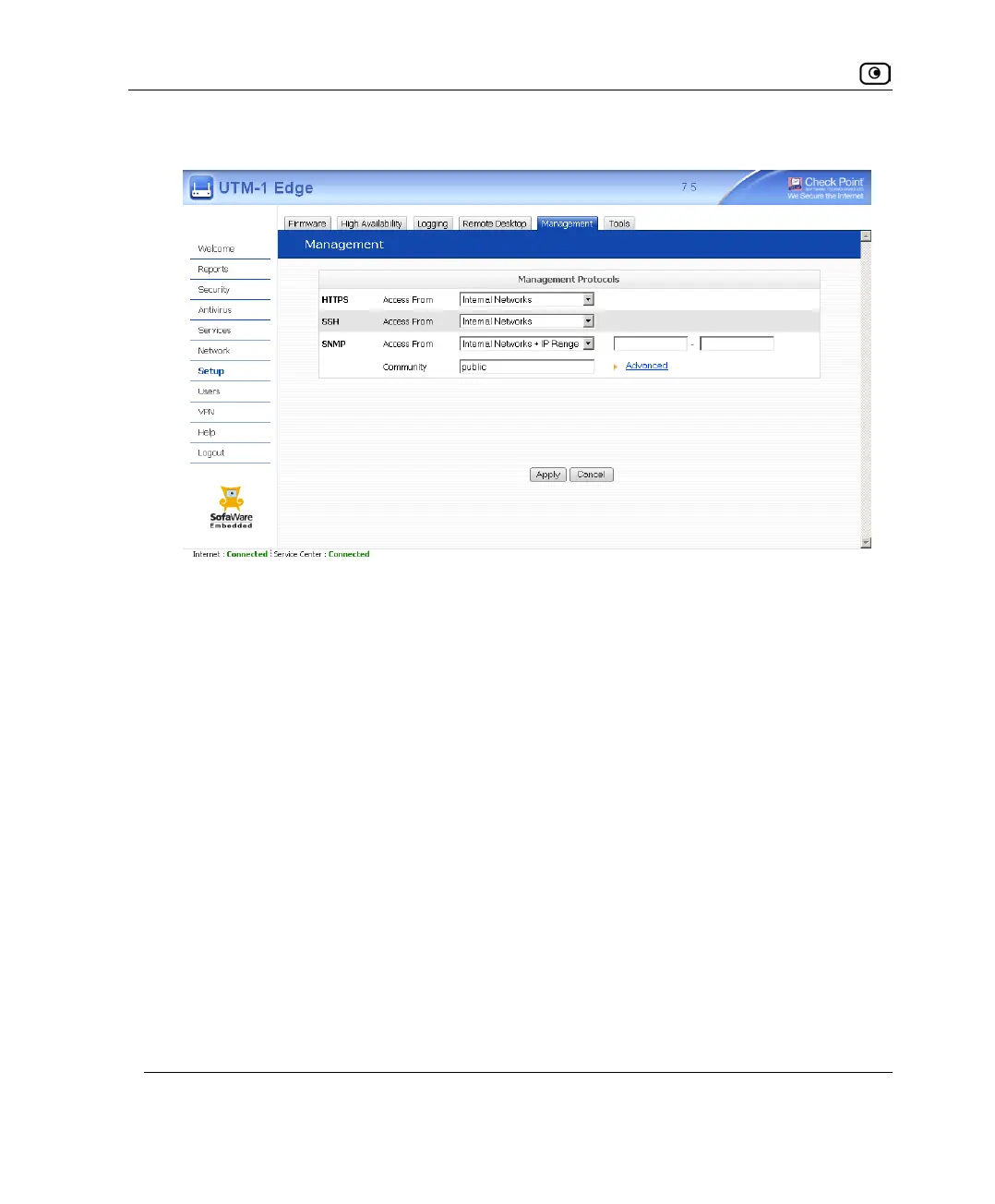
Configuring SNMP
598 Check Point UTM-1 Edge User Guide
The Community field and the Advanced link are enabled.
3. If you selected Internal Networks + IP Range, enter the desired IP address range
in the fields provided.
4. In the Community field, type the name of the SNMP community string.
SNMP clients uses the SNMP community string as a password, when connecting to
the UTM-1 appliance.
The default value is "public". It is recommended to change this string.
5. To configure advanced SNMP settings, do the following:
a. Click Advanced.















 To Next Page