Using Diagnostic Tools
610 Check Point UTM-1 Edge User Guide
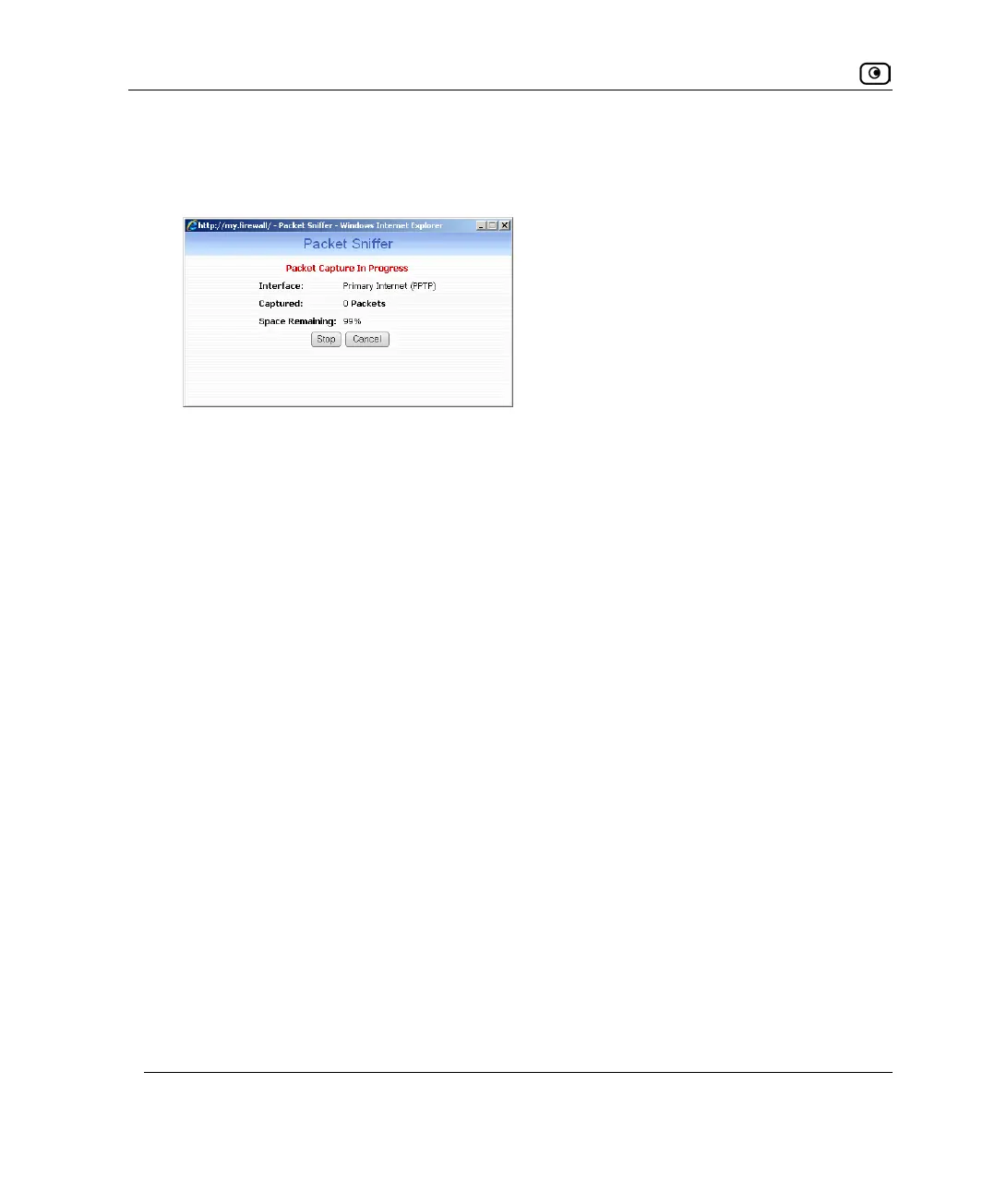
The Packet Sniffer window displays the name of the interface, the number of packets
collected, and the percentage of storage space remaining on the appliance for storing
the packets.
5. Click Stop to stop collecting packets.
A standard File Download dialog box appears.
6. Click Save.
The Save As dialog box appears.
7. Browse to a destination directory of your choice.
8. Type a name for the configuration file and click Save.
The *.cap file is created and saved to the specified directory.
9. Click Cancel to close the Packet Sniffer window.















 To Next Page