Before You Install the UTM-1 Appliance
54 Check Point UTM-1 Edge User Guide
Windows Vista
Checking the TCP/IP Installation
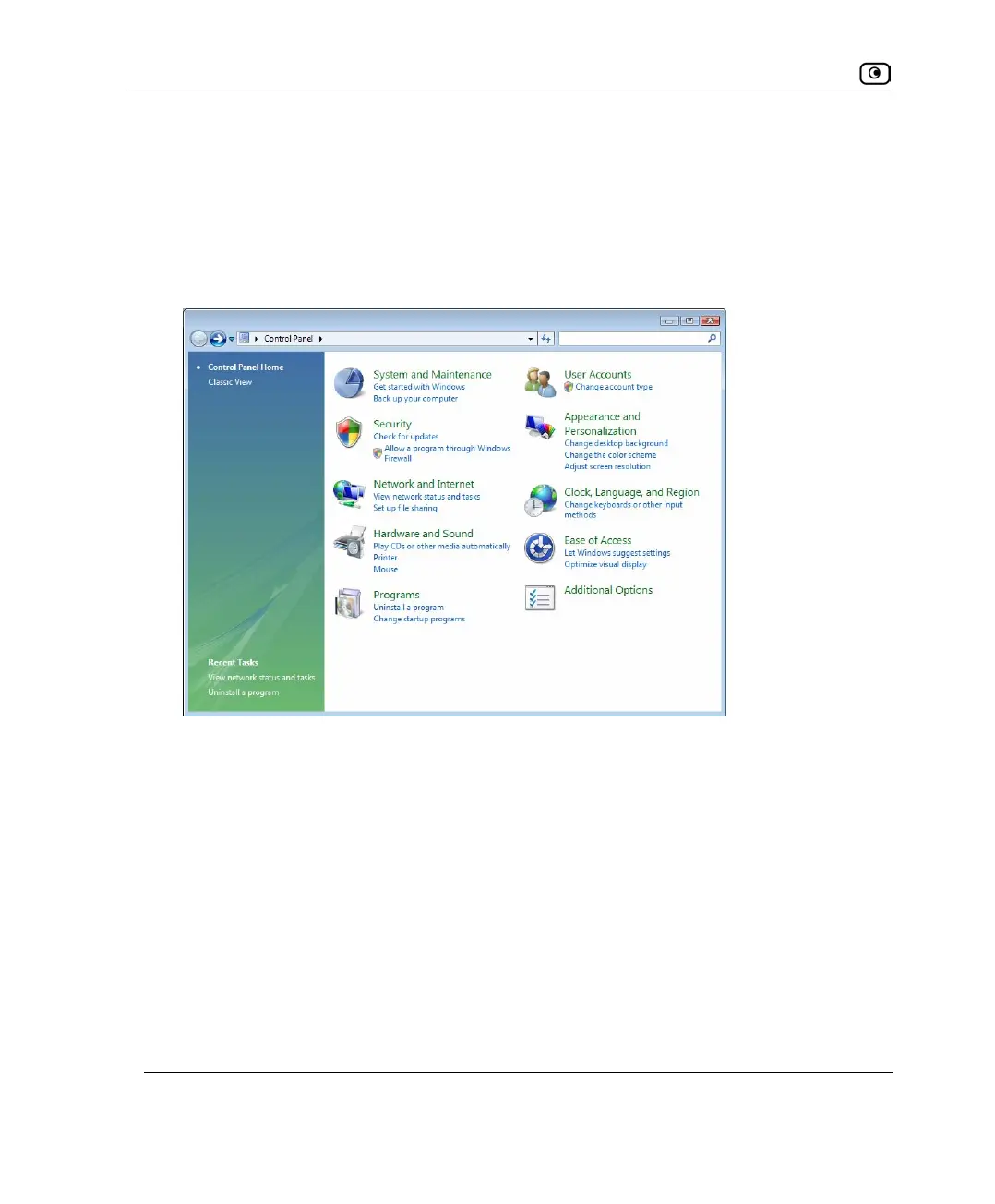
1. Click Start > Control Panel.
The Control Panel window appears.
2. Under Network and Internet, click View network status and tasks.















 To Next Page