Before You Install the UTM-1 Appliance
Chapter 3: Installing and Setting Up UTM-1 61
Installing TCP/IP Protocol
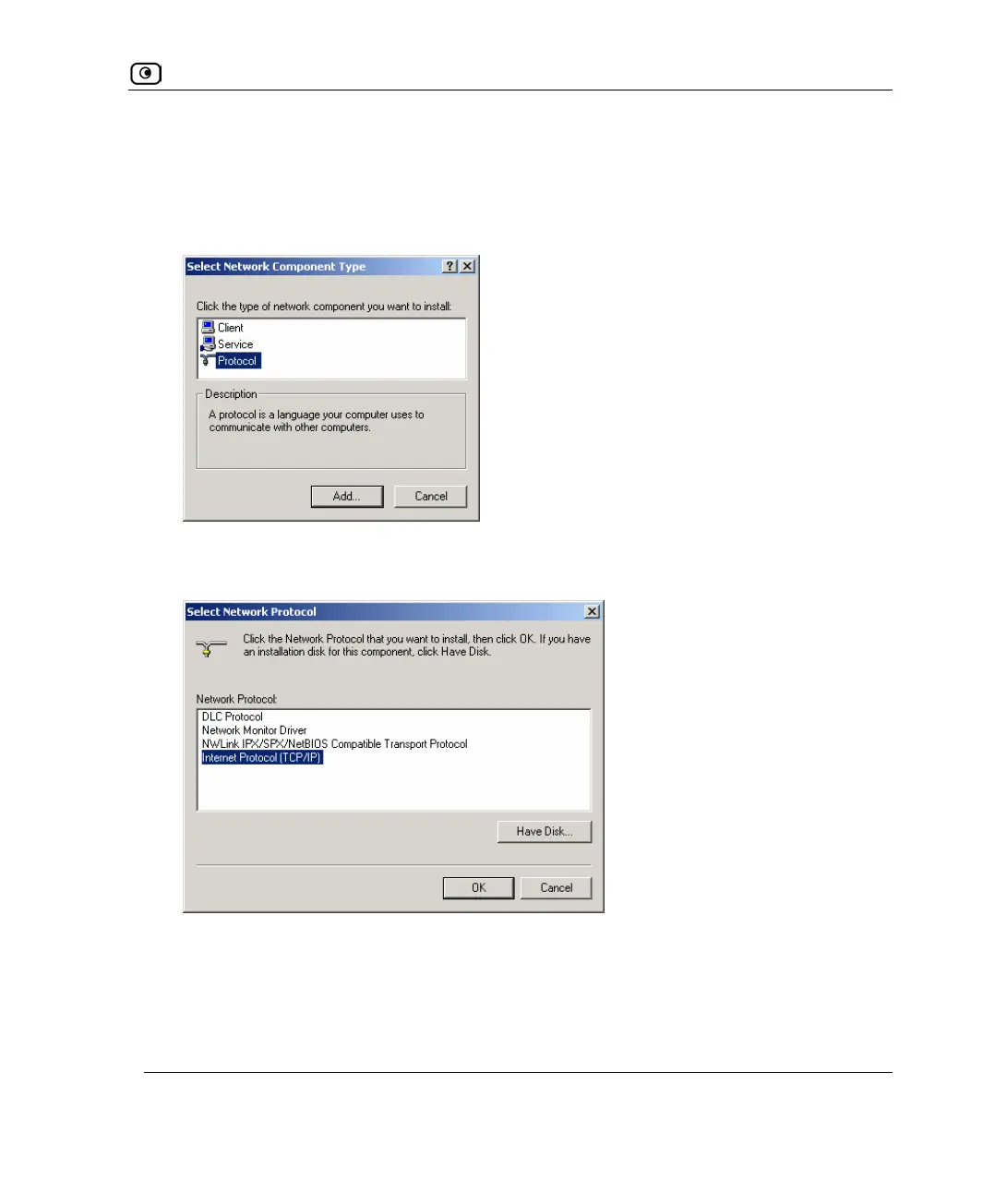
1. In the Local Area Connection Properties window click Install.
The Select Network Component Type window appears.
2. Select Protocol and click Add.
The Select Network Protocol window appears.
3. Choose Internet Protocol (TCP/IP) and click OK.
TCP/IP protocol is installed on your computer.















 To Next Page