UTM-1 Edge X and UTM-1 Edge W Installation
Chapter 3: Installing and Setting Up UTM-1 77
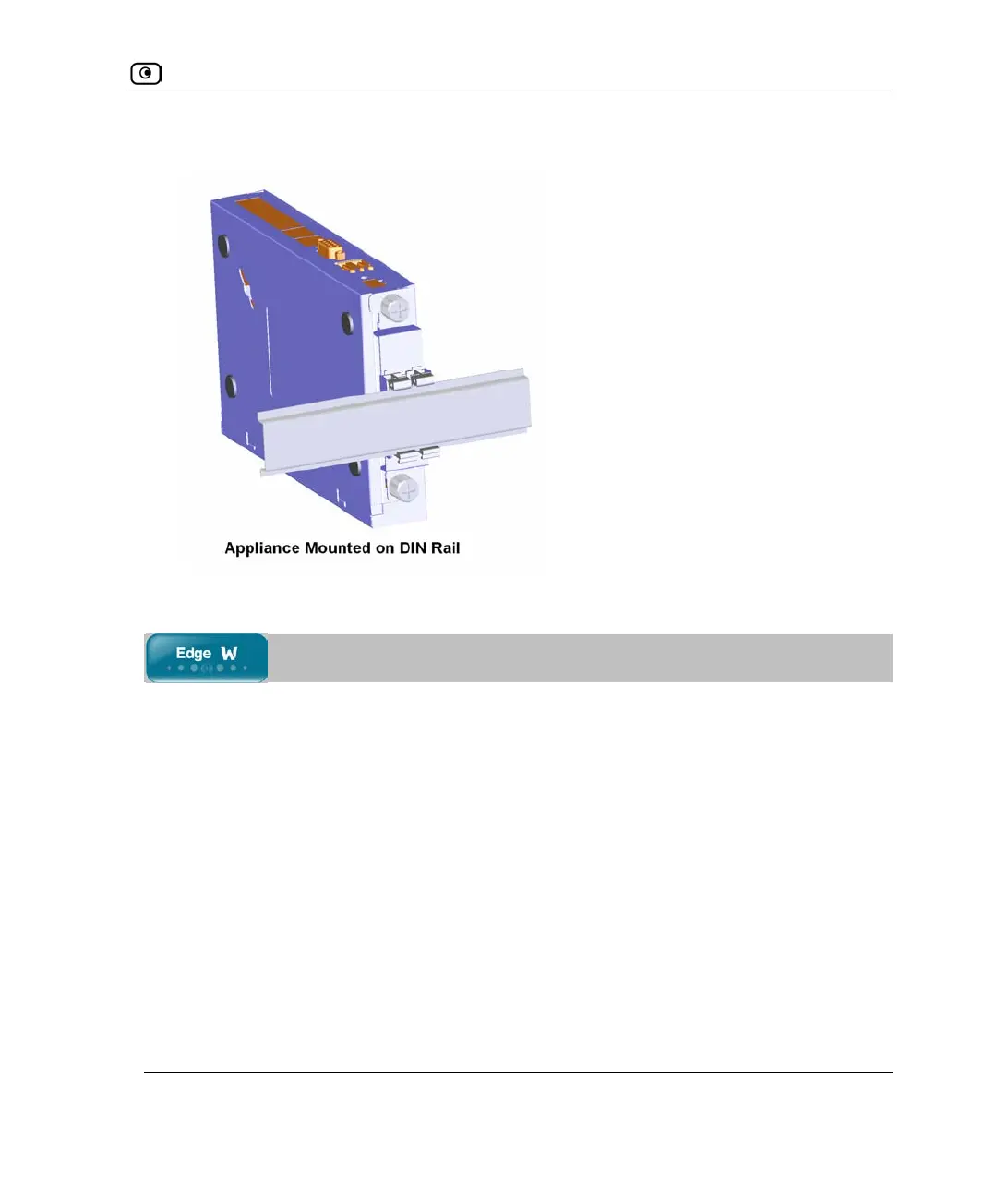
When mounted, the appliance should appear as follows:
Preparing the Edge Appliance for a Wireless Connection
To prepare the UTM-1 Edge W appliance for a wireless connection
1. Connect the antennas that came with your UTM-1 Edge W appliance to the
ANT1 and ANT2 antenna connectors in the appliance's rear panel.
2. Bend the antennas at the hinges, so that they point upwards.















 To Next Page