6 - USE AND OPERATION
Schermate display (ME)
ME2000S - User Manual
76 - 133
TAG PREVIEW FORMATS AUTOMATIC
JOB (USB)
SAVE JOB
REPORT TO
USB
AUTOMATIC
JOB (FTP)
AUTO
HOME
BACK
AUTO
LCD EDIT
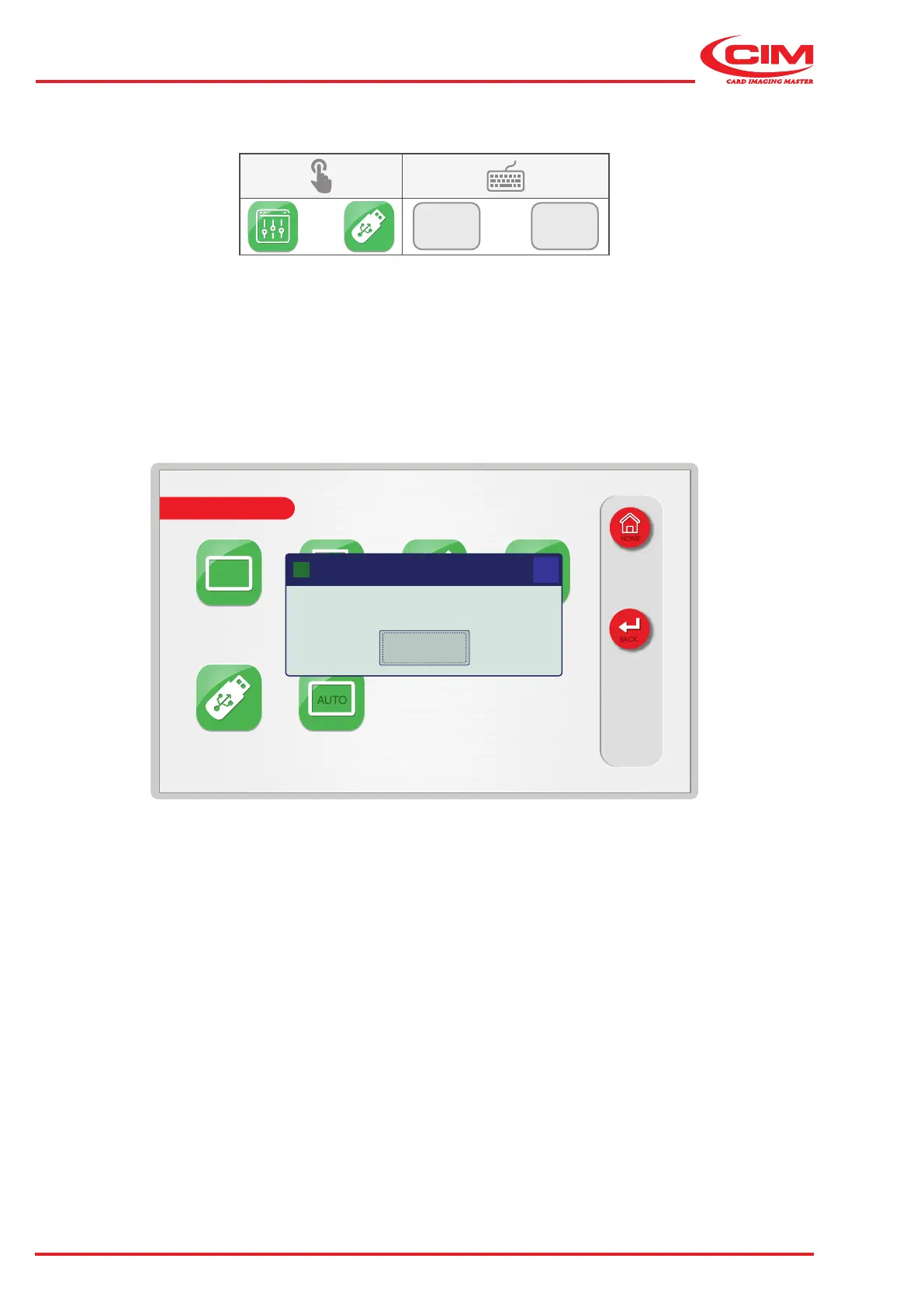
Automatic job file saved to USB drive
OK
X
Qt
6.9.5 SAVE JOB REPORTS TO USB
F1
F5
This function allows you to generate a log le and to save it to a USB memory stick.
The le contains the information regarding the processed tags, including those that have been produced and those
that have been rejected, and any errors that were generated and resolved while the machine was in operation.
This le is designed to provide the operator with a tool that allows them to monitor production and to process statistics



 To Next Page