6 - USE AND OPERATION
Schermate display (ME)
ME2000S - User Manual
75 - 133
Separator char not found in the CSV file
OK
X
Qt
LCD EDITLCD EDIT
Look in:
/mnt/removable/test_csv
Computer
File name:
/
Name Size Type
Files of type:
test1.csv 28...es cs...le 1 De...2:00
test2.csv 28...es cs...le 1 De...3:56
test3.csv 13...es cs...le 1 De...5:46
csv files(*.csv)
test1.csv
Open
Cancel
1
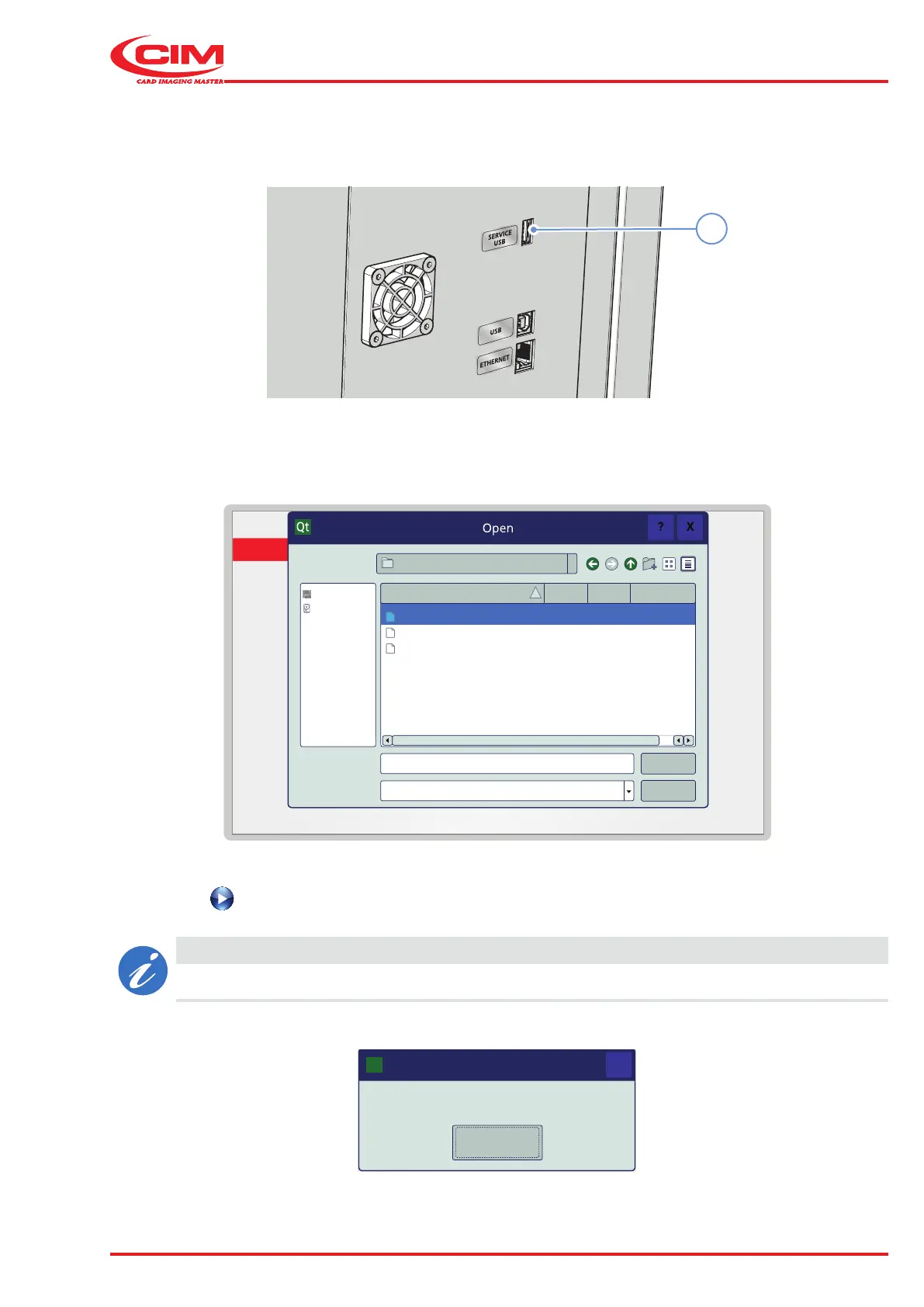
Loading a CSV le onto the machine:
1) Insert the USB memory stick into the SERVICE USB port (1) on the back of the machine.
2) View the contents of the USB memory stick in the dialogue box and select the .csv le containing the data to
be used.
3) Press the button to start producing tags.
CAUTION
If the format of the le is incorrect, loading fails and an error message appears.



 To Next Page