Commander Connect Owners Manual
60
Assigning Station names
You may assign names to Stations. When a Station receives an internal call, its 'Display' will
show the calling Station name in the place of the calling Station number.
To assign a name to a Station
• From the Programming Station, press the PROGRAM Key
• Press the Scroll Down Key () until ‘System programming’ is displayed
• Select ‘System programming’
• Enter the System Programming Password and select ‘Stations’
• Select ‘Name programming’
• From the Station Menu, select the Station you want to name and enter the name as
described on page 16. Up to ten characters (including spaces) can be entered for each
name
• When the name is entered, select ‘Confirm’. You will be presented with the Station
Menu and can continue programming other names.
Press the Hands-free Key to finish programming.
Class of Service
Each Station may be programmed for a Class of Service. This determines the type of call the
Station is allowed to dial. Four tables, which can be programmed with up to fifty codes, are used
to implement six Classes of Service:
1. By default, all Stations are in Class 1, that is, they have no restriction placed on them
2. A Station placed in Class 2 is restricted from dialling the codes programmed in Table 2.
(Table 2 would typically be programmed with the international access code 001).
3. A Station placed in Class 3 is restricted from dialling the codes programmed in Tables 2
and 3. (Table 3 would typically be programmed with non-local national access codes).
4. A Station placed in Class 4 is restricted to internal and emergency, (000 and 106), calls
only.
5. A Station can be placed in Class 5 in addition to being in Class 2 or 3. In this case the
codes programmed in Table 5 are allowed.
6. A Station can be placed in Class 6 in addition to being in Class 1, 2 or 3. In this case the
codes programmed in Table 6 are restricted.
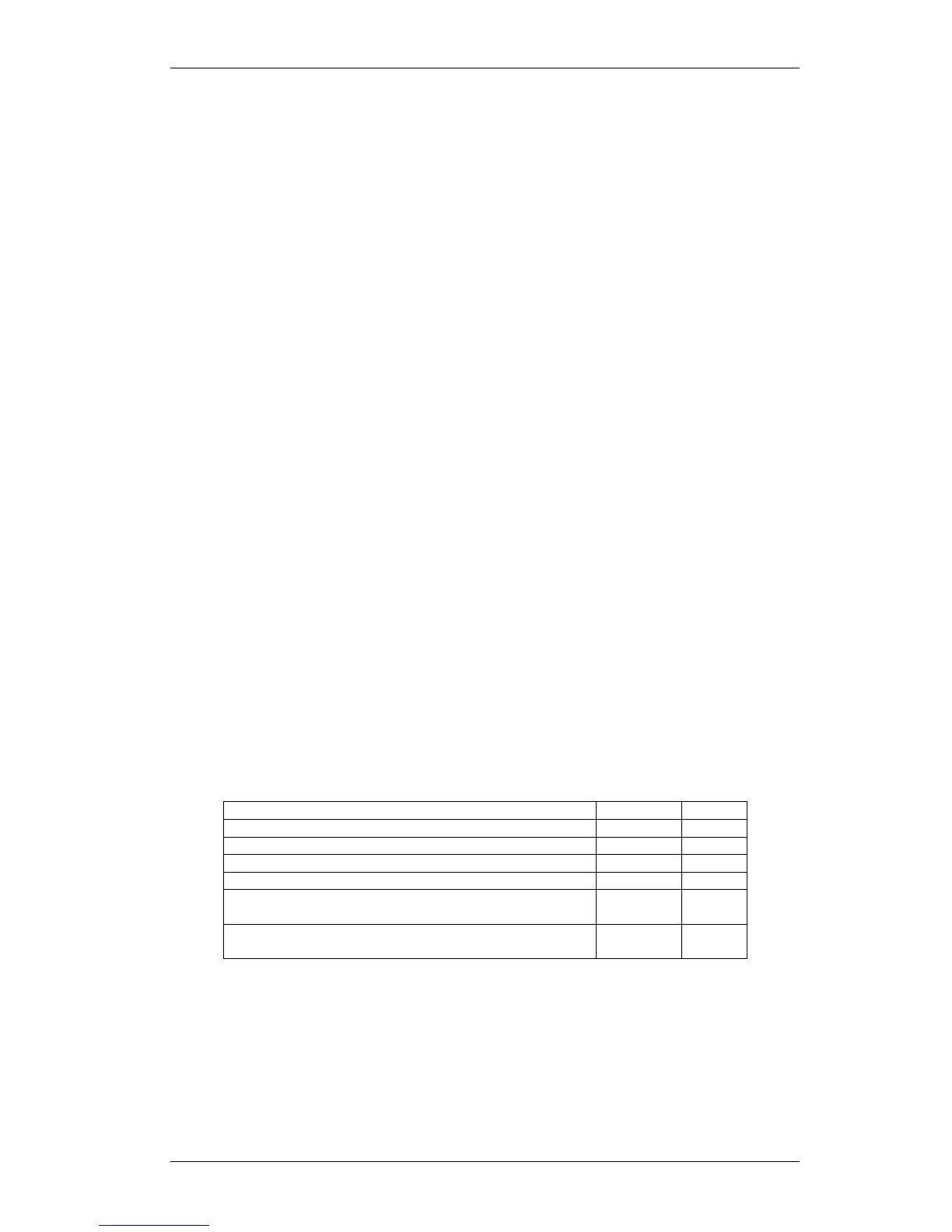
The following table shows the types of restriction for the different Classes of Service available:



 To Next Page