User’s Manual EM11A015B
intelligent Touch Manager
115
The operation mode at the time the automatic control starts is assessed as follows.
• If Average room temperature ≤ Average setpoint, then the indoor unit is considered to be
working in Heat mode.
• If Average room temperature > Average setpoint, then the indoor unit is considered to be
working in Cool mode.
NOTE
5. When nished, touch the OK button to return to the Automatic Changeover settings screen.
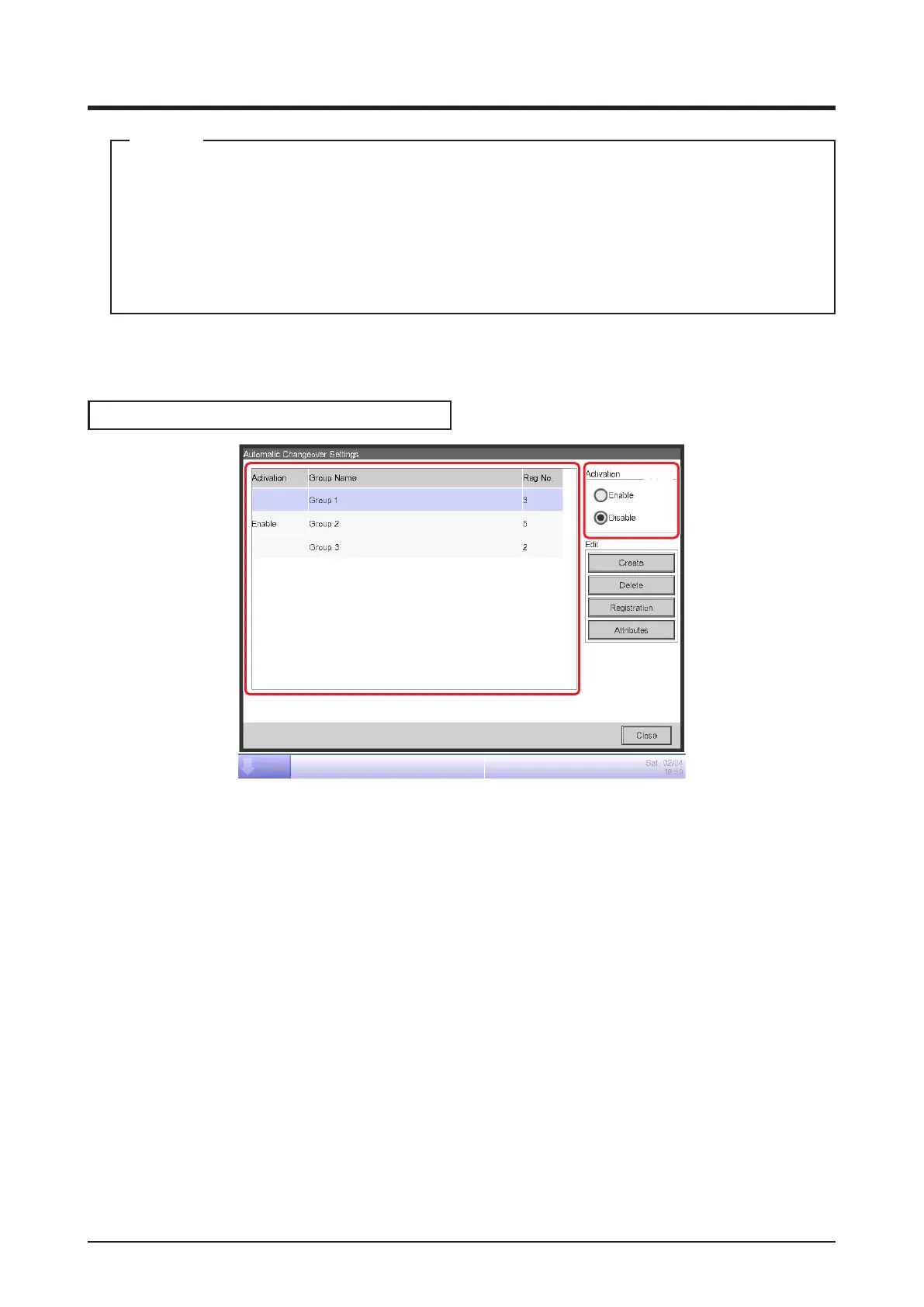
Applying the Auto Changeover function
(14)
(15)
To enable the Auto Changeover function for the group selected in (14), select the Activation radio
button (15). To disable, select Disable.
Cautions when Using Simultaneously with Other Control Functions
1. If the cooling setpoint is lowered by the Sliding Temperature function when this function is set up
simultaneously with the Sliding Temperature function for the same indoor unit, the heating
setpoint when the indoor unit changes to heating by this function may be signicantly low.
Example: When the lower limit of the setpoint is 20°C for the Sliding Temperature function and
the thermal difference is 4°C for this function.
1. Heating is started with setpoint at 20°C.
2. When the room temperature becomes 24°C, this function changes the operation mode to
Cool.
3. When operation mode changes to Cool, the Sliding Temperature function changes the
setpoint according to the outdoor temperature.



 To Next Page