User’s Manual EM11A015B
intelligent Touch Manager
148
Data Conversion
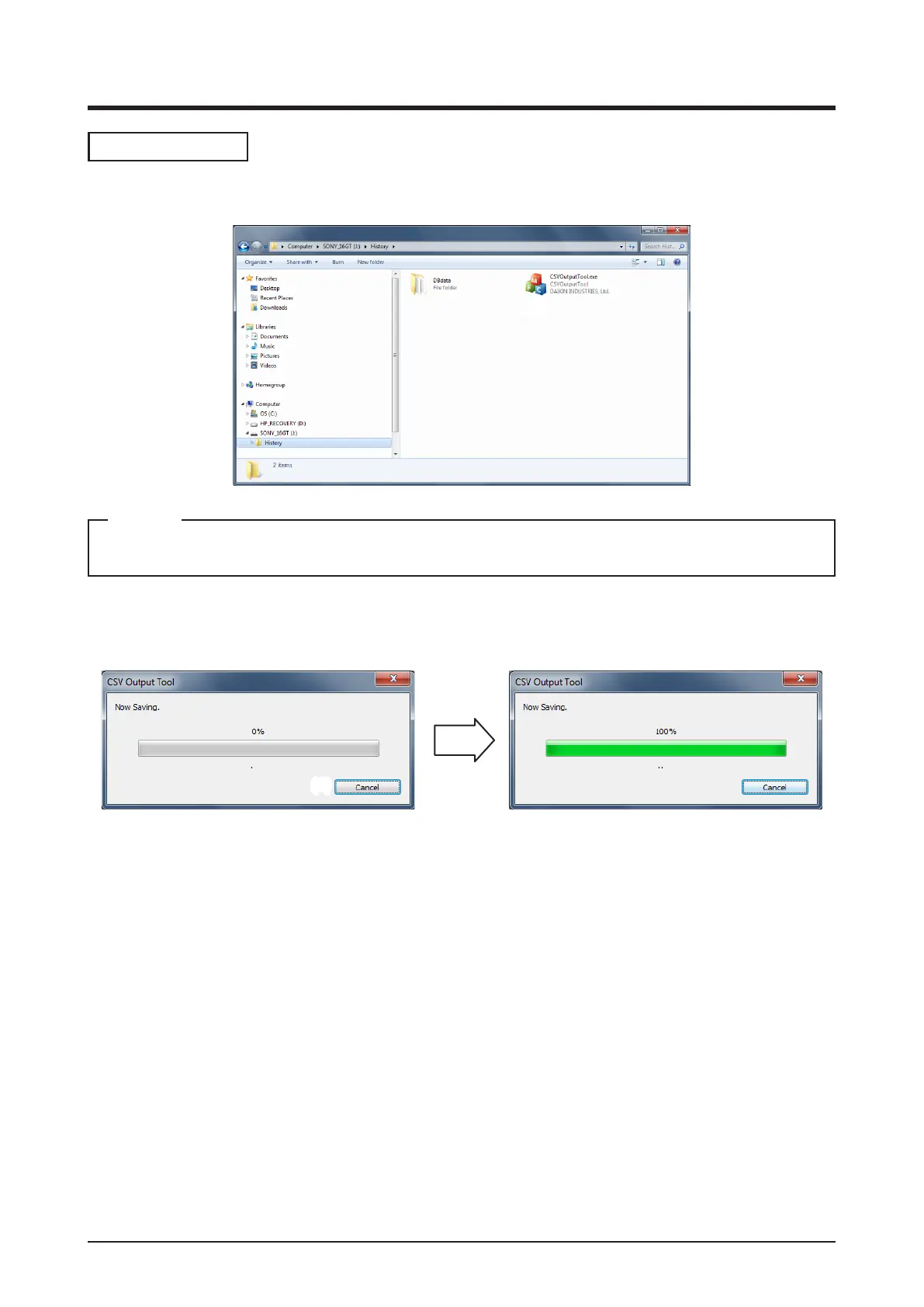
1. Open the output data from the iTM on your PC.
(1)
The folder name varies depending on the output data.
NOTE
2. Double-click CSVOutputTool.exe (1) to start the CSV output tool. Data conversion starts. During
data conversion, the CSV Output Tool dialog as shown below appears.
(2)
To cancel the data conversion, click the Cancel button (2).



 To Next Page