User’s Manual EM11A015B
intelligent Touch Manager
135
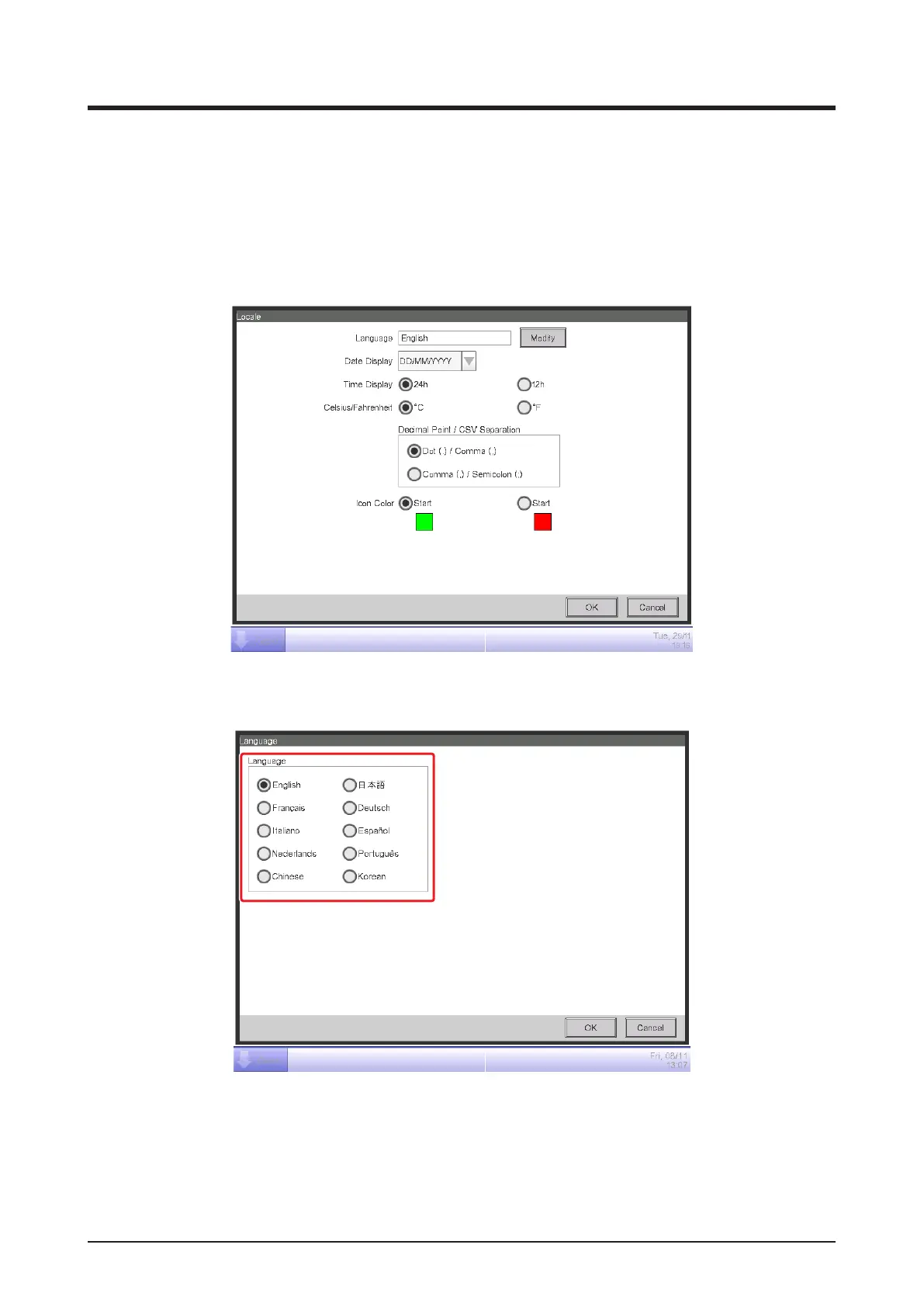
6-5 Setting up the Locale
You can set up the display language, date/time display format, Celsius/Fahrenheit, decimal point/
CSV separator style, and icon color used in the iTM unit.
1. Touch the Regional button on the System Settings tab of the Menu List screen and display the
Locale screen (see “4-5 Menu List Screen: System Settings Tab”).
(1)
2. Select the display language. Touch the Modify button (1) and open the Language screen.
(2)
3. Select the language to use from (2). Touch the OK button to save and return to the Locale
screen.



 To Next Page