User’s Manual EM11A015B
intelligent Touch Manager
256
Two operation rules are provided by default. Customize them as necessary for your use as their
contents can be changed and/or deleted.
• Failure to turn off
Day of the week: Monday to Sunday, No special day settings/Operating hours: 9:00 to 21:00
(AM9:00 to PM9:00 when 12-hour clock is used)/Setpoint: None
• Setpoint gap
Day of the week: Monday to Sunday, No special day settings/Operating hours: 9:00 to 21:00
(AM9:00 to PM9:00 when 12-hour clock is used)/Setpoint: Cool 24°C, Heat
24°C
The following describes how to set this up and use.
Setting up the Equipment Operation Rules
Set up the equipment operation rules.
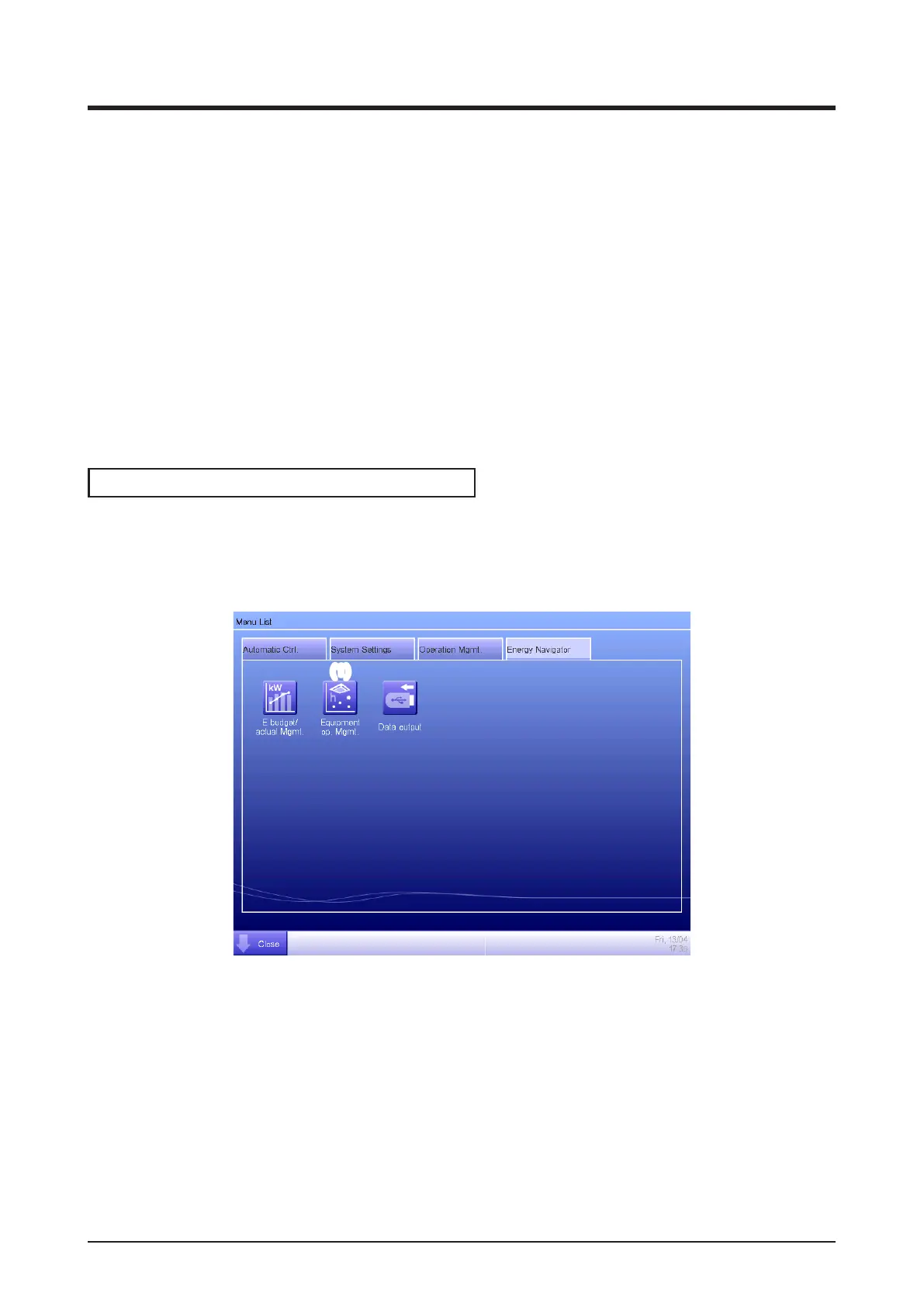
Display the Energy Navigator tab on the Menu List screen (see “4-5 Menu List Screen: Energy
Navigator Tab”).
(1)
Touch the Equipment op. Mgmt. button (1) and display the Equipment operation management
screen. The Equipment operation management screen consists of two tabs: Failure to turn off
and Setpoint gap.



 To Next Page