User’s Manual EM11A015B
intelligent Touch Manager
142
6-11 Backing up
You can back up various iTM data to a USB memory. You cannot perform any operation from the
iTM unit screen during backup. However, functions will be working normally.
You can copy the backed up data to a computer for the purpose of management.
For the USB memory requirements, see “Peripheral Equipment Specications (CB14A005).”
1. Touch the Backup button on the System Settings tab of the Menu List screen (see “4-5 Menu
List Screen: System Settings Tab”).
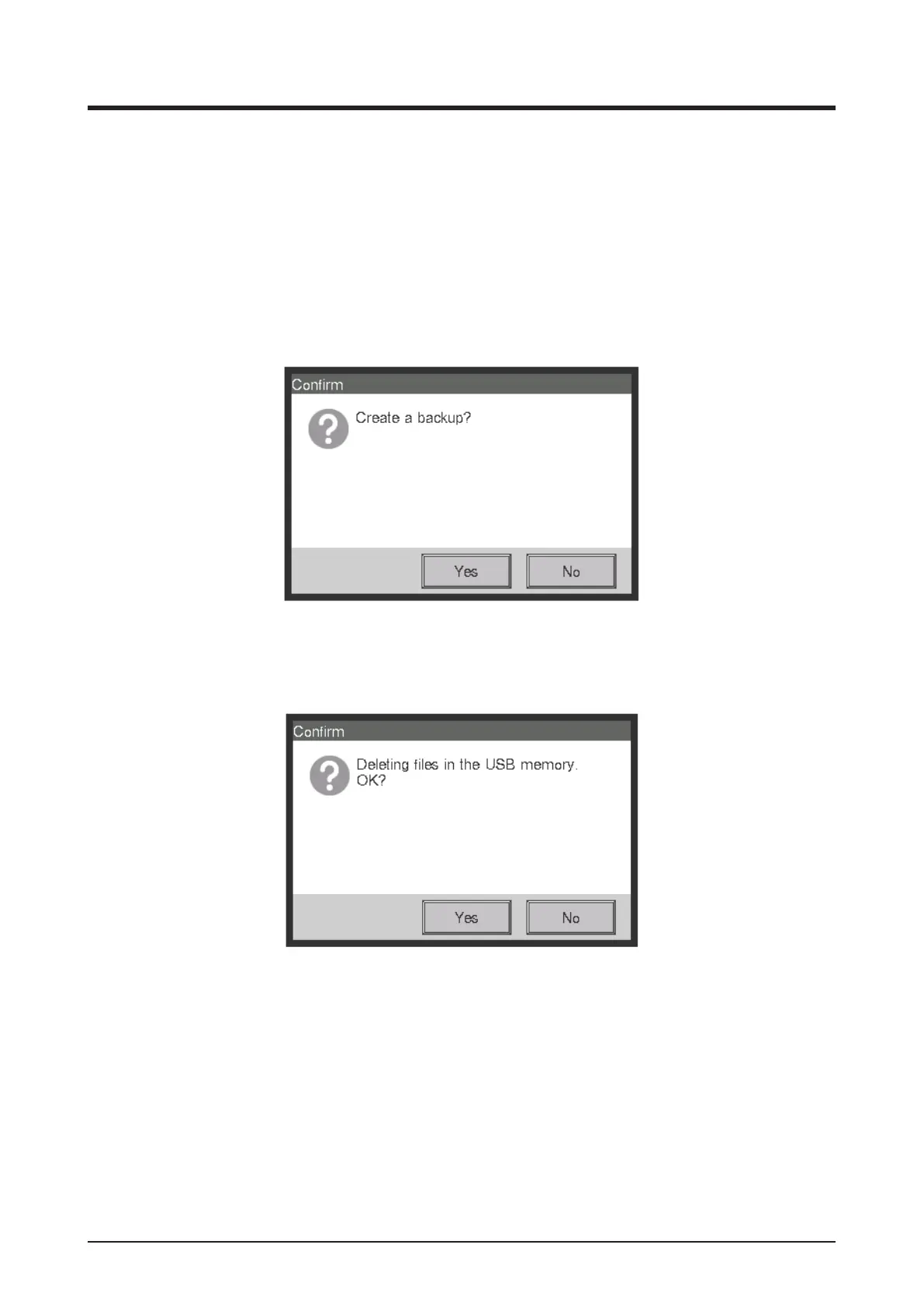
2. When the dialog that conrms the start of the backup is displayed, connect the USB memory to
the iTM unit and touch the Yes button.
3. All les on the connected USB memory will be deleted. Touch the Yes button on the Conrm
dialog that appears to commit and start the backup.
4. Backup takes up to 30 minutes per 1 GB. Backup is complete when the message “Backup is
complete.” appears. Touch the Close button to close the screen.



 To Next Page