User’s Manual EM11A015B
intelligent Touch Manager
195
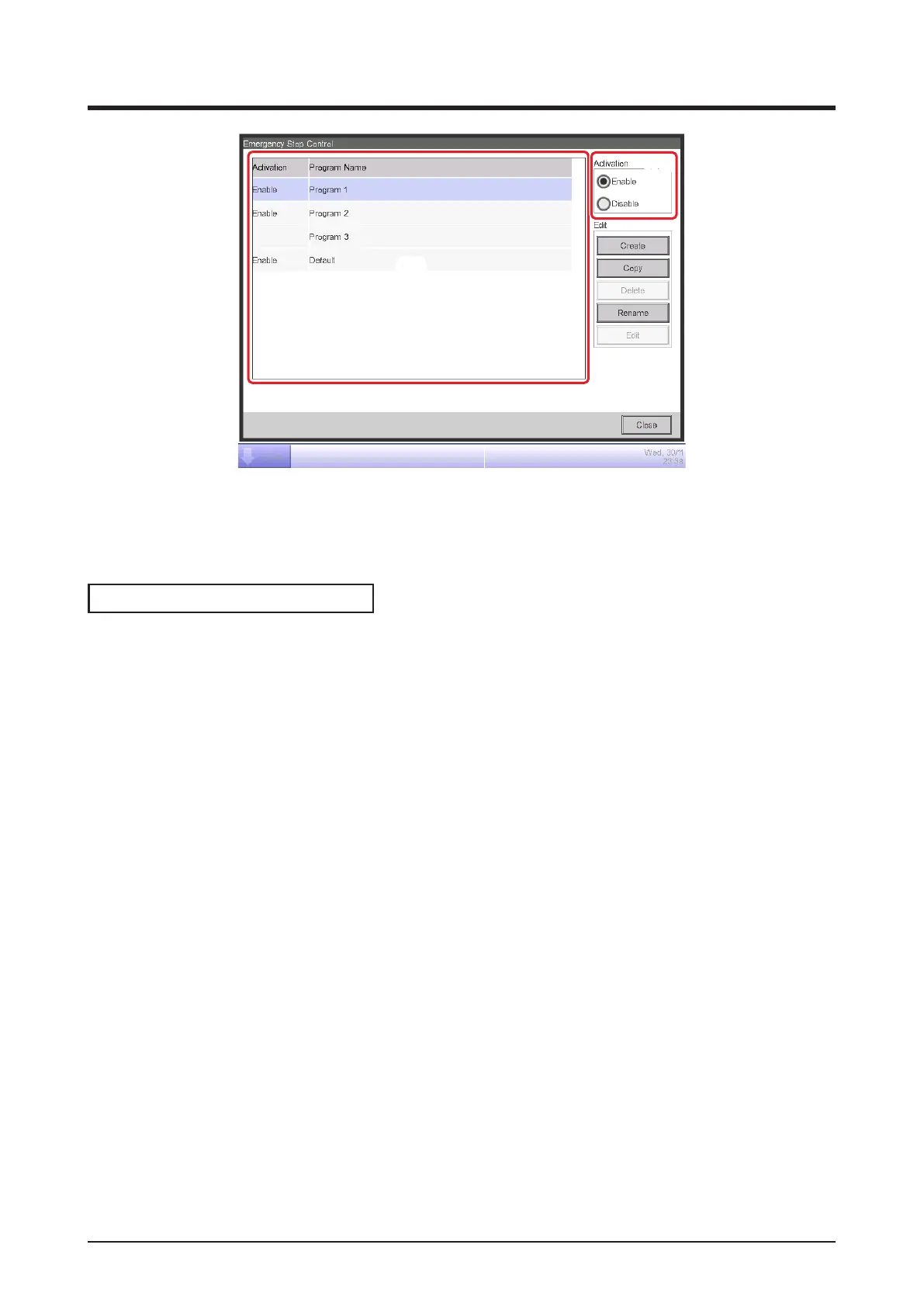
(15)
(16)
8. Select the program in (15) and enable or disable the program in (16).
When nished, touch the Close button and close the screen.
Releasing the Emergency Stop
For the Default program, canceling the emergency stop signal input automatically releases the
emergency stop. (Forcible release possible.)
Programs created in this chapter can be manually released. When a program is set to manual
release, touching the Release button on the Emergency Stop Release dialog (see “5-4 Checking
an Emergency Stop”) displays a confirmation dialog. After checking, touch the Yes button and
release the Emergency Stop.



 To Next Page