User’s Manual EM11A015B
intelligent Touch Manager
236
The steps of energy budget/actual management are as follows:
• Setting up the Energy Type
• Setting up Energy Groups
• Setting up the Planned Energy Consumption
• Setting up the Actual Energy Consumption
The following describes how to set this up and use.
Setting up the Energy Type/Setting up Energy Groups
• Setting up the Energy Type
Set up the energy type and energy group target of the energy budget/actual management.
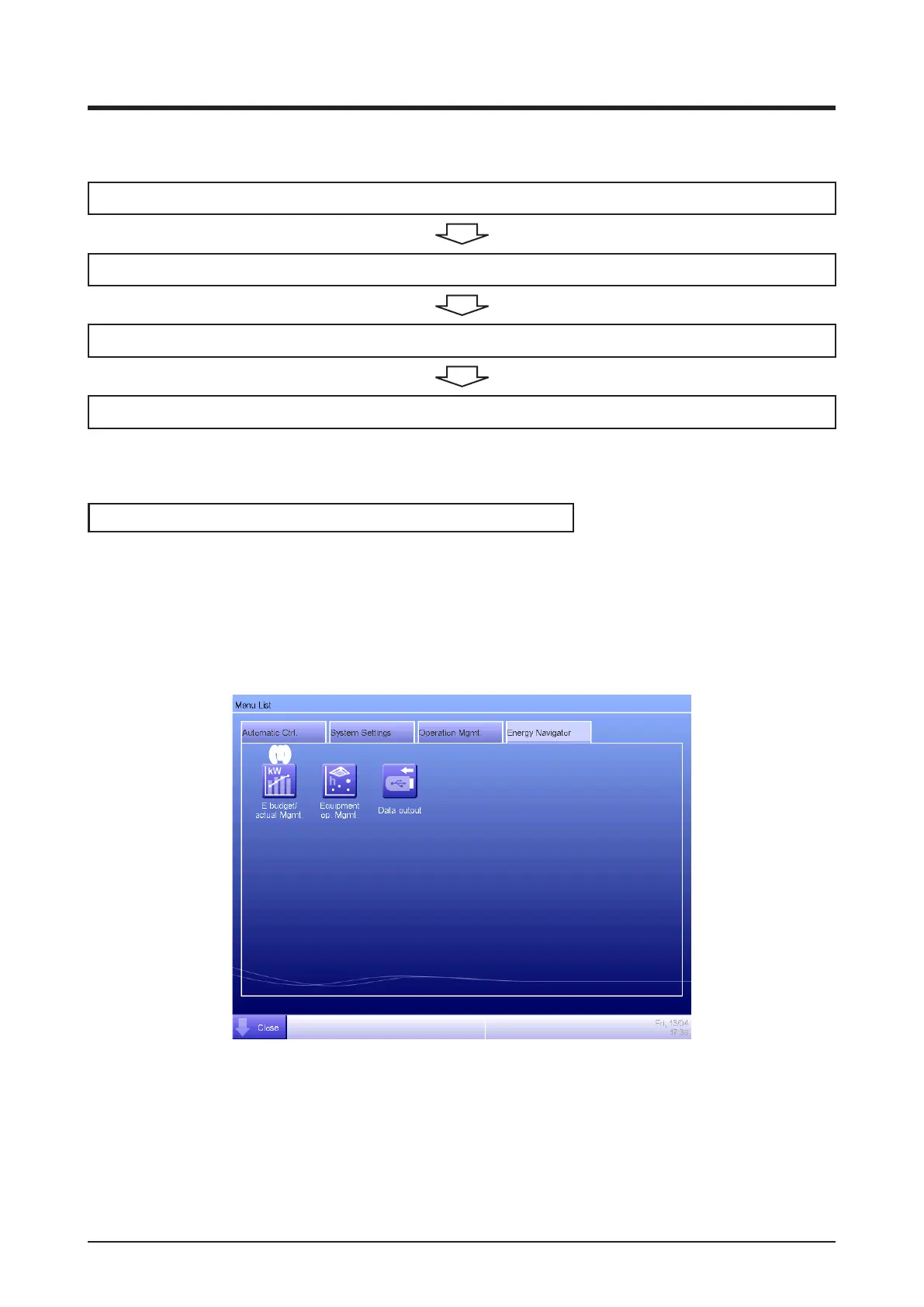
Display the Energy Navigator tab of the Menu List screen (see “4-5 Menu List Screen: Energy
Navigator Tab”).
(1)
Touch the E budget/actual Mgmt. button (1) and display the Energy budget/actual management
screen.
The Energy budget/actual management screen consists of three tabs: Yearly budget/actual
mgmt., Month budget/actual mgmt, and Compared to previous (F) Year.



 To Next Page