User’s Manual EM11A015B
intelligent Touch Manager
271
Outputting Sampling Data
You can output the conditions and results of sampling: the failure to turn off the management
points and the setpoint gap.
(13)
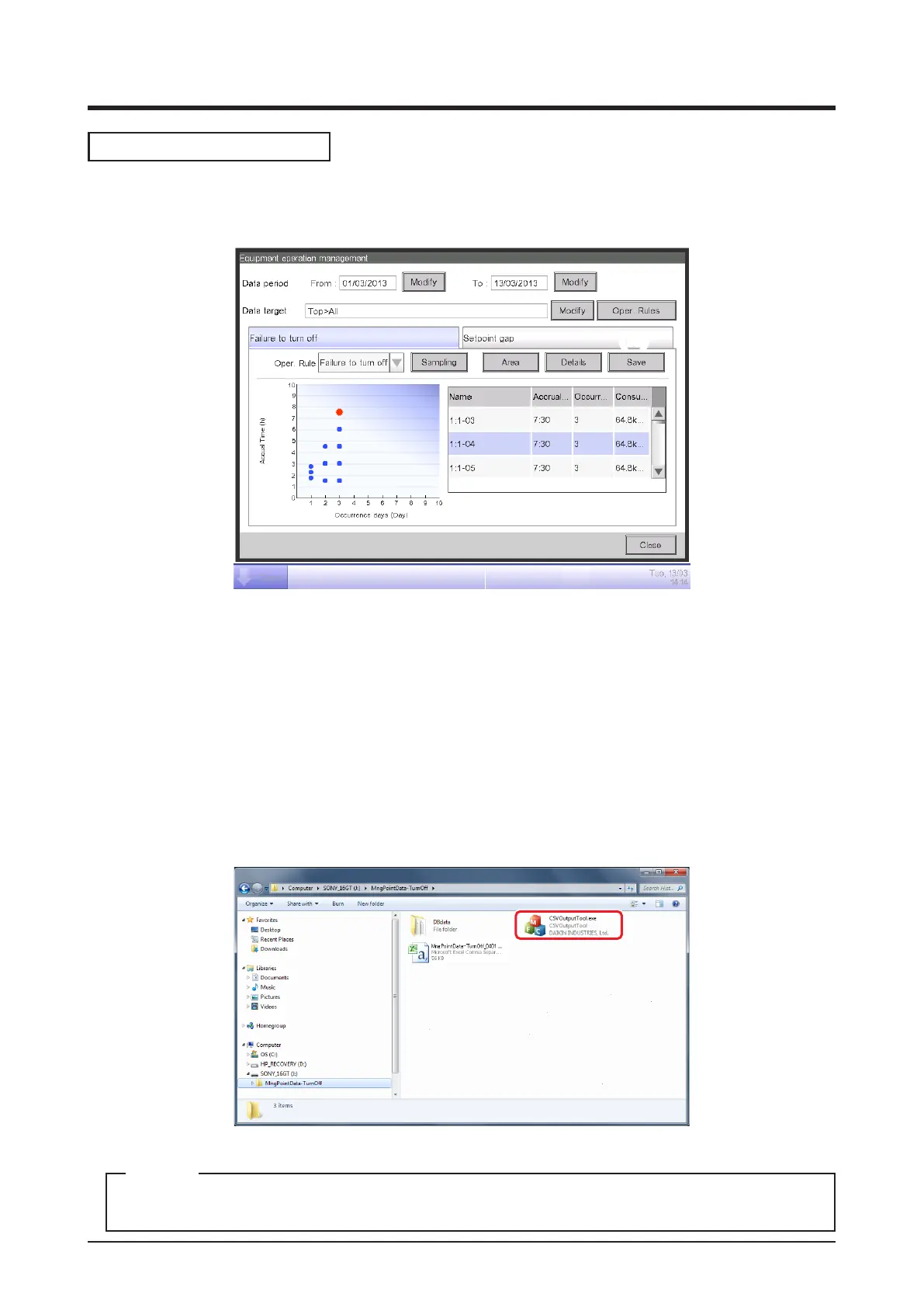
Connect a USB memory to the iTM unit and touch the Save button (13) to store the sampled
data in a folder, based on the conditions displayed on the current screen.
The data of top 50 management point/area will be saved.
The name of the le to be output changes depending on the source tab as below.
Failure to turn off tab: MngPointData-TurnOff folder
Setpoint gap tab: MngPointData-SetPoint folder
When save is complete, a dialog appears. Touch Close button and close the screen.
Open the folder in the USB memory and execute “CSV Output Tool” to create a CSV le.
For information on the CSV le format, see “Appendix 7. Energy Navigator CSV File Format”.
NOTE



 To Next Page