User’s Manual EM11A015B
intelligent Touch Manager
221
9-3 Setting up the E-Mail Error Report
With correct network settings, the iTM can send an E-mail containing the date/time of occurrence,
error code, and other information to predened E-mail addresses if an error such as equipment
error or analog upper/lower limit error occurs in a management point.
An SMTP server and a terminal for receiving E-mails are necessary in addition to the iTM unit.
NOTE
The following describes how to set this up.
Setting up the Mail Server
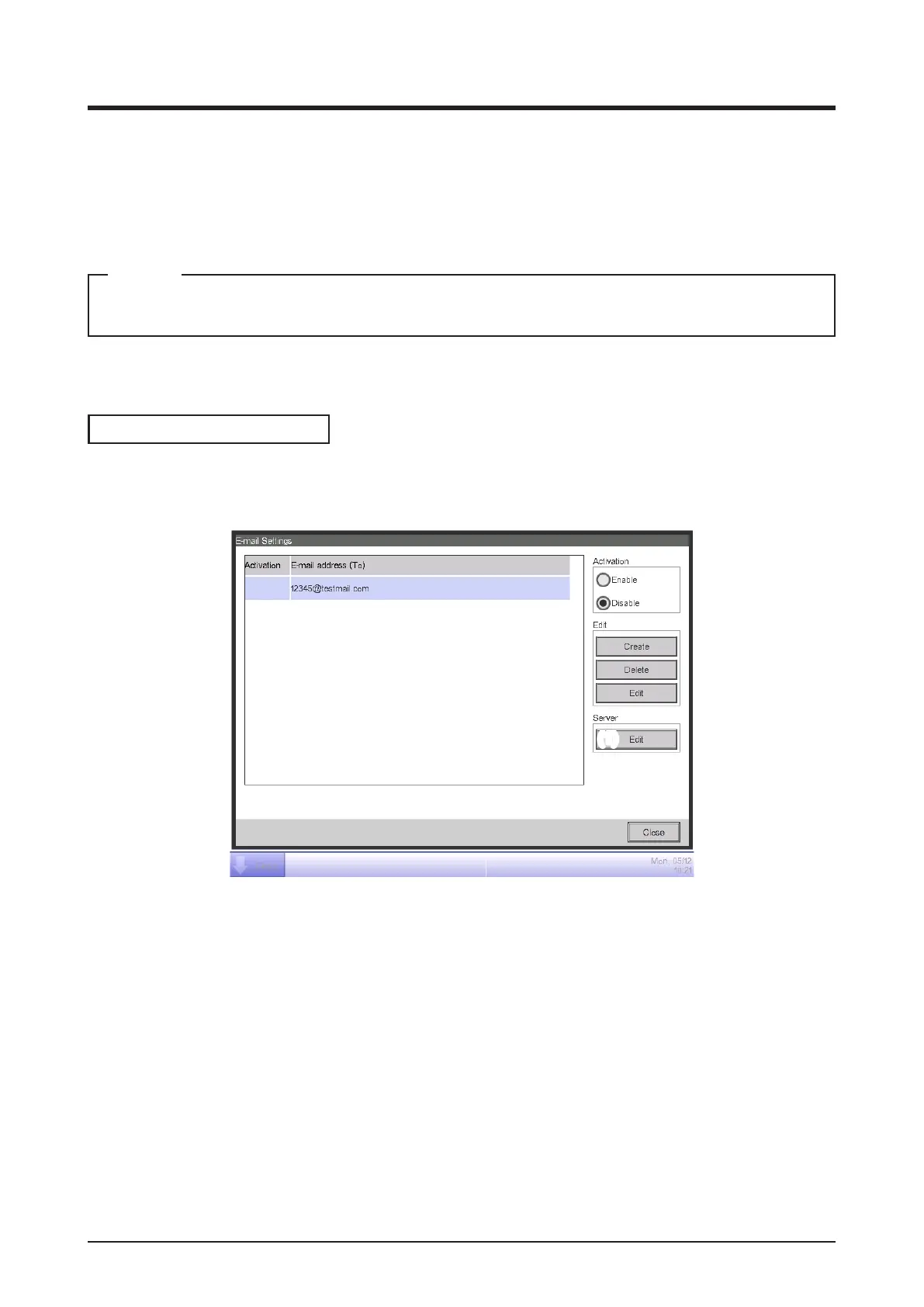
Touch the E-mail button on the System Settings tab of the Menu List screen and display the E-mail
Settings screen (see “4-5 Menu List screen: System Settings Tab”).
(1)
Touch the Edit button (1) and display the Server dialog (see the next page). The dialog consists of
two tabs: Transmission and E-mail Server. Switch and set up each of the tabs. When nished, touch
the OK button to return to the E-mail Settings screen.



 To Next Page