User’s Manual EM11A015B
intelligent Touch Manager
17
1-4 Touch Panel Operation Method
Operation is possible by touching the panel with your ngers or a touch pen. Be sure not to use
sharp edged items as this could damage the touch screen permanently.
(3)
(1)
(3)
(3)
(2)
(3)
(8)
(6)
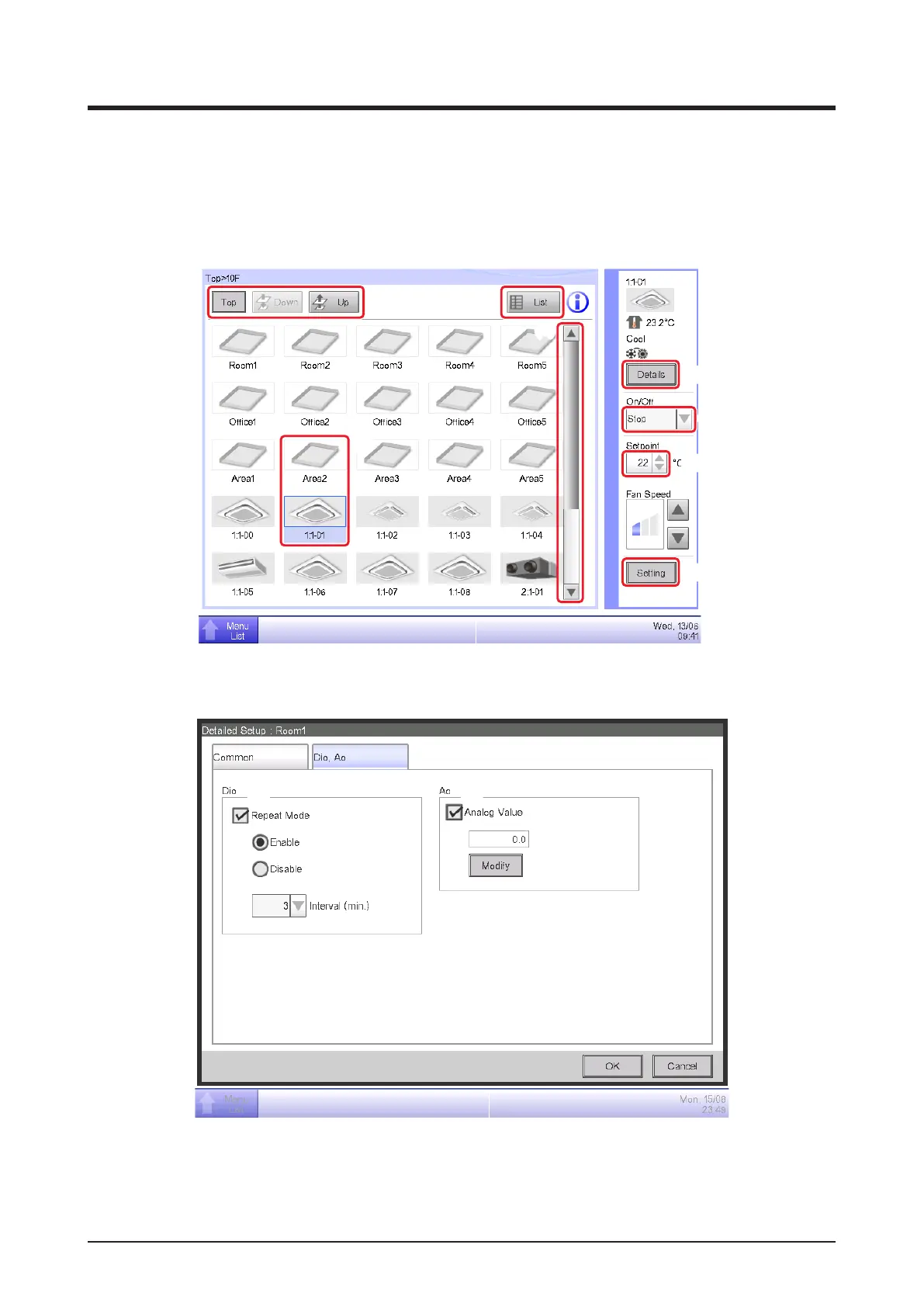
<Standard View (Icon) Screen>
(5)
(4)
(5)
(7)
)
<Detailed Setup dialog>
The following describes how the text on each component, displayed on screen, looks like in normal
state, when it is selected (it has been touched), or is grayed out. (* For components not shown in
the Standard view above, see the respective detailed description page.)



 To Next Page