User’s Manual EM11A015B
intelligent Touch Manager
18
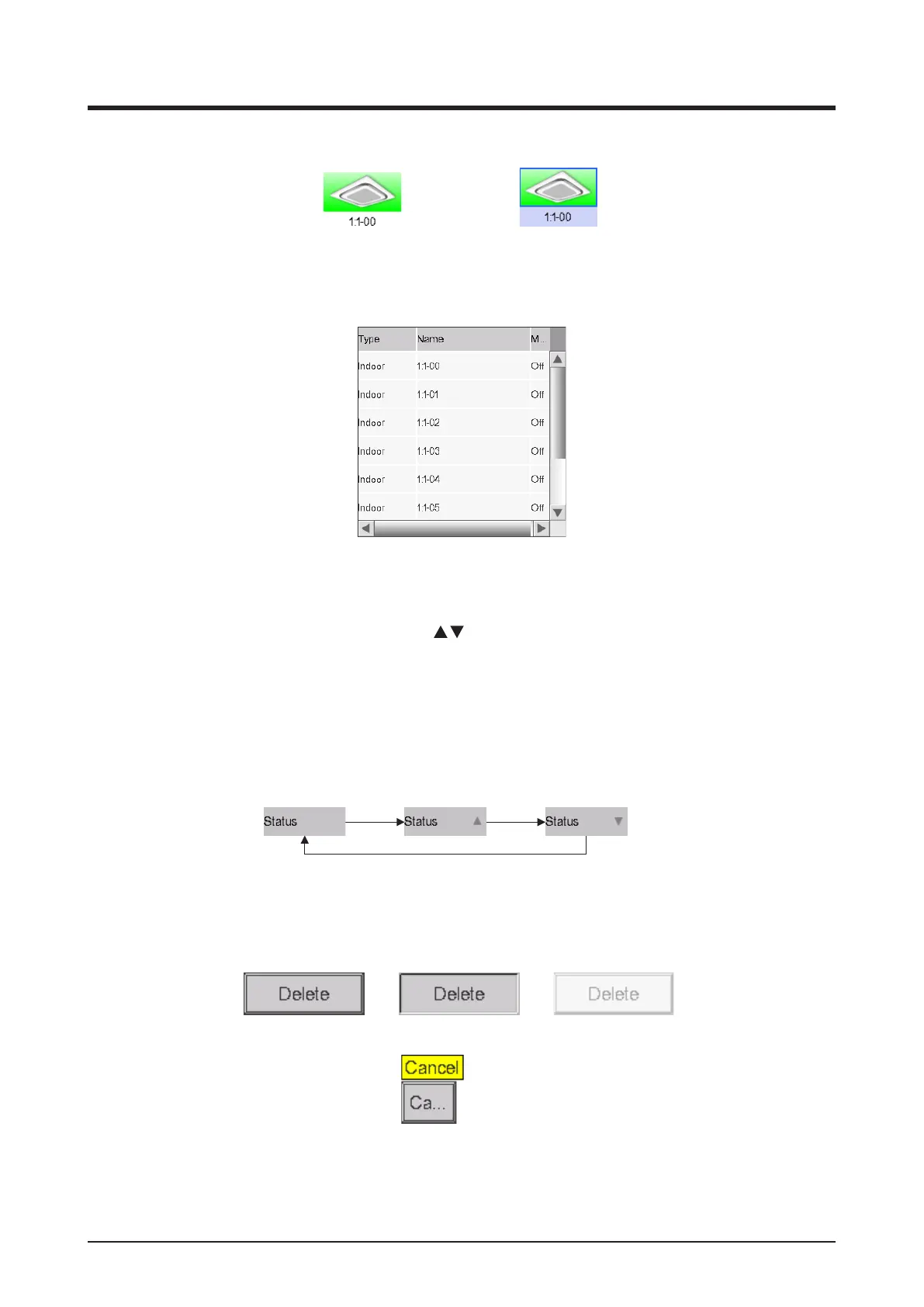
(1) Icon of centrally monitored management point/area
Unselected status Selected status
(2) List, scroll bars, and sorting
List image
• Scroll bars appear when there are hidden lines and columns.
• To display hidden lines and columns, press
, or slide the scroll bars.
• Truncated column text is displayed in a tool tip.
• When sorting is enabled, touch the header to sort the column according to the sequence shown
in the gure below
Initial state Ascending order Descending order
(3) Button
Normal status
Pressed status
Grayed out status
With tool tip



 To Next Page