User’s Manual EM11A015B
intelligent Touch Manager
19
• Components such as buttons and check boxes are not selectable unless all the conditions for
operating the management point/area are satisfied. Operation, such as touching and
selecting a component that is not selectable, is not possible.
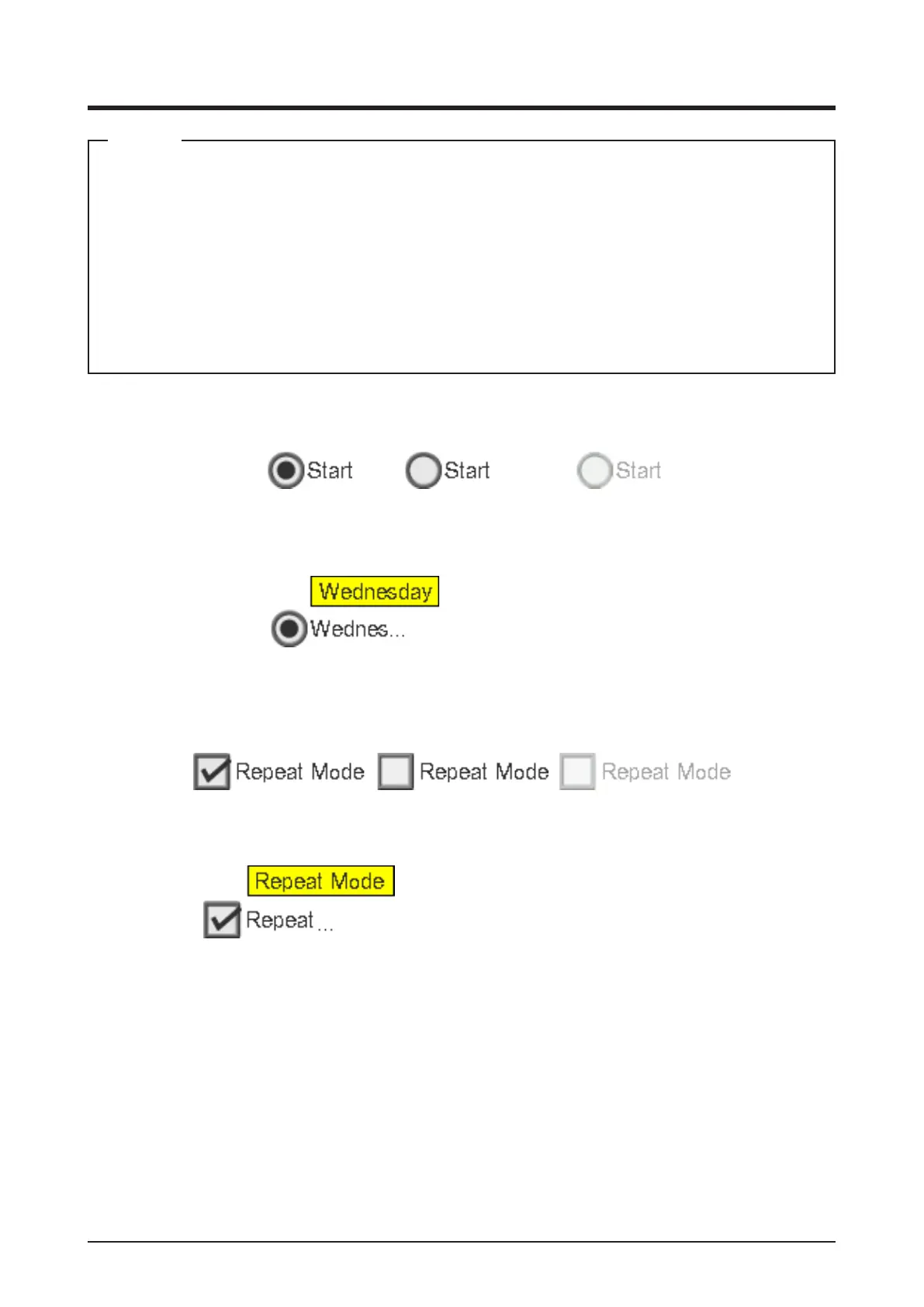
• “...” is displayed on buttons and the like when the label text is truncated due to space
availability.
To display the label text completely, touch the component for a while. A tool tip with the
complete text will appear.
NOTE
(4) Radio button
Selected status Unselected status Grayed out status
With tool tip
(5) Check box
Selected status Unselected status Grayed out status
With tool tip



 To Next Page