User’s Manual EM11A015B
intelligent Touch Manager
21
1-5 Dialog Operation
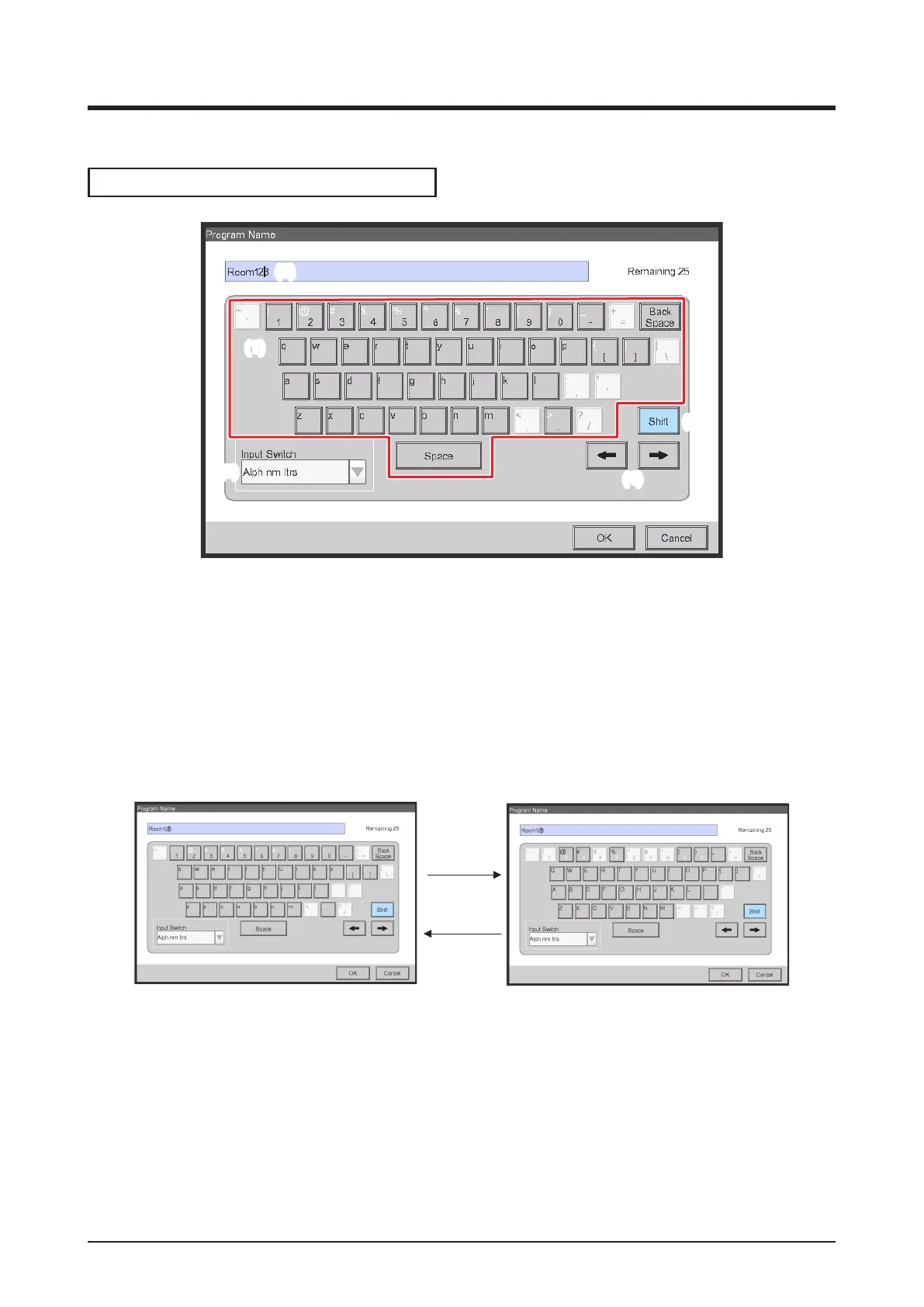
Text /Password input dialog operation
(2)
(1)
(6)
(4)
(7) (8)
(3)
(5)
(1) Character key buttons
Key buttons for entering characters.
(2) Input area text box
Displays the entered characters. For the Password input dialog, it displays asterisks (*).
(3) Shift key toggle button
Toggles between upper and lower case.
Shift key
pressing
Shift key
pressing
(4) Right and left arrow buttons
Moves right and left the cursor in the input area text box.



 To Next Page