User’s Manual EM11A015B
intelligent Touch Manager
53
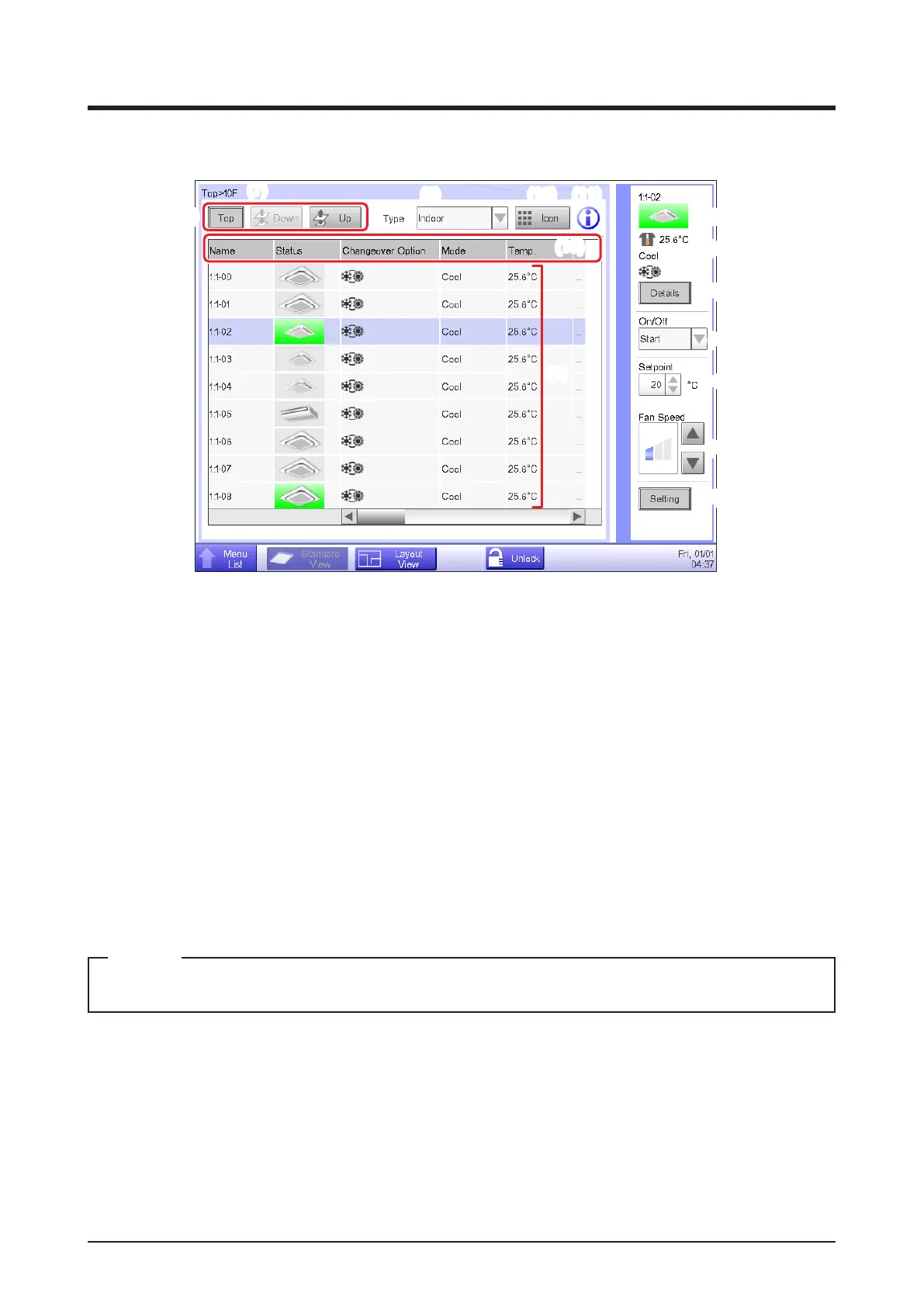
4-3 Standard View (List) Screen
(8)
(1)
(19)
(7)
(9) (10) (11)
(12)
(13)
(14)
(15)
(16)
(17)
(18)
(2) (3) (4) (5) (6)
(1) Area/Management Point view
Displays information on the areas and management points of the hierarchical level displayed in the
area hierarchy indicator.
(2) Menu List switch button
Switches to the Menu List screen, which consists of Automatic Ctrl., System Settings, Operation
Mgmt. and Energy Navigator (optional) tabs.
(3) Standard View switch button
Switches from the Layout View screen (optional) to the Standard View screen.
(4) Layout View switch button
Switches the screen to the Layout View screen (optional), which displays indoor units in a oor plan.
Displayed only when the Layout View option is enabled.
NOTE
(5) Lock/Unlock button
Locks/Unlocks the switching of the screen from the Menu List screen. The button is grayed out
when the screen lock is disabled.
(6) Time
Displays the current time.



 To Next Page