User’s Manual EM11A015B
intelligent Touch Manager
224
Setting up the recipient E-mail address and sending an E-mail
(12)
(13)
(14)
(15)
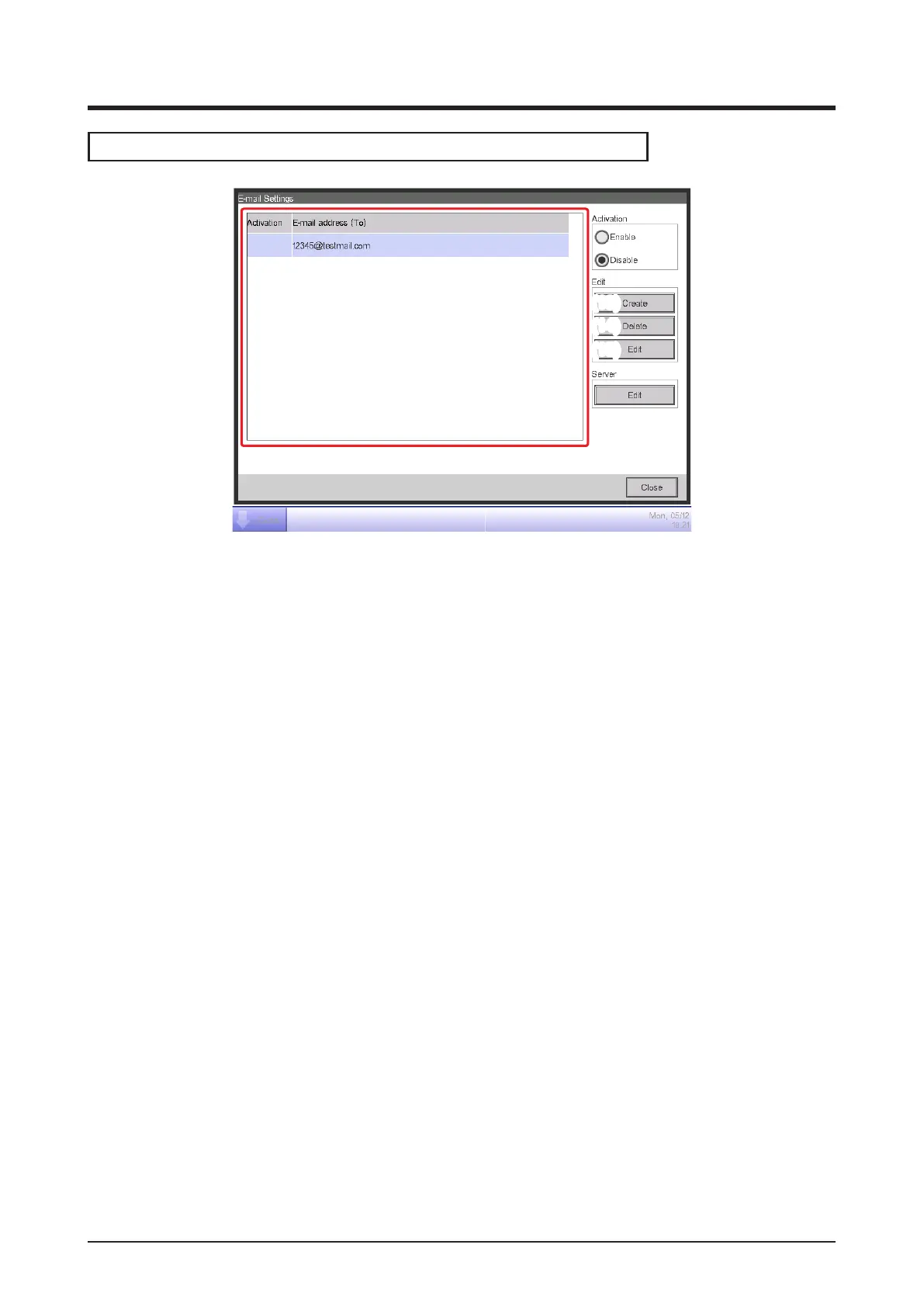
(12) is the list of registered recipient E-mail addresses. Perform the intended operation by touching
the relevant button on the right.
(13) Create button
Creates a new E-mail address. Touch the button and enter an address of up to 128 characters in
the E-mail Address Setup dialog that appears.
(14) Delete button
Deletes the selected E-mail address.
(15) Edit button
Edits the selected E-mail address. Touch the button to display the Edit dialog (see the next page).
Then, edit the settings on the Mgmt. Points Selection and E-mail Address tabs.



 To Next Page