User’s Manual EM11A015B
intelligent Touch Manager
143
6-12 Viewing the Version Information
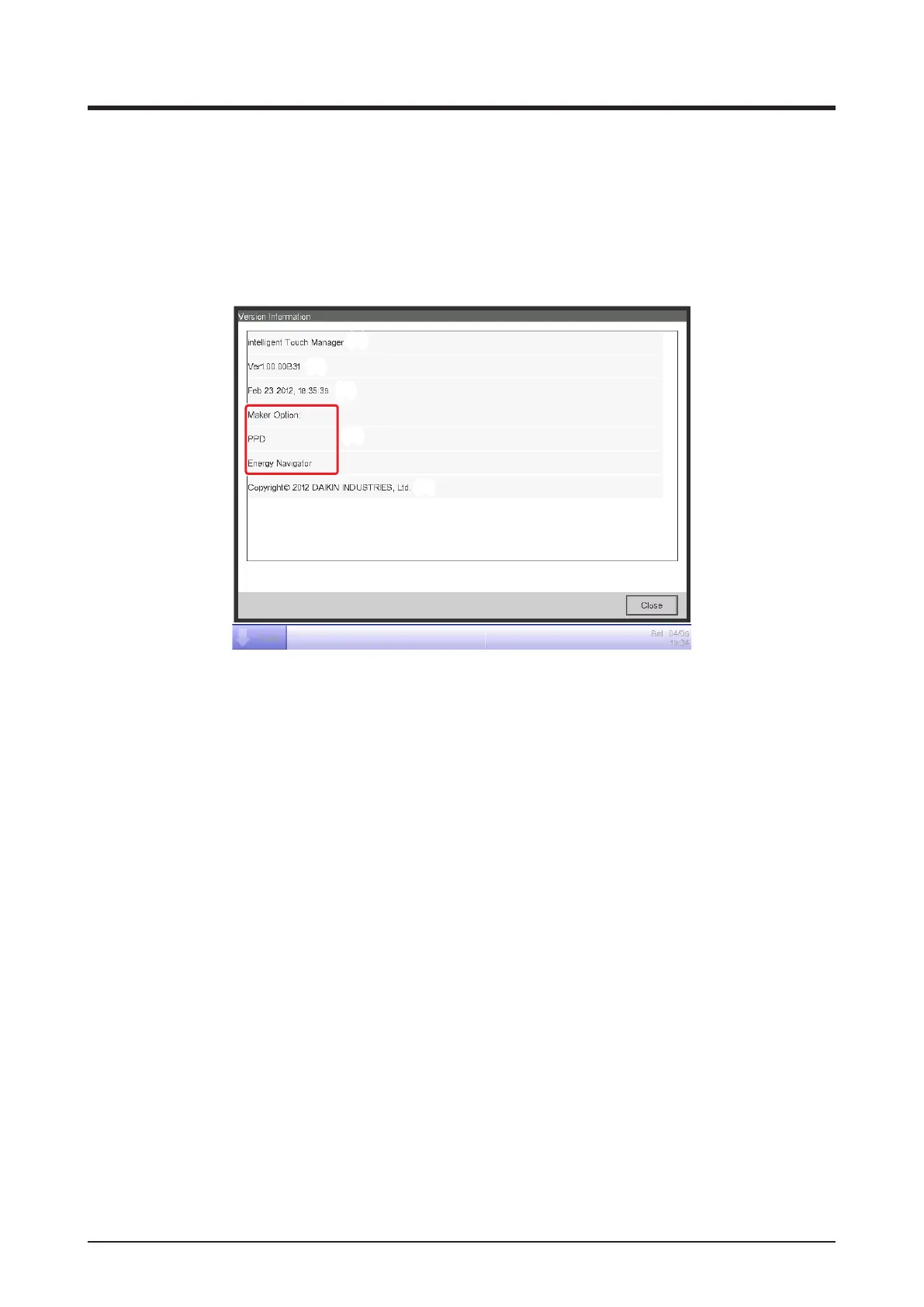
You can display the version information of the software installed in the iTM. The information
displayed is as indicated below.
1. Touch the Version Info button on the System Settings tab of the Menu List screen to display the
Version Information screen (see “4-5 Menu List Screen: System Settings Tab”).
(1)
(2)
(3)
(4)
(5)
2. The information above consists of:
(1) Product name
(2) Software version
(3) Date and time the software was created
(4) Available options
(5) Copyright
3. Touch the Close button to close the screen.



 To Next Page