User’s Manual EM11A015B
intelligent Touch Manager
139
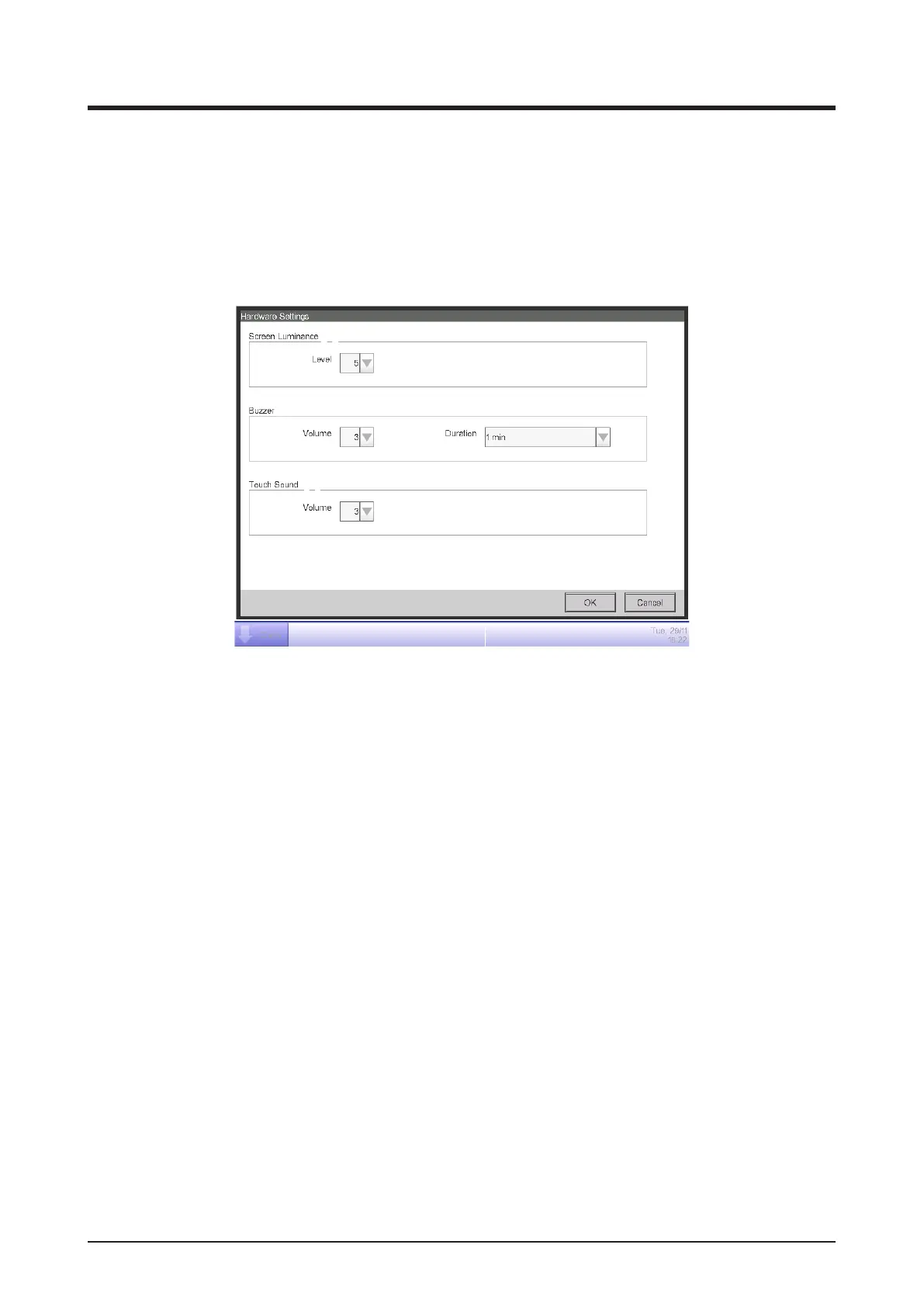
6-8 Setting up the Hardware
You can set up the hardware settings, such as the screen luminance and buzzer volume of the iTM
unit.
1. Touch the Hardware button on the System Settings tab of the Menu List screen and display the
Hardware Settings screen (see “4-5 Menu List Screen: System Settings Tab”).
(1)
(2)
(3)
2. In the Screen Luminance combo box (1), select and set the luminance level for the iTM screen
to a value between 1 and 8.
3. In the Buzzer combo box (2), select and set the volume for the buzzer that will sound at error or
emergency stop to a value between 0 and 5. Also select and set a sound duration from 1 min, 3
min, 5 min, and Continuous.
4. In the Touch Sound combo box (3), select and set the volume for the touch sound, the sound
when the screen is touched to a value between 0 and 5.
5. Touch the OK button to close the screen.



 To Next Page