User’s Manual EM11A015B
intelligent Touch Manager
58
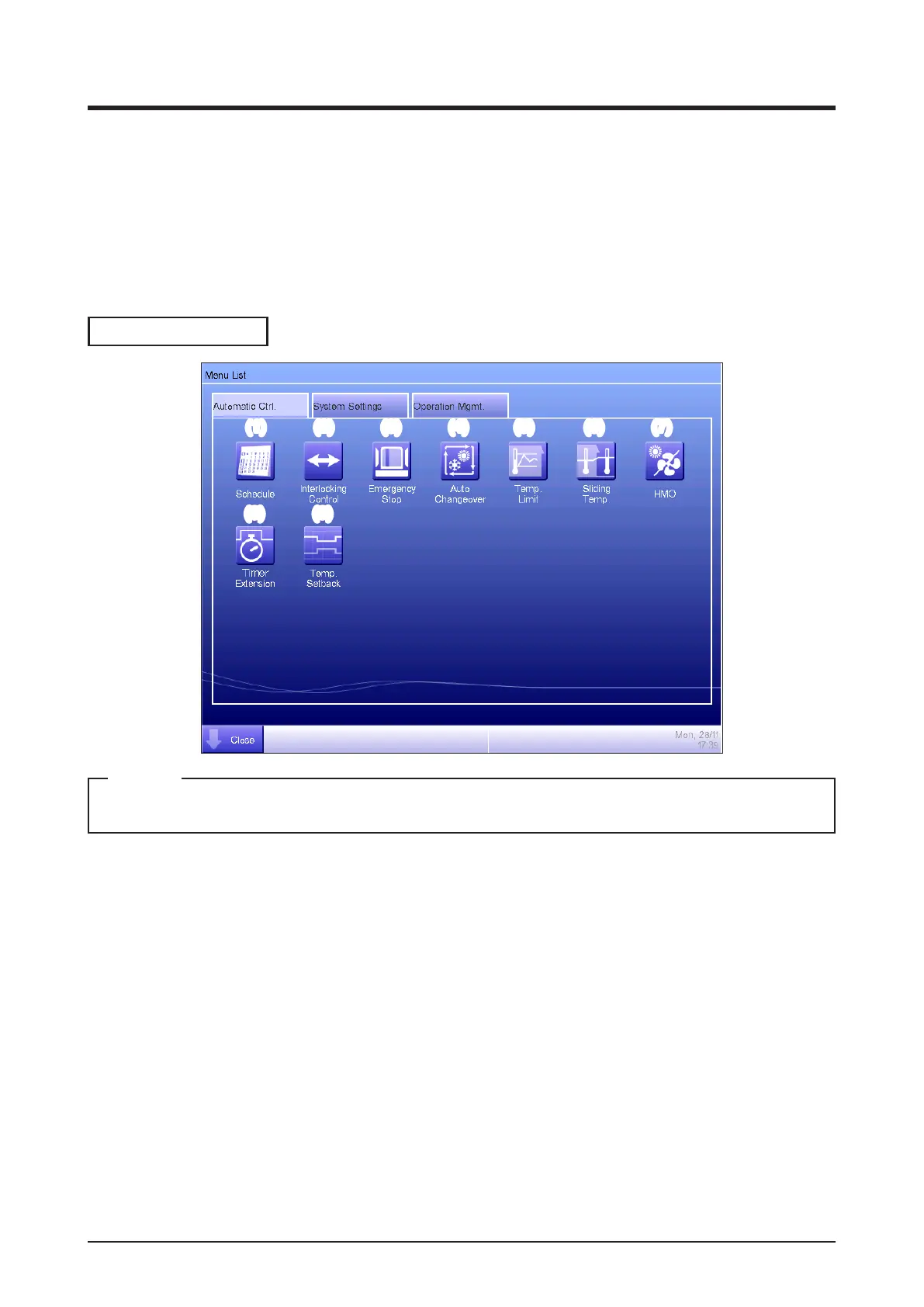
4-5 Menu List Screen
The Menu List screen appears when you touch the Menu List button on the Standard View screen
(see “4-2 Standard View (Icon) Screen” and “4-3 Standard View (List) Screen”) or the Menu List
button on the Layout View screen (see “4-4 Layout View (Optional) Screen”).
It consists of the following tabs: Automatic Ctrl., System Settings, Operation Mgmt., and Energy
Navigator (only when the corresponding option is enabled).
Automatic Ctrl. Tab
(1) (2)
(8) (9)
(3) (4) (5) (6) (7)
For an optional function, its button is hidden unless the option is enabled.
NOTE
(1) Schedule
Allows you to set up weekly as well as annual schedules including special holidays by setting up
the time to start/stop air conditioners by the day of the week, for example.
(2) Interlocking Control (Optional function)
This function starts/stops management points registered with the iTM in an interlocked manner, for
example.
(3) Emergency Stop (Optional function)
This function immediately stops registered management points in emergencies, such as, re.
(4) Auto Changeover
This function automatically toggles between cooling and heating.



 To Next Page