User’s Manual EM11A015B
intelligent Touch Manager
140
6-9 Setting up the Conrm Operation
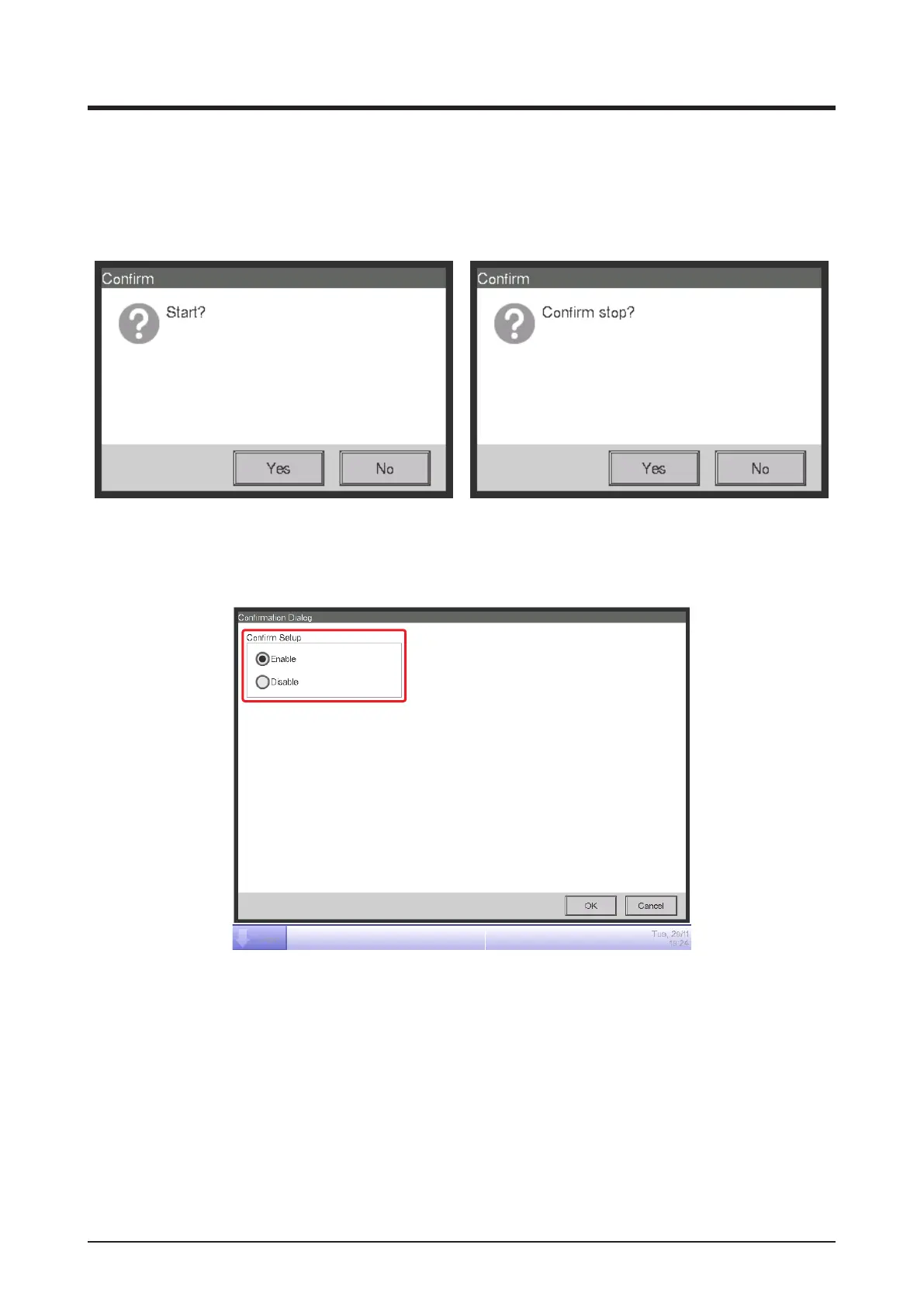
You can set up the setting for whether or not to display the confirmation dialog box when you
perform start/stop operation from the iTM’s Standard View screen.
<Confirmation dialog>
1. Touch the Confirmation Dialog button on the System Settings tab of the Menu List screen to
display the Conrmation Dialog screen (see “4-5 Menu List Screen: System Settings Tab”).
(1)
2. Select Enable for the Conrm Setup radio button (1) to display the Conrm dialog, and Disable
to not display.
3. Touch the OK button to close the screen.



 To Next Page