User’s Manual EM11A015B
intelligent Touch Manager
129
Saving and loading the area data CSV le
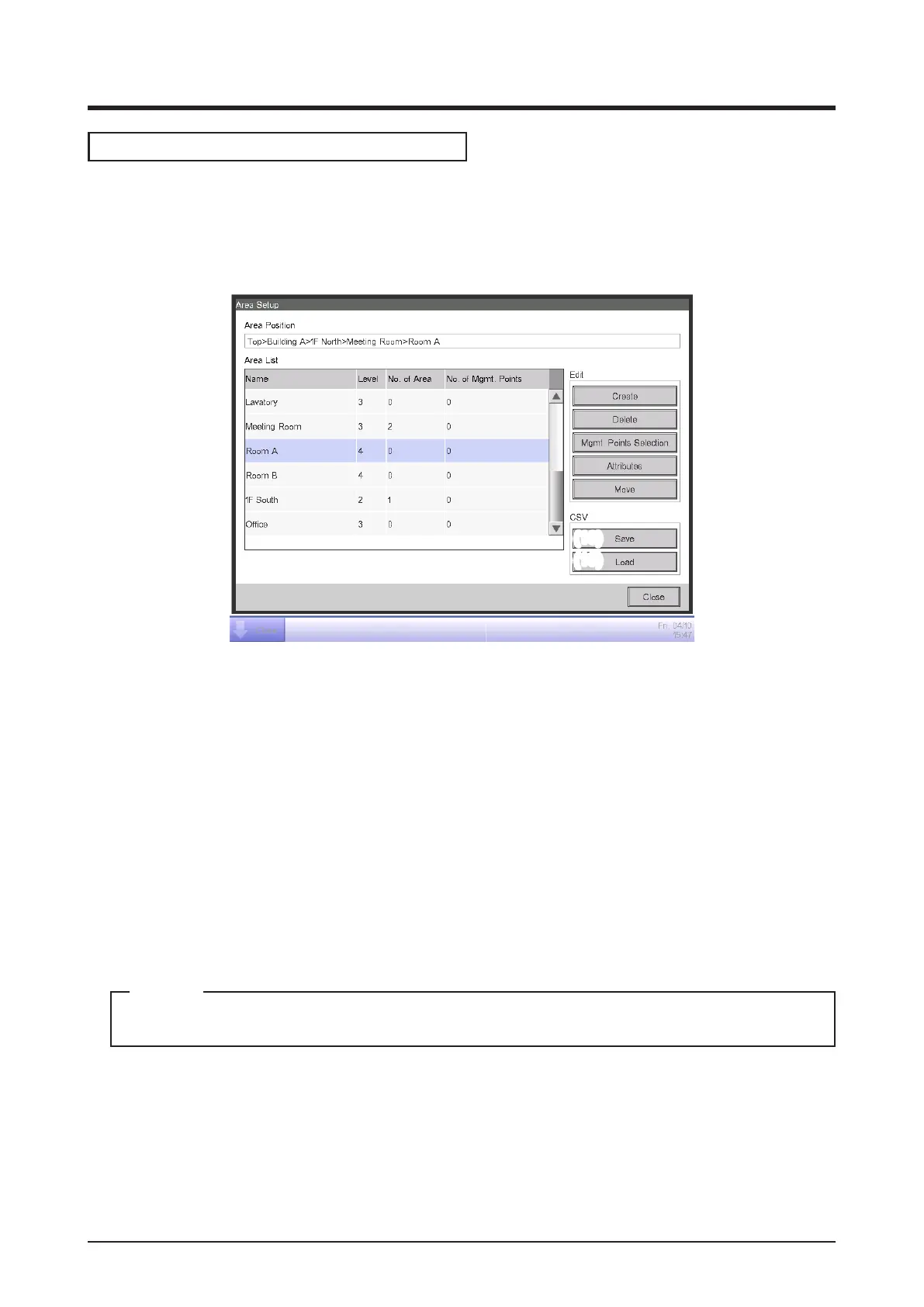
You can save the area settings in a USB memory as a CSV le (AreaData.csv). You can also load a
CSV le from a USB memory. Make sure the le is named “AreaData.csv” as it is the only readable
file name. For the USB memory requirements, see “Peripheral Equipment Specifications
(CB14A005).”
(18)
(19)
1. To save, connect a USB memory to the iTM unit and touch the Save button (18) on the Area
Setup screen. A conrmation dialog with the message “Do you want to save area data in CSV
format? Max Time : 15 sc” will appear. Touch the Yes button to save. When successfully saved,
the message “File has been saved.” will appear.
2. To load, connect the USB memory with the CSV le to the iTM unit and touch the Load button
(19) on the Area Setup screen. A conrmation dialog with the message “Loaded data will delete
existing data. Max Time : 15 sc” will appear. Touching the Yes button will start loading the data.
When the CSV file to load is corrupt, an error screen is displayed. After the error dialog is
displayed, remove the USB memory and, on the error display screen, clear the contents of the
error list sequentially from the top.
For information on the CSV le format, see “Appendix 3. Area Setup CSV le format”.
NOTE



 To Next Page