User’s Manual EM11A015B
intelligent Touch Manager
64
4-6 Information Screen
The Information screen appears when you touch the Information button (11) on the Standard View
screen (see “4-2 Standard View (Icon) Screen” and “4-3 Standard View (List) Screen”) or the
Information button (14) on the Layout View screen (see “4-4 Layout View (Optional) Screen”). The
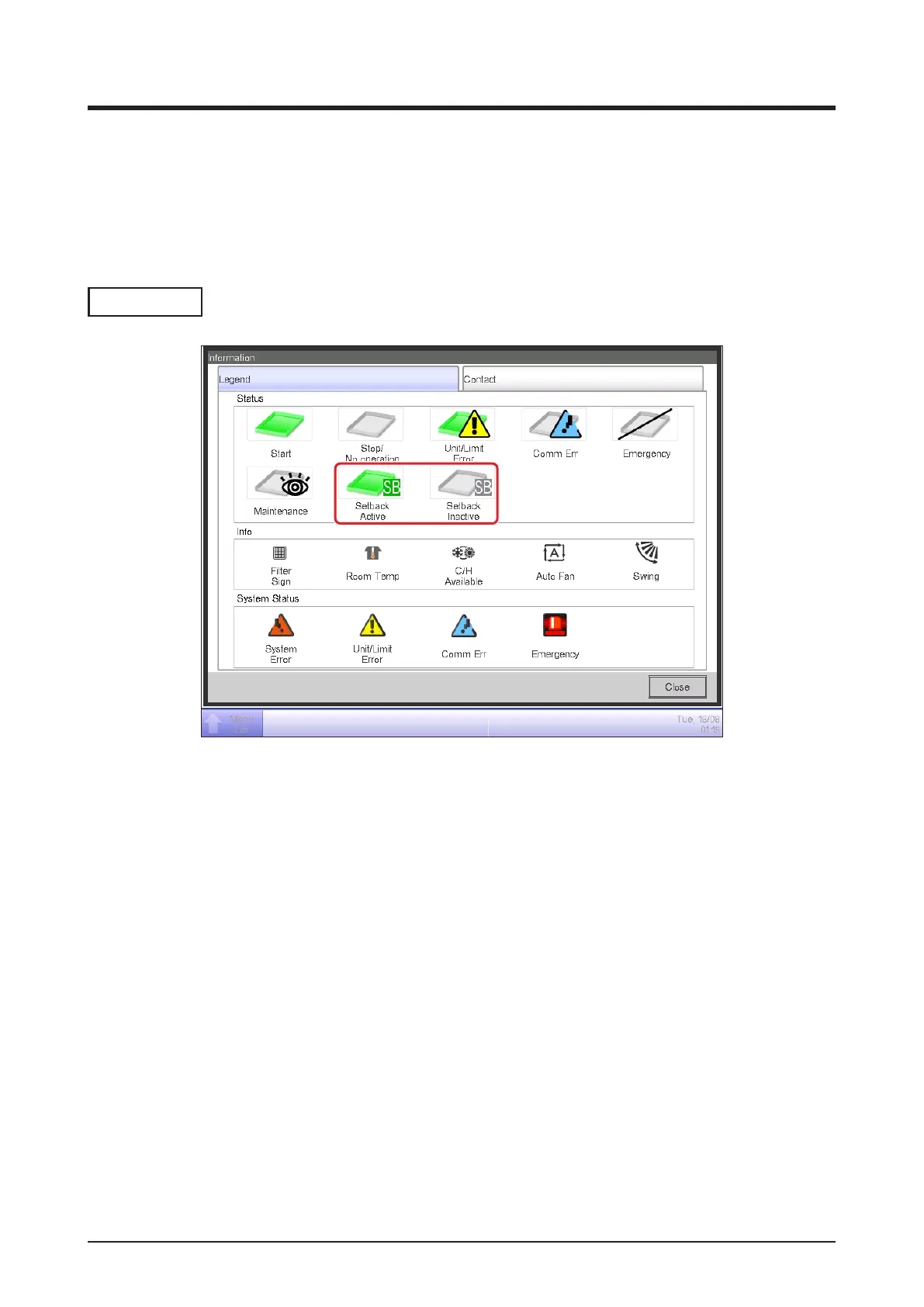
Information screen consists of the Legend and Contact tabs.
Legend Tab
(2)
(1)
(1) The icon color is displayed in the color set up in the System Settings.
(2) No icon is displayed for a disabled function. (For example, Setback.)



 To Next Page