User’s Manual EM11A015B
intelligent Touch Manager
68
Setting up a schedule program
The following describes how to create and set up a schedule program based on the model case below.
Name of schedule program: Program for Ofce
Target: Ofce A (area comprising indoor units only)
Every week, from Monday to Friday: 9:00 to 18:00 Setpoint 28°C Cool On
Every week, Saturday and Sunday: Holiday 9:00 Off
Every month, 3rd Saturday only: 9:00 to 18:00 Setpoint 28°C Cool On
• Creating the Weekly Schedule
Create the weekly schedule: Cool Ofce A to setpoint 28°C Monday to Friday, from 9:00 to
18:00.
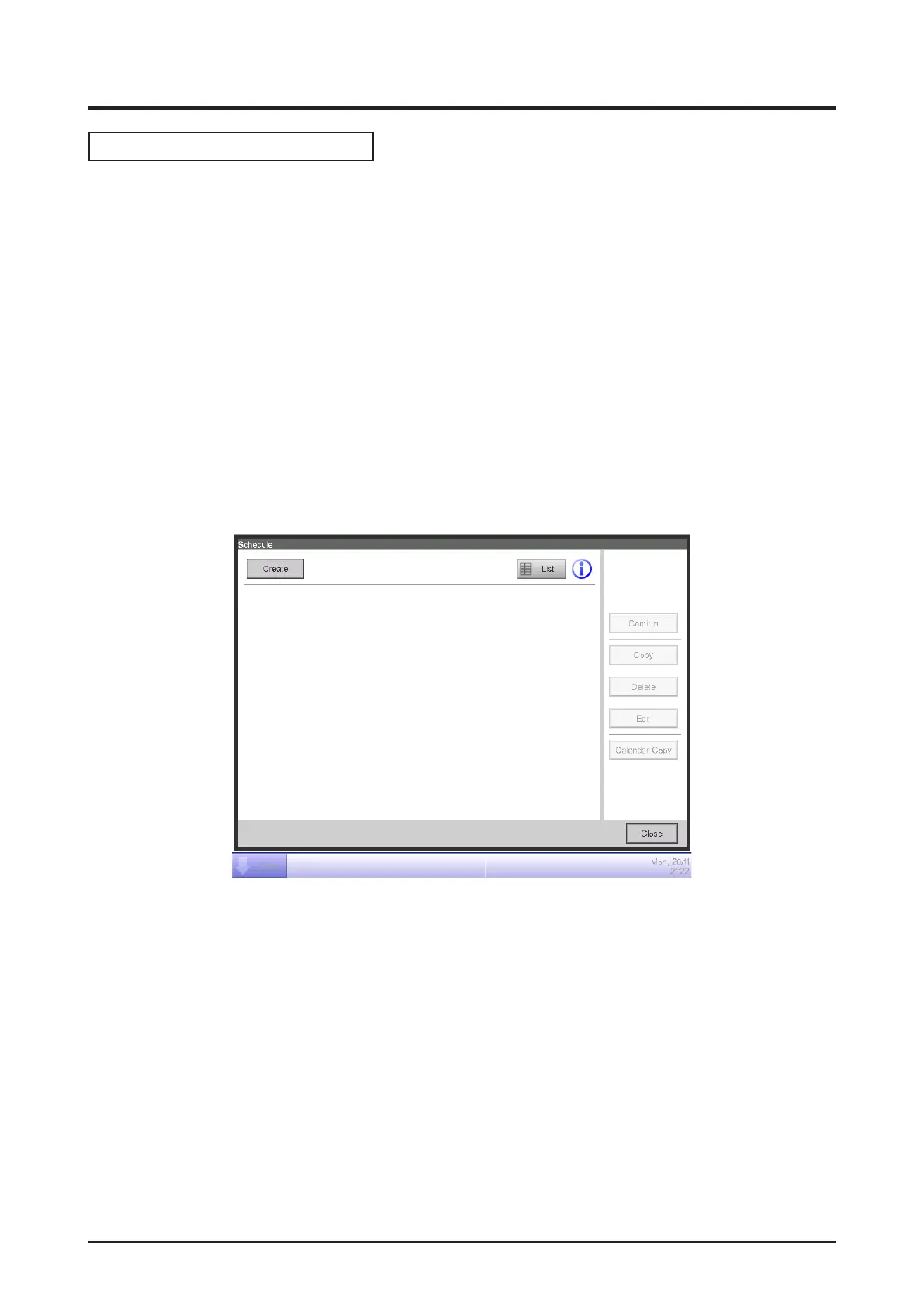
Touch the Schedule button on the Auto Ctrl tab of the Menu List screen.
The Schedule screen appears (see “4-5 Menu List Screen: Automatic Ctrl. Tab”).
(1)
1. Setting up the schedule program name
Touch the Create button (1) and display the Schedule Edit screen.
The Schedule Edit screen consists of four tabs. Set up by switching the tabs as necessary.



 To Next Page