User’s Manual EM11A015B
intelligent Touch Manager
69
(2)
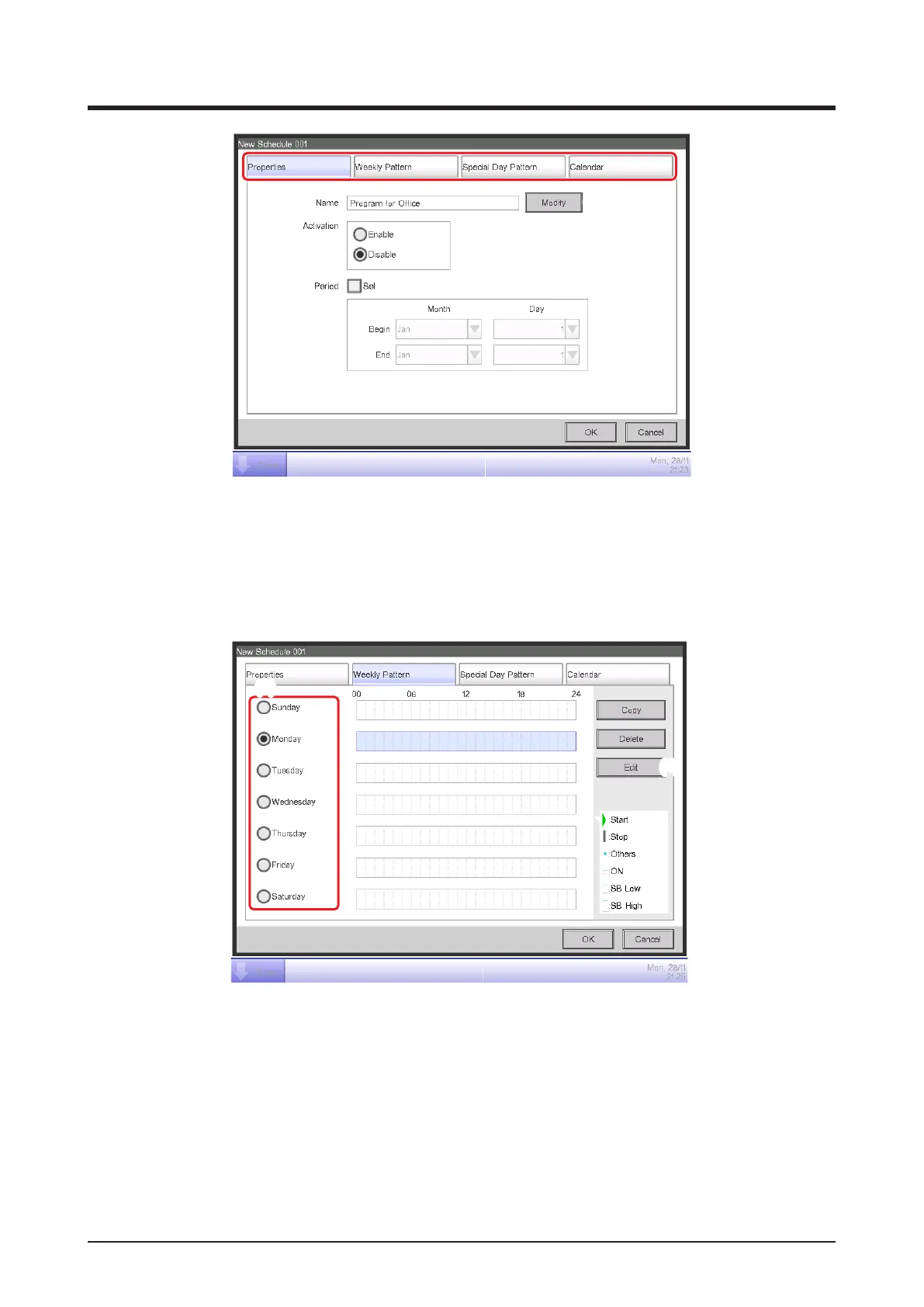
Touch the Modify button (2) on the Properties tab to display the Input dialog for entering the
program name. Enter “Program for Ofce”.
2. Setting up the operation start time on Monday
Touch to display the Weekly Pattern tab.
(3)
(4)
Select Monday using the Day of the week radio button (3) .
Touch the Edit button (4) to display the Event List screen.



 To Next Page