User’s Manual EM11A015B
intelligent Touch Manager
276
Detailed screen and button descriptions
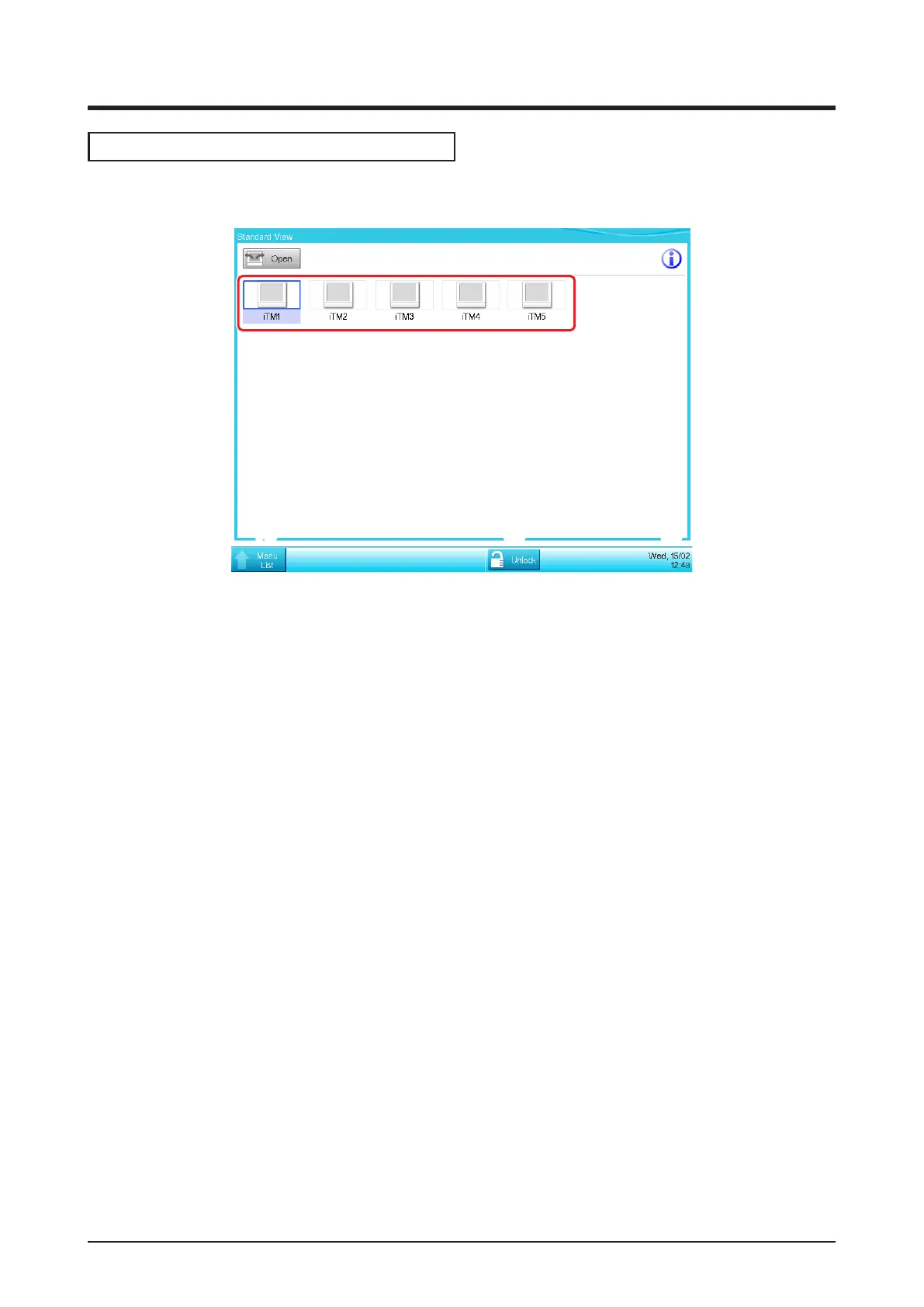
• Standard View Screen (iTM integrator unit)
(1)
(2)
(3)
(4) (5) (6)
(1) Icon View
Displays the connected iTMs using icons.
(2) Open button
Accesses the iTM selected in the Icon view and displays its Standard View (Icon) screen.
(3) Information button
Displays the legend for the Icon view and contact information for inquiries regarding the iTM
integrator.
(4) Menu List switch button
Switches the Menu List screen among the System Settings and Operation Mgmt. tabs.
(5) Lock/Unlock button
Locks/Unlocks the screen. The button is disappeared when the screen lock is disabled.
(6) Date/Time Display area
Displays the date and time in the iTM integrator.



 To Next Page