User’s Manual EM11A015B
intelligent Touch Manager
222
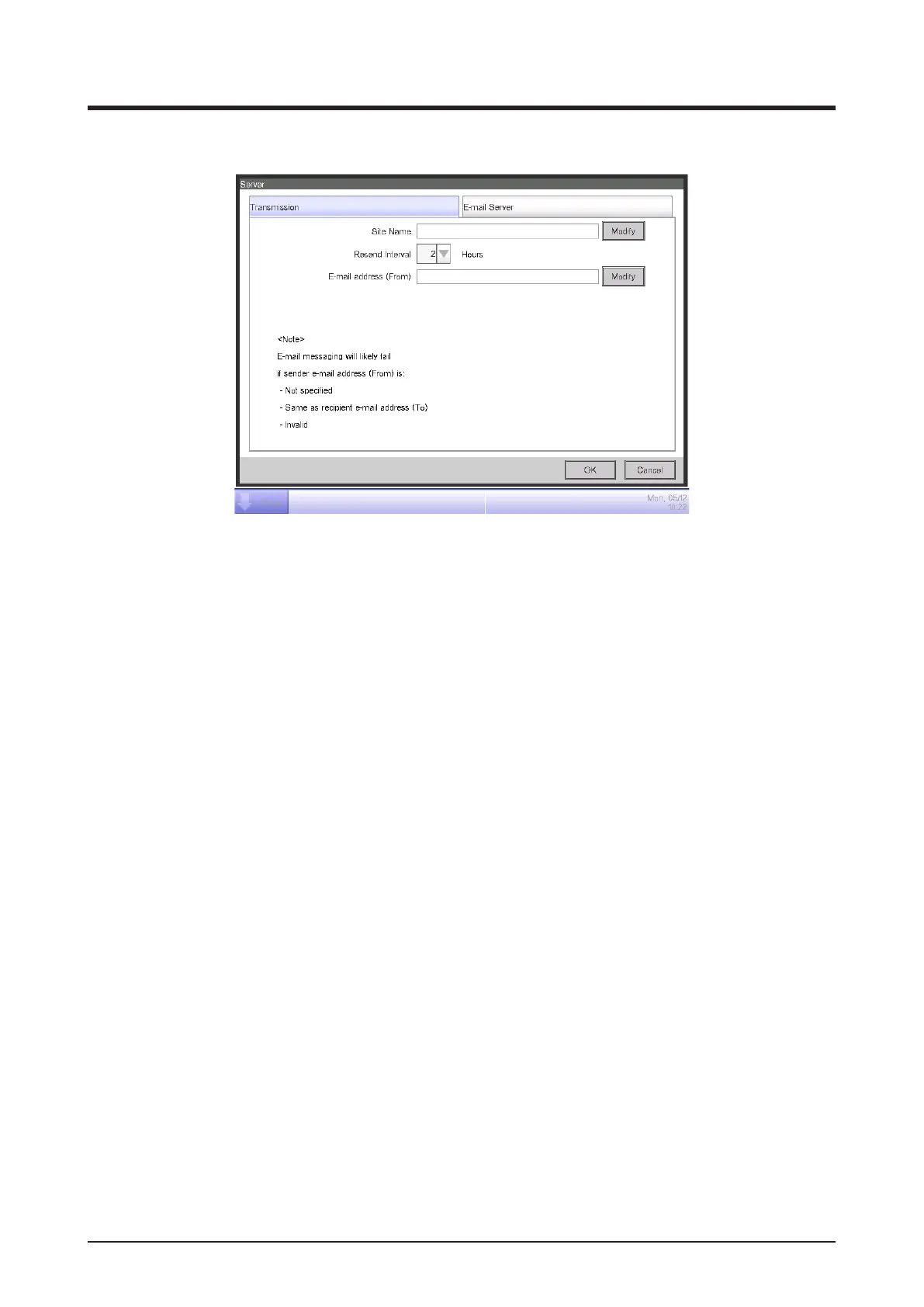
• Transmission Tab
(2)
(3)
(4)
Set the site name in (2). Touch the Modify button and enter a name of up to 20 characters in the
Site Name Setup dialog that appears. The site name will be used as subject of the E-mails.
Select the E-mail resending interval in the combo box (3). You may select an interval of 1 to 72
hours, in increments of 1 hour. If after sending the E-mail once, the error remains even after the
time set here elapses, the E-mail is resent.
Set the sender address in (4). Touch the Modify button and enter an address of up to 128
characters in the From Address Setup dialog that appears.



 To Next Page