User’s Manual EM11A015B
intelligent Touch Manager
149
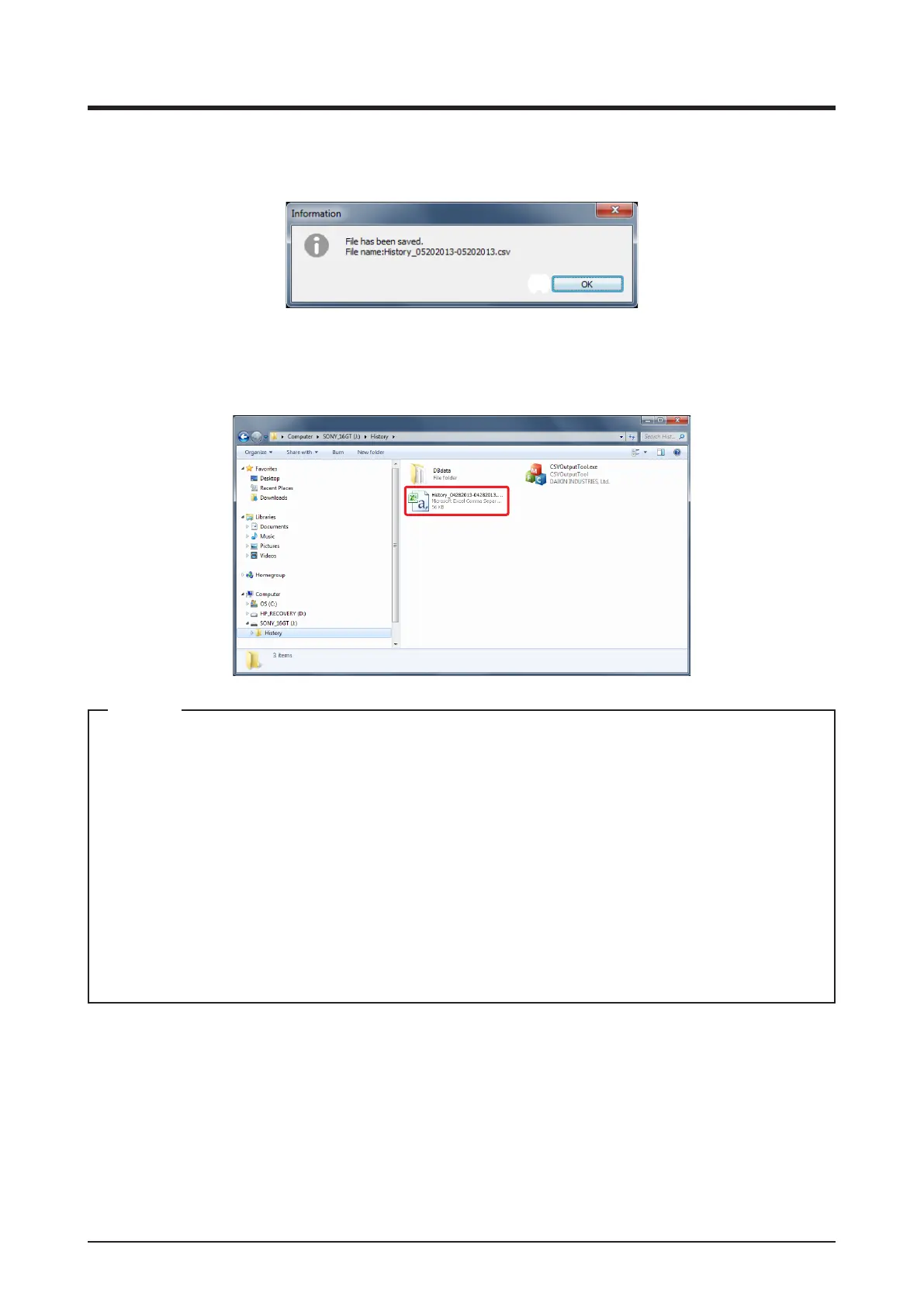
3. The conversion process is complete when the Information dialog with the message “File has
been saved.” appears.
(3)
After checking the lename, click the OK button (3) to close the Information dialog.
4. The le has been saved in the CSV format in the folder.
• The saved CSV lename varies depending on the output data.
• The display order of the year, month, and day depends on the date display format selected in
the locale/time zone/daylight saving time settings of the iTM from which you output data.
• The following data items in the saved CSV le are displayed in the date display format selected in
the locale settings of the iTM from which you output data:
Date format
Time format
Celsius/Fahrenheit
Decimal point/CSV separator
NOTE



 To Next Page