User’s Manual EM11A015B
intelligent Touch Manager
118
(3)
(4)
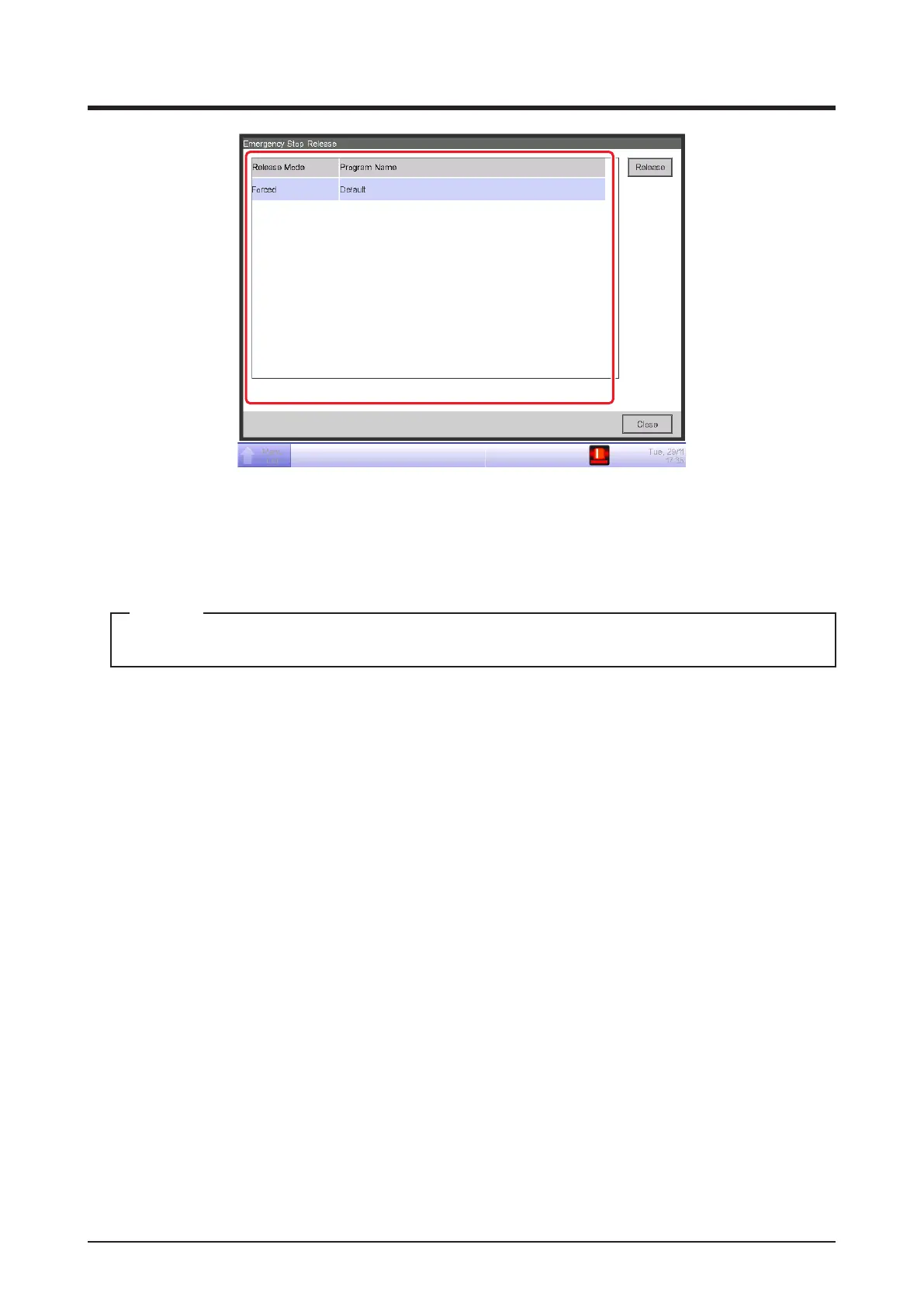
3. (3) is the list of emergency stop programs. Select the program to release and touch the Release
button (4). (Only “Default” is displayed for programs if the optional function is disabled.) When
the Conrm dialog appears, touch the Yes button to release the emergency stop.
To create an arbitrary Emergency Stop program, the optional function must be enabled.
NOTE



 To Next Page