User’s Manual EM11A015B
intelligent Touch Manager
154
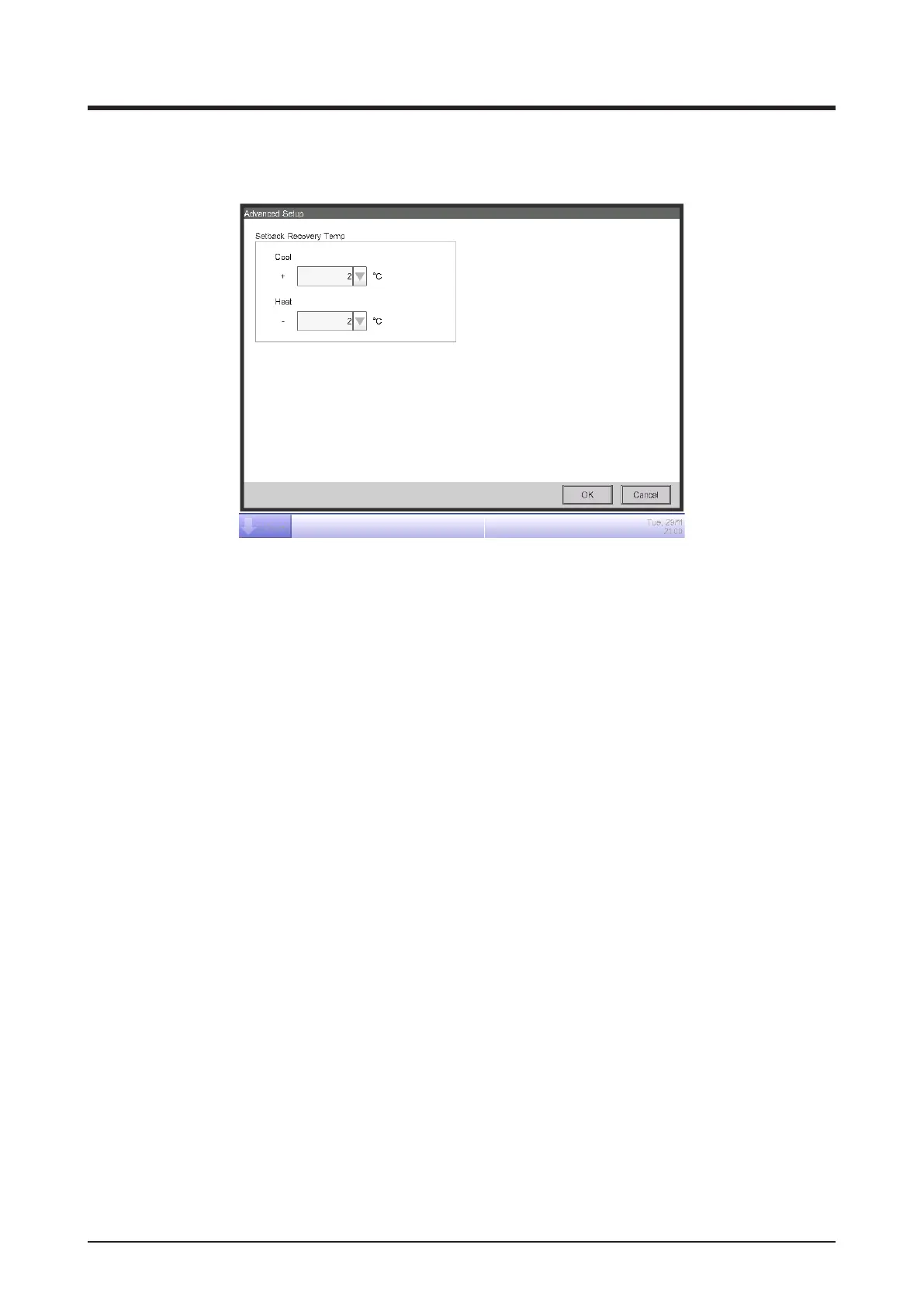
4. To set the recovery temperature, touch the Advanced Setup button (5) and display the Advance
Setup screen.
(6)
(7)
Select the temperature for cooling in the Cool Setback Recovery Temp combo box (6).
Select the temperature for heating in the Heat Setback Recovery Temp combo box (7).
The range of values you can select from is 1 to 6°C, in increments of 1°C.
When nished, touch the OK button to return to the Setback Setup screen.
5. The Setback function can be enable/disable from the Common tab in the Detailed Setup screen
of the Standard screen, the Events screen of the Schedule screen, and Action Setup screen of
the Interlocking Control screen.



 To Next Page