User’s Manual EM11A015B
intelligent Touch Manager
210
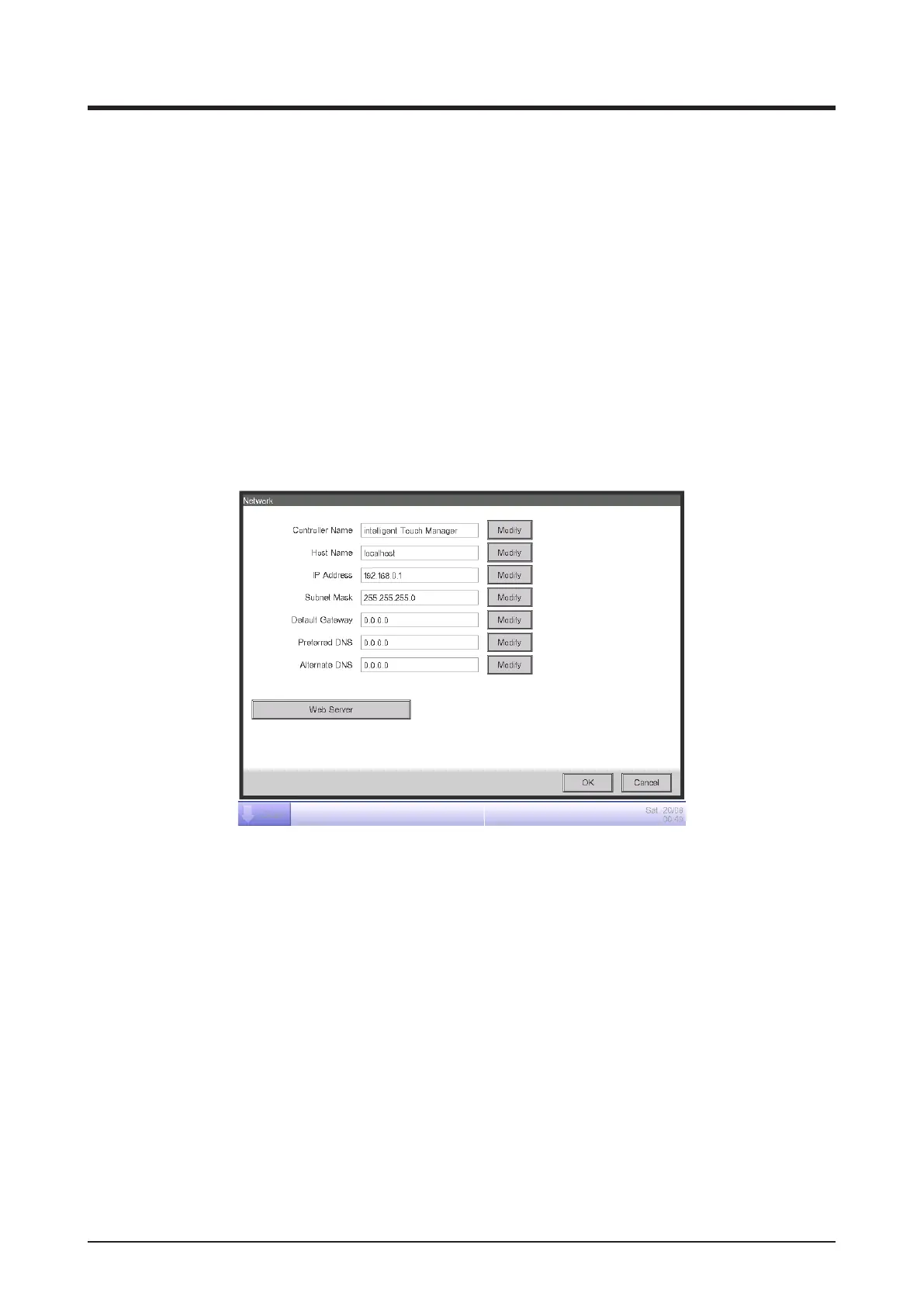
2. The current settings are displayed. Touch the Modify button and change the settings in the Input
dialog that appears. For information necessary for the settings, consult your network
administrator.
(1) Controller name
(2) Host name
(3) IP address
(4) Subnet mask
(5) Default gateway address
(6) Preferred DNS address
(7) Alternate DNS address
3. Set the Web server port number.
(8)
Touch the Web Server button (8) and display the Web Server screen to set the port number.



 To Next Page