User’s Manual EM11A015B
intelligent Touch Manager
23
• Grayed out characters are unavailable for input.
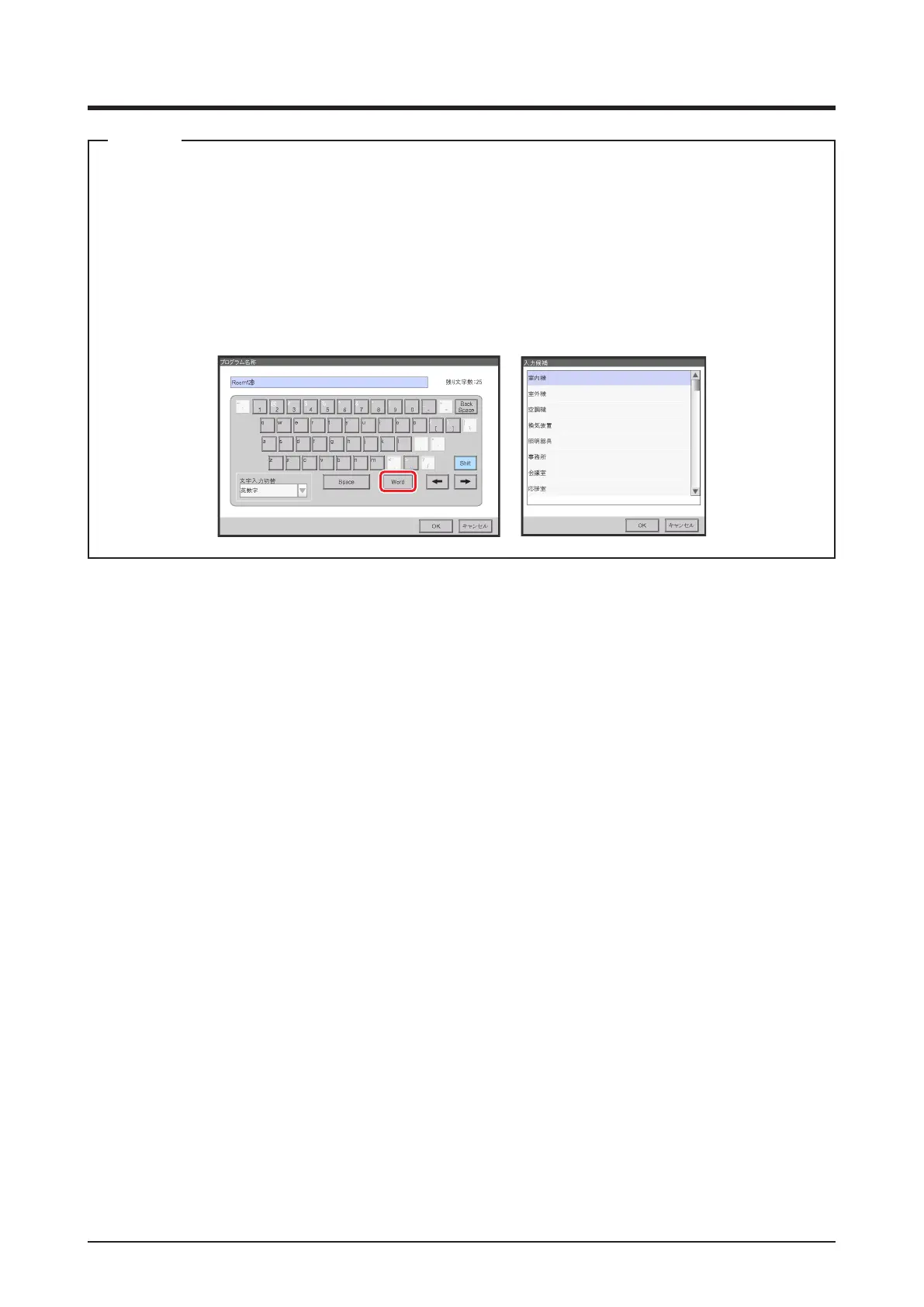
• When Chinese, Japanese or Korean is set as the iTM display language, a button to display
the input list appears. Touch the button to display a list of frequently used words and select
the word to input. Select a word and commit the selection by pressing the OK button. The
selected word is displayed in the input area text box. Not displayed for the Password input
dialog.
NOTE



 To Next Page