User’s Manual EM11A015B
intelligent Touch Manager
259
Weekly Pattern Tab (Operation Rule Setup Screen)
(11)
(12)
(13)
(14)
(15)
(10)
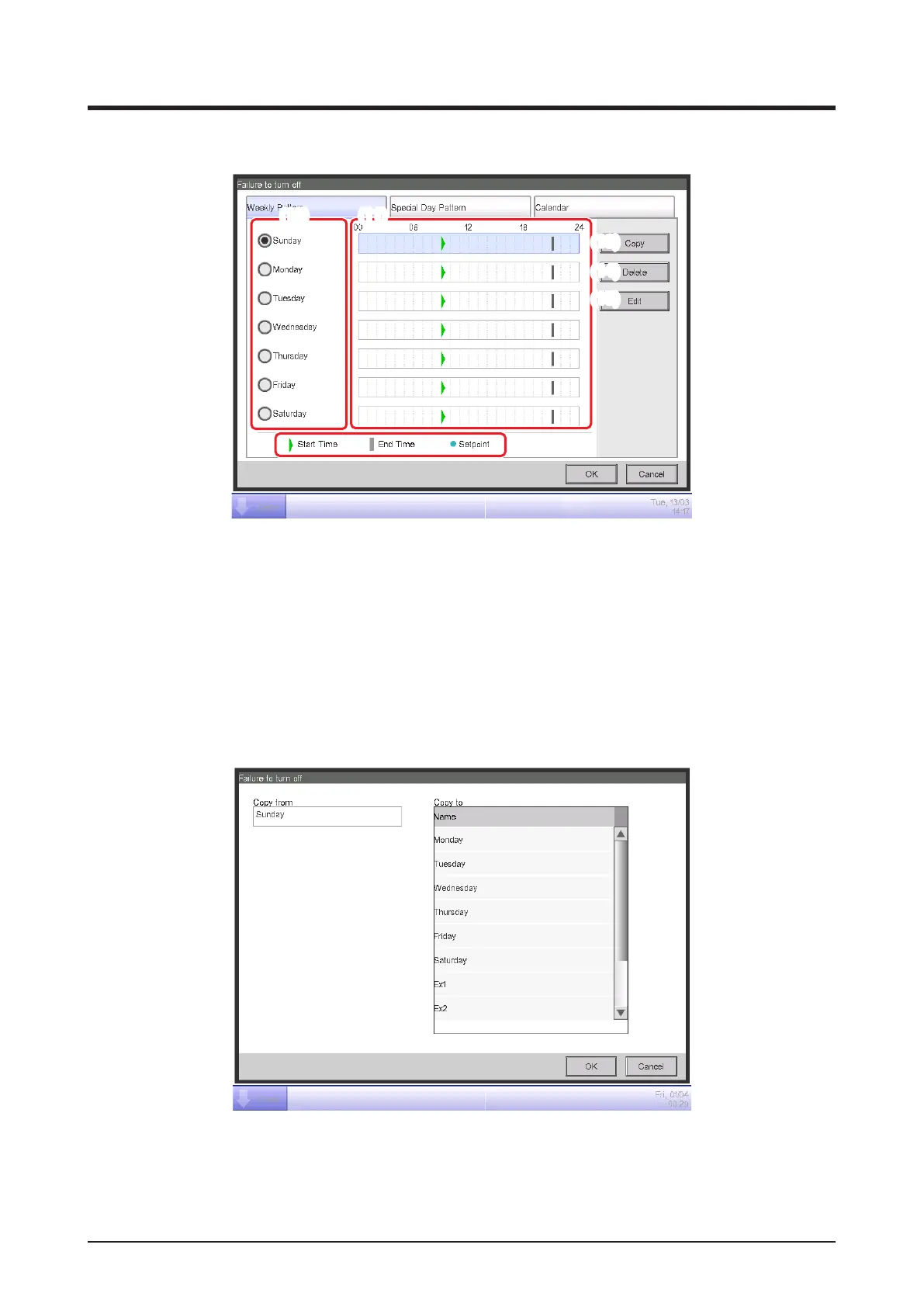
Set ups a weekly equipment operation rule. Enter to all days of the week to which you want to set
up a rule.
Select the day of the week to edit from (10).
(11) is the content of operation rules. (12) displays the legend.
Touch the Copy button (13) to copy the operation rule of the currently selected day of the week
and paste it to the day of the week selected in the Copy to Selection screen. The operation rule
in the destination of the copy is overwritten.



 To Next Page