User’s Manual EM11A015B
intelligent Touch Manager
268
Operation status Tab (Detailed View Screen)
(11)
(10)
(9)
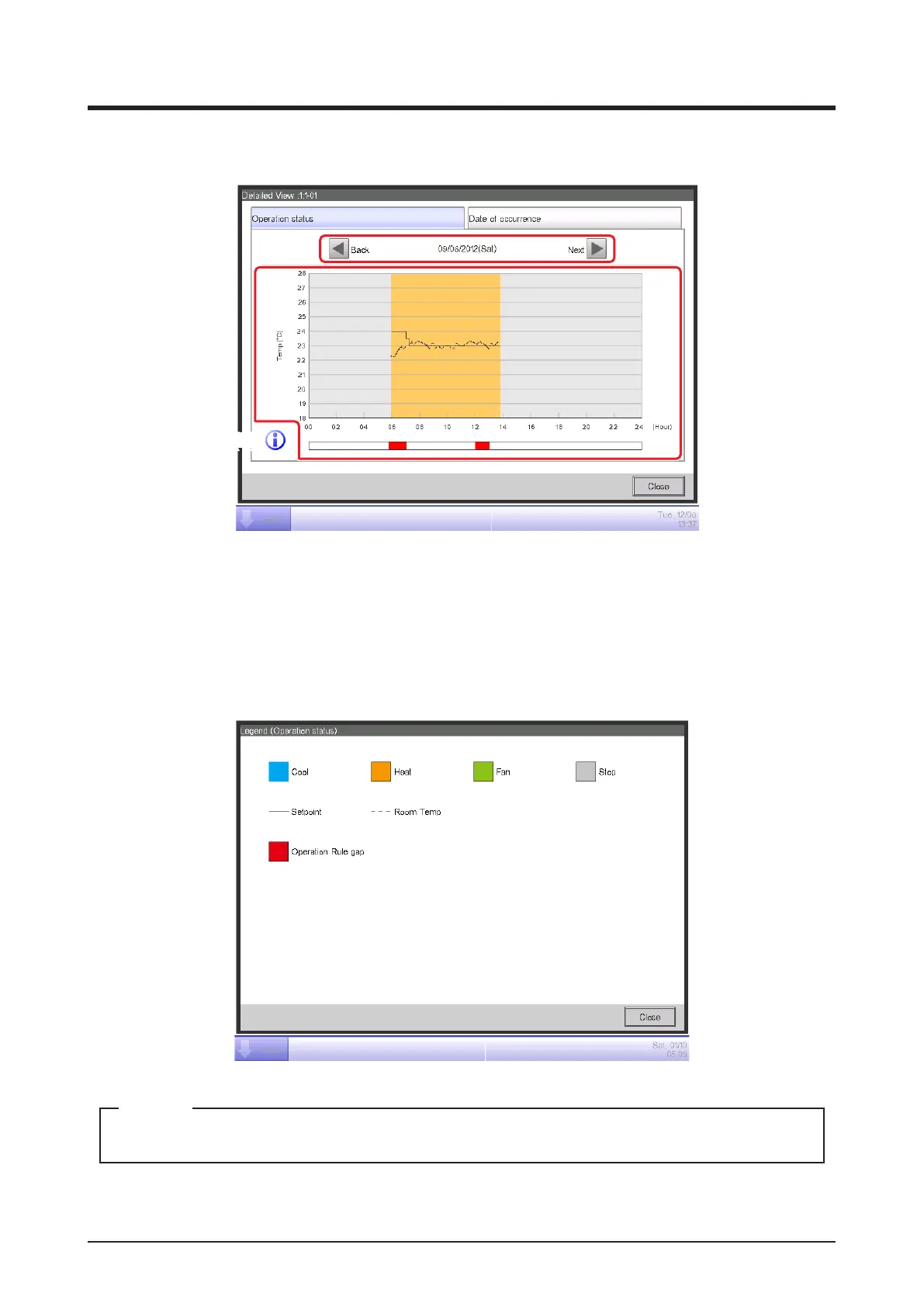
Set the date for which to display the details in (9). The From date of the Date period is displayed
by default. You can change the date by touching the Next and Back buttons.
(10) is the operational status graph. The horizontal axis represents time and the vertical axis, the
temperature.
Touching the Information button (11) displays a legend of each symbol in the graph.
The setpoint is not displayed when the operation mode is Fan or Dry.
NOTE



 To Next Page