User’s Manual EM11A015B
intelligent Touch Manager
281
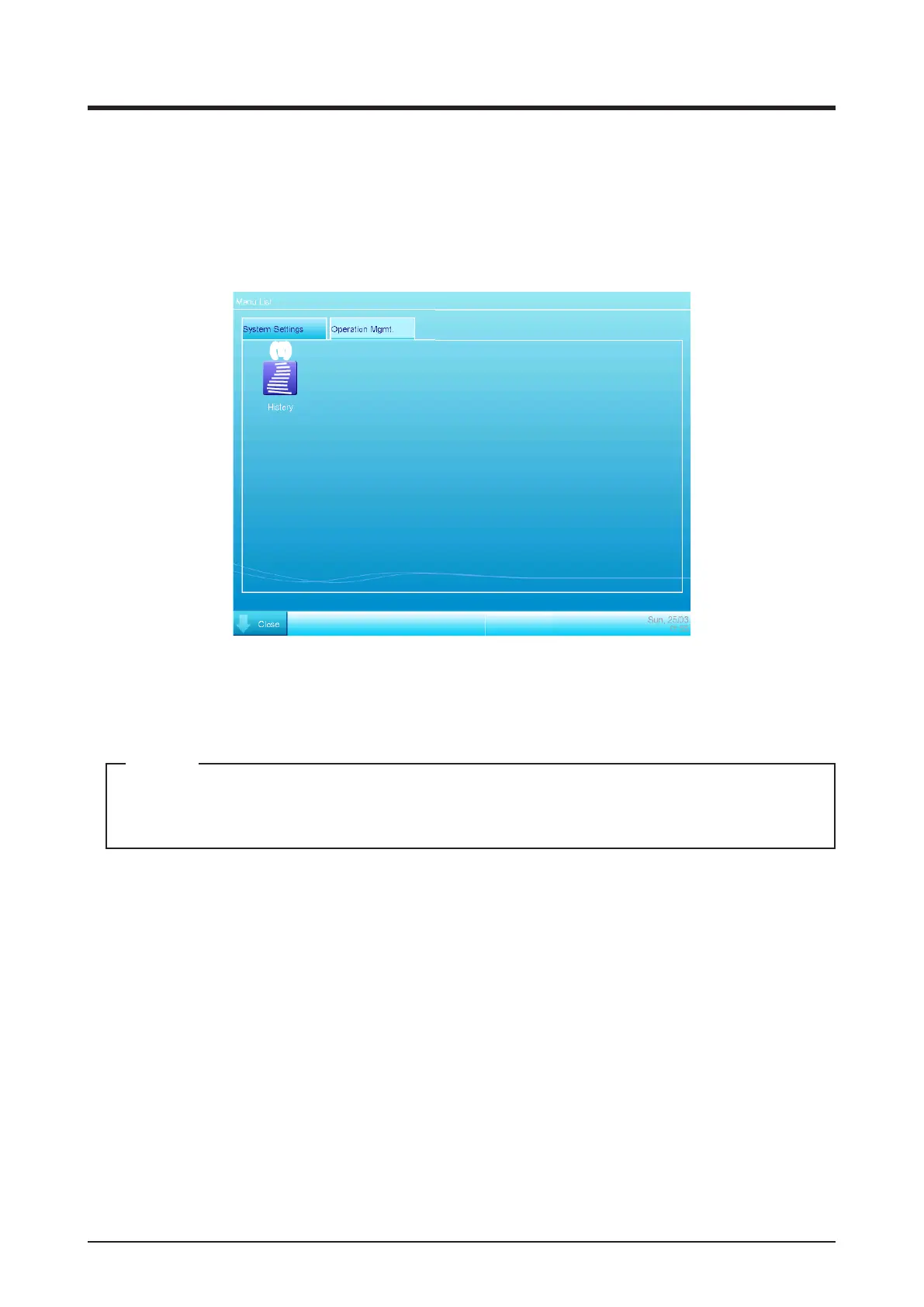
• Operation Mgmt. Tab (Menu List Screen)
This screen is displayed when you touch the Menu List button on the iTM integrator Standard
view.
The setup method is the same as that of the iTM unit. See “4-5 Menu List Screen: Operation
Mgmt. Tab”.
(1)
(1) History button
Sets up history management of error occurrence, status change, control information, etc. for the
iTM integrator.
Settings described here are iTM integrator settings. Please note that they are different from
those of the iTM unit.
NOTE



 To Next Page