User’s Manual EM11A015B
intelligent Touch Manager
300
<About CSV output tool>
■
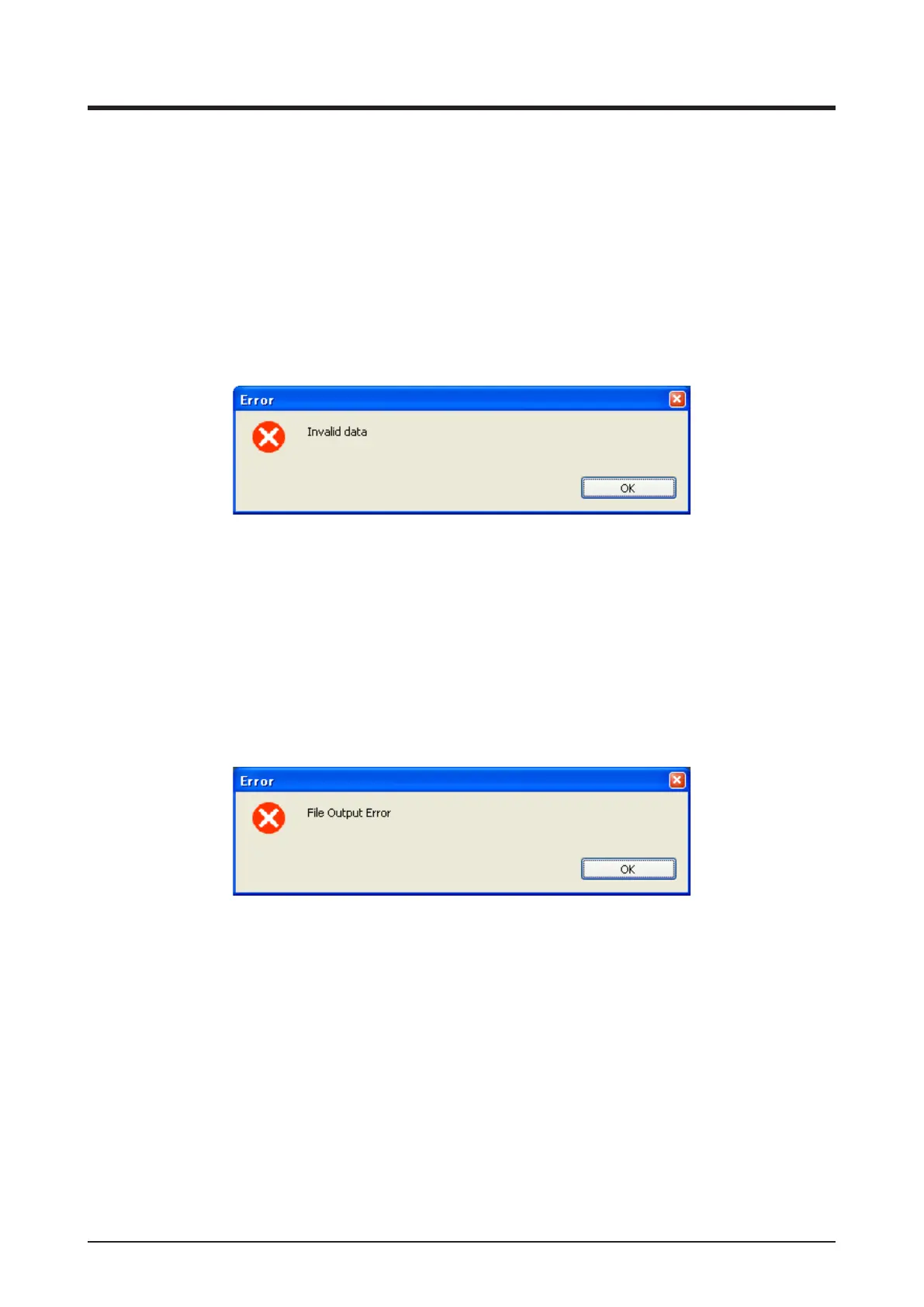
An error message appears when you start the CSV output tool
• If the Invalid data message appears, the following causes may be considered.
(1) The DB data is not supported by the software version.
Save the data from the iTM to a USB memory and start the CSV output tool.
(2) The DB le is corrupt, or the le is invalid due to a lename change etc.
Save the data again from the iTM to a USB memory and start the CSV output tool.
Invalid data message
• If the “File Output Error” message appears, the following causes may be considered.
(1) The USB memory capacity is insufcient.
Copy the output data with the folder to your PC and start the CSV output tool. Alternatively,
you may use a USB memory with a larger available space.
(2) The folder is write-protected
Make the folder writable and start the CSV output tool.
File Output Error message



 To Next Page