User’s Manual EM11A015B
intelligent Touch Manager
311
2. Setup Items
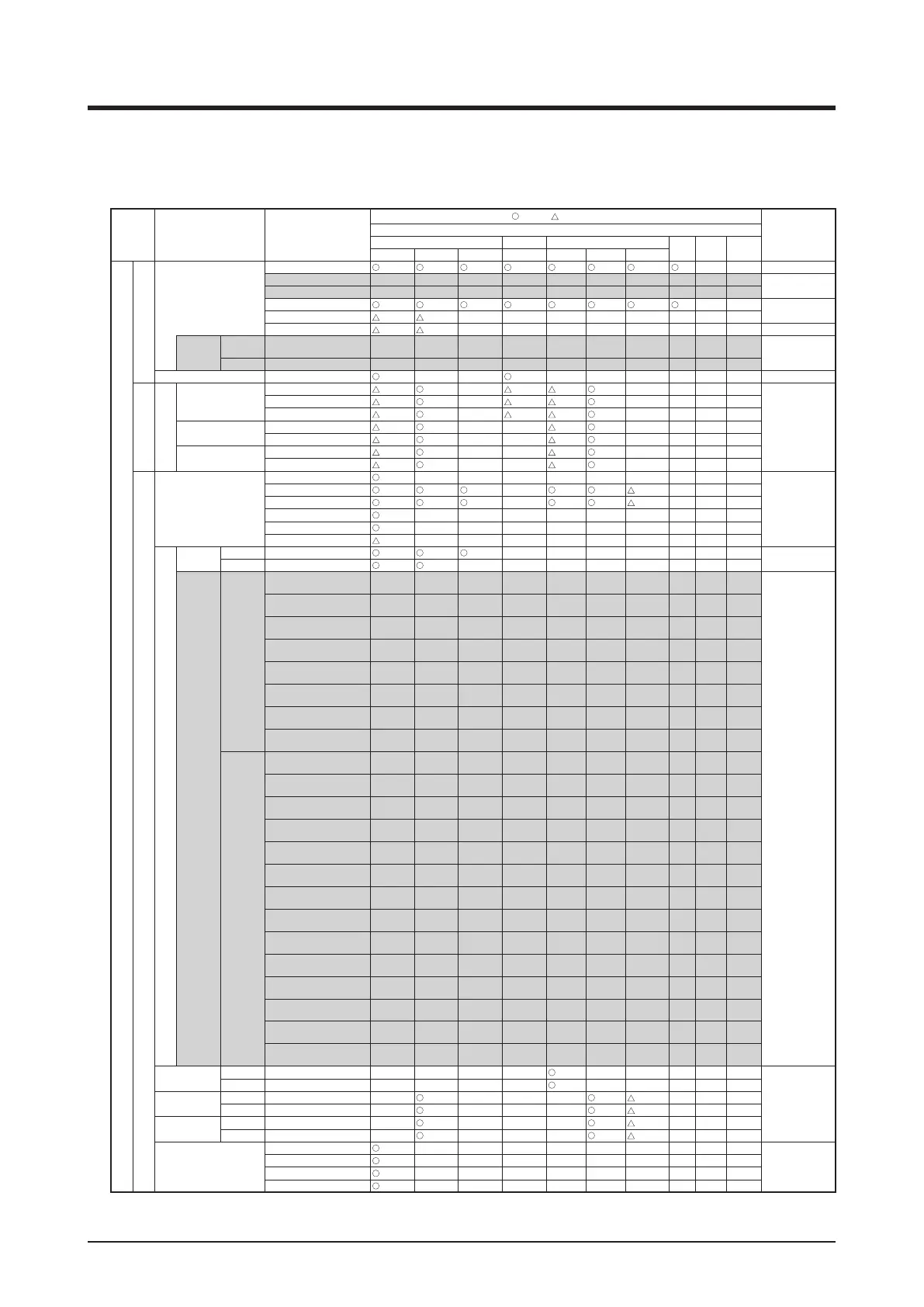
The setting items and range of values you can set in each tab are as indicated in the table below.
<Detailed Setup Screen Settings List>
Setting
location
Item Setting details
Possible range [
: Visible, : Conditionally visible, × : Invisible]
Remarks
Management point type
Indoor Ventilator Chiller
Dio
Analog
(Ao)
MultiState
(Mo)
Indoor unit Hydrobox AHU Ventilator D3Chiller InvChiller Chiller
Detailed Setup Screen
Common tab
Start
*13
× ×
Pre-Cool
Schedule setup only
Pre-Heat
Stop
*13
× ×
Setback high
*1 *1*13 × × × × × × × ×
Setback Low
*1 *1*13 × × × × × × × ×
On/
Off
Pre-Cool/
Pre-Heat
Setpoint
Celsius Example: 25.0°C
Schedule setup only
Fahrenheit Example: 77°F
Filter Sign
*10
× ×
*10
× × × × × ×
R/C Prohibition tab
R/C Prohibition
Start/Stop
Permitted
*8 × *8 *8 × × × ×
Stop Only
*8
*14
×
*8 *8 × × × ×
Prohibited
*8
*14
×
*8 *8 × × × ×
Operation Mode
Permitted
*8 × × *8 × × × ×
Prohibited
*8 × × *8 × × × ×
Setpoint
Permitted
*8 × × *8 × × × ×
Prohibited
*8
*15
× ×
*8 × × × ×
A/C tab
Operation Mode
Fan
× × × × × × × × ×
Cool
× *17 × × ×
Heat
× *18 × × ×
Dependent
× × × × × × × × ×
Automatic
× × × × × × × × ×
Dry
*2 × × × × × × × × ×
Setpoint
Setpoint
Celsius Example: 30°C
*7*12 *7 *7*20
× × × × × × ×
Fahrenheit Example: 90°F
*7*12 *7
× × × × × × × ×
Shift
Amount
Celsius
Decrease the temperature
settings by 4°C
Schedule setup,
Interrock setup only
Decrease the temperature
settings by 3°C
Decrease the temperature
settings by 2°C
Decrease the temperature
settings by 1°C
Increase the temperature
settings by 1°C
Increase the temperature
settings by 2°C
Increase the temperature
settings by 3°C
Increase the temperature
settings by 4°C
Fahrenheit
Decrease the temperature
settings by 7°F
Decrease the temperature
settings by 6°F
Decrease the temperature
settings by 5°F
Decrease the temperature
settings by 4°F
Decrease the temperature
settings by 3°F
Decrease the temperature
settings by 2°F
Decrease the temperature
settings by 1°F
Increase the temperature
settings by 1°F
Increase the temperature
settings by 2°F
Increase the temperature
settings by 3°F
Increase the temperature
settings by 4°F
Increase the temperature
settings by 5°F
Increase the temperature
settings by 6°F
Increase the temperature
settings by 7°F
Leaving water
setpoint
Celsius Example: 30°C × × × ×
*7
× × × × ×
Fahrenheit Example: 90°F × × × ×
*7
× × × × ×
Leaving water
setpoint(Cool)
Celsius Example: 30°C ×
*7
× × ×
*7
*7*13*19 × × ×
Fahrenheit Example: 90°F ×
*7
× × ×
*7
*7*13*19 × × ×
Leaving water
setpoint(Heat)
Celsius Example: 30°C ×
*7
× × ×
*7
*7*14*19 × × ×
Fahrenheit Example: 90°F ×
*7
× × ×
*7
*7*14*19 × × ×
Fan Speed
Low
*11
× × × × × × × × ×
Middle
*11
× × × × × × × × ×
High
*11
× × × × × × × × ×
Auto
*11
× × × × × × × × ×



 To Next Page