User’s Manual EM11A015B
intelligent Touch Manager
90
(6) M/D of week setup radio button
Sets up the special day setting pattern with the M/D of week setup combo box.
The selectable range in each combo box is as follows:
Month: Jan, Feb, Mar, Apr, May, Jun, Jul, Aug, Sep, Oct, Nov, Dec, Every
Week: 1st, 2nd, 3rd, 4th, Last
Day of the week: Sunday, Monday, Tuesday, Wednesday, Thursday, Friday, Saturday
(7) Add button
Registers the set up special day pattern.
(8) Preview button
Previews the calendar with the registered special day in the Calendar Settings list.
(9) OK button
Saves the edit and closes the screen.
(10) Cancel button
Cancels the edit and closes the screen. Touching the button displays a conrmation dialog.
(12)
(13)
(11)
(14)
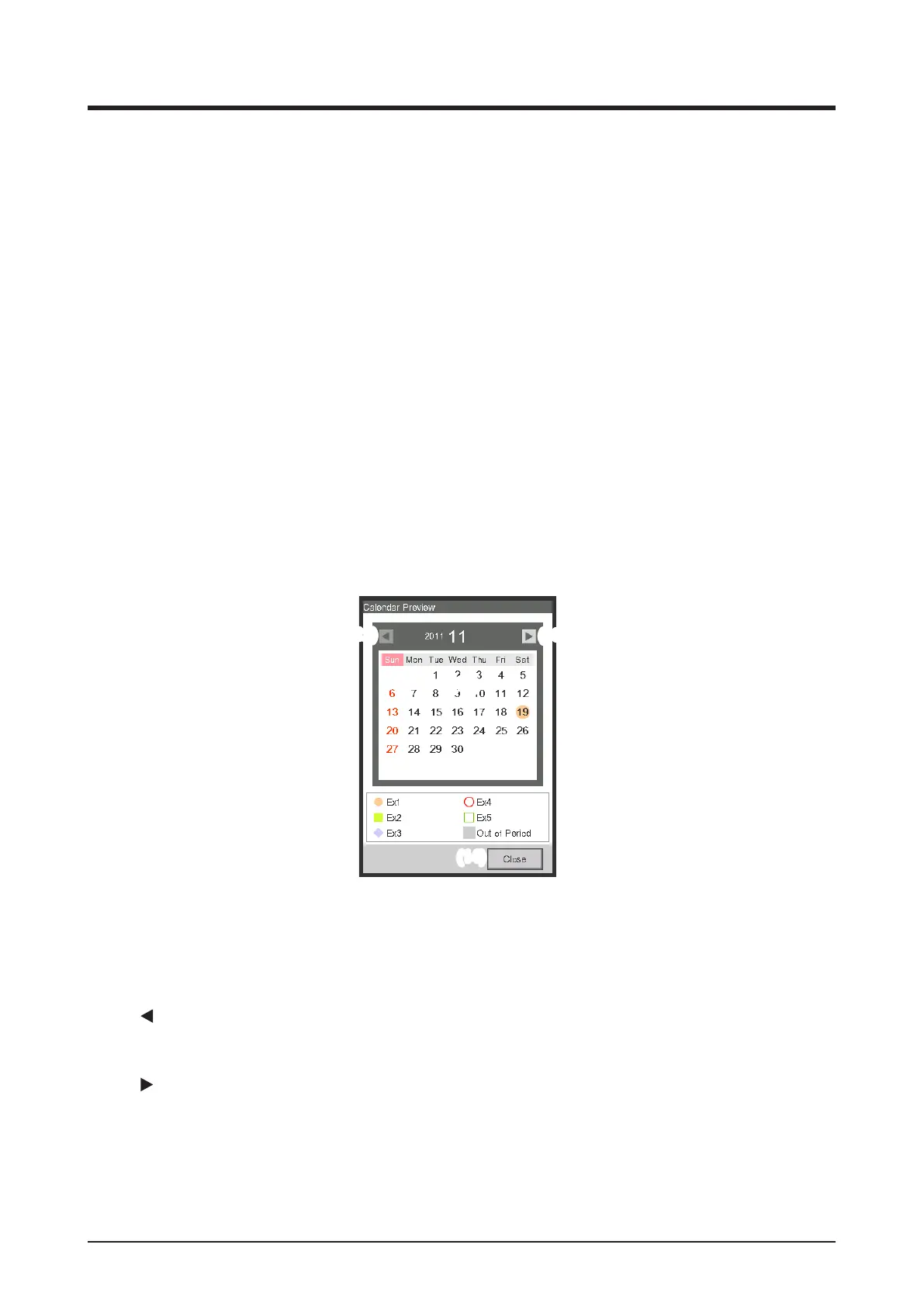
<Calendar Preview>
(11) Calendar view area
Previews the calendar with the special day.
(12)
button
Moves the view to the month previous to that displayed in the Calendar view area.
(13)
button
Moves the view to the month next to that displayed in the Calendar view area. You can specify up
to the next one year.
(14) Close button
Closes the screen.



 To Next Page