SCALE ALIBI STORAGE
97
SC5100 CONTROLLER
Step 1
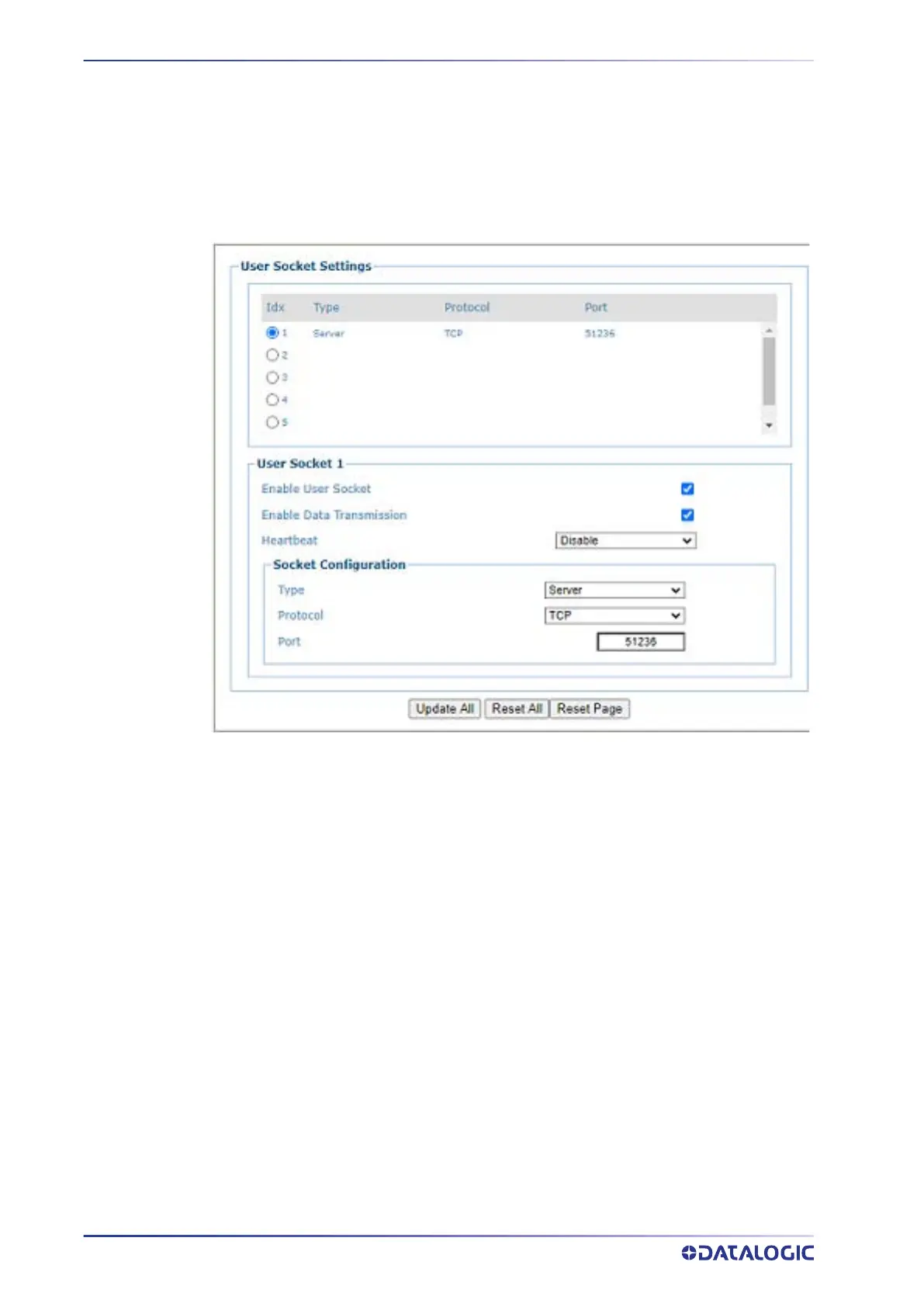
Step 1 requires you to add a user socket to communicate with the Scale.
To view and edit User Sockets:
1. In the menu under Modify Settings / Controller Settings / Ethernet, select User
Sockets
. The User Sockets window opens.
2. Add a new
User Socket that matches that of your Scale device. This allows the
SC5100 to receive messages from the scale.
3. Select the
Type: Server and Protocol: TCP and enter the Port: 51236.



 To Next Page