CONFIGURING A REDUNDANT SYSTEM
PRODUCT REFERENCE GUIDE
66
CONFIGURING A REDUNDANT SYSTEM
Follow these steps:
1. First complete mechanical installation.
2. Connect and wire all devices, except the backup SC5100.
3. Perform complete software configuration using e-Genius Datalogic setup soft-
ware. E-Genius allows configuration and calibration of all devices in the system.
Reference your individual device reference manuals for details about e-Genius
configuration software for each connected product.
DEFINE SYSTEM PARAMETERS
Start e-Genius
To access e-Genius:
1. Connect your computer to the Primary SC5100 CFG (ETH 4) port using either
ETH CAB-GE10 M12-IP67 to RJ45 10M. If the CFG port is taken, the HOST port can
be used.
2. Turn on your computer.
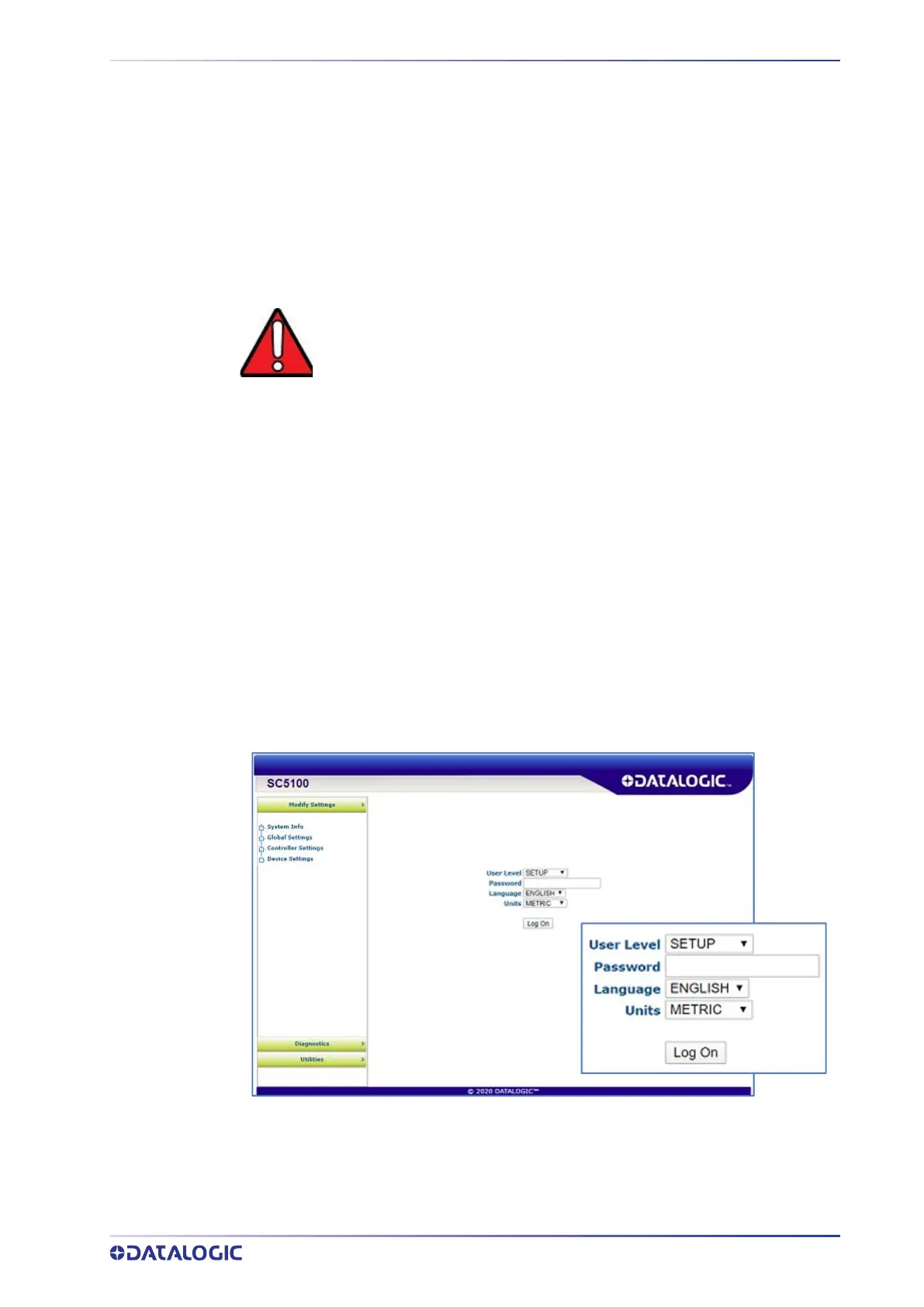
3. Open a web browser and enter the IP address for the Primary SC5100 Controller. If
the correct IP address is entered, the
e-Genius Log On window appears. The
default setup IP address for all
SC5100 Controllers is: 192.168.3.100 (ETH4) and
192.168.1.100 (Host).
4. Click the
User Level drop-down and select SETUP, enter a a valid Password. The
default is DLA.
5. You will enter the SC5100 e-Genius System Overview/Information window.
WARNING: DO NOT CONNECT THE BACKUP SC5100 AT THIS TIME!



 To Next Page