INSTALLATION SEQUENCE
PRODUCT REFERENCE GUIDE
20
INSTALLATION SEQUENCE
To install the SC5100 follow the given procedure:
1. Select the mounting location and mount the SC5100 Controller.
2. Select the preferred power source to power the SC5100 via the M12 5P connector.
See
“SC5100 Electrical Connections” on page 25.
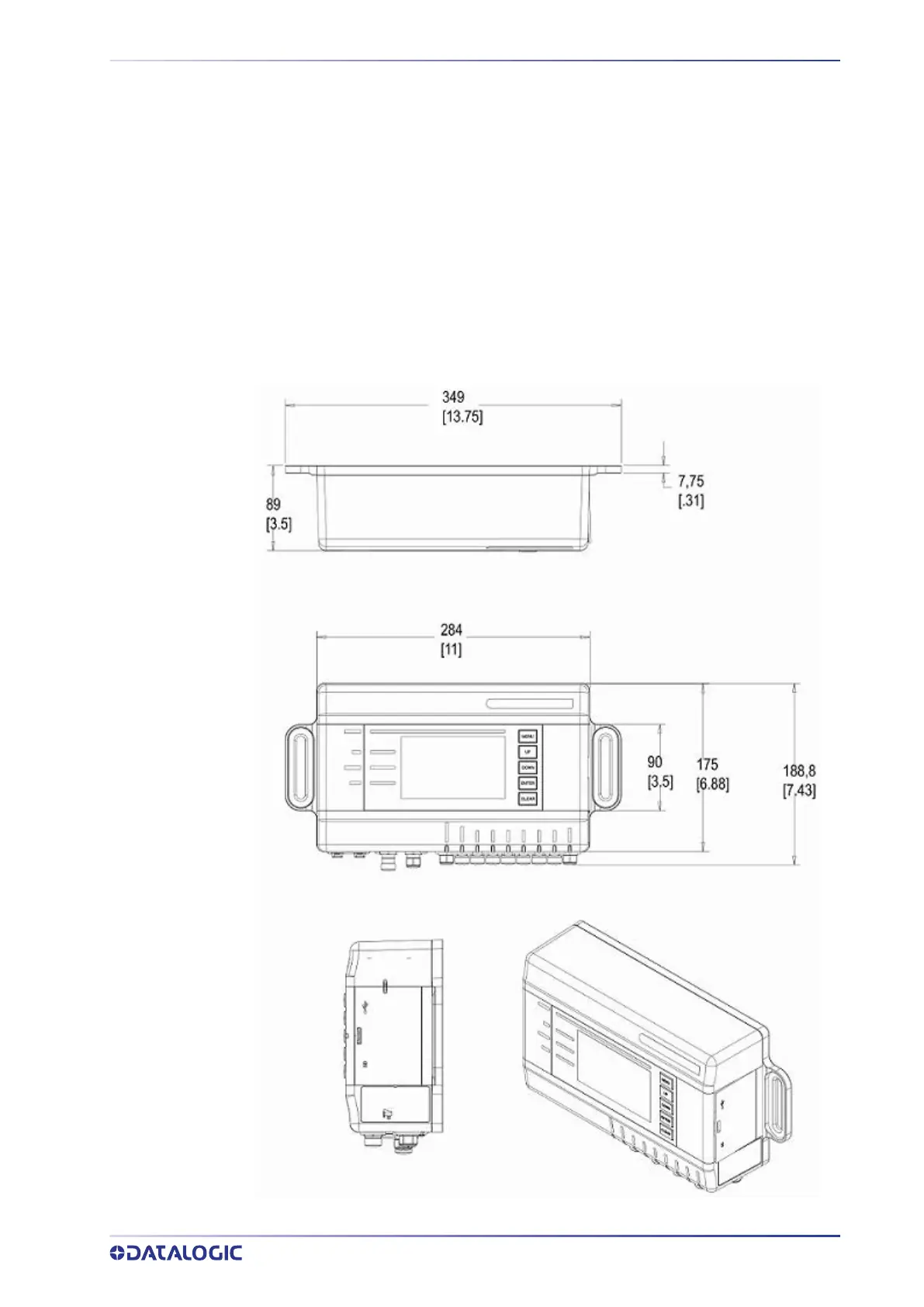
Dimensions and Clearances
Make sure to provide 300 mm (12 in) clearance around the SC5100. Measurements are
in mm [inches].



 To Next Page