KEYPAD AND DISPLAY
PRODUCT REFERENCE GUIDE
6
Menu Functions and Navigation
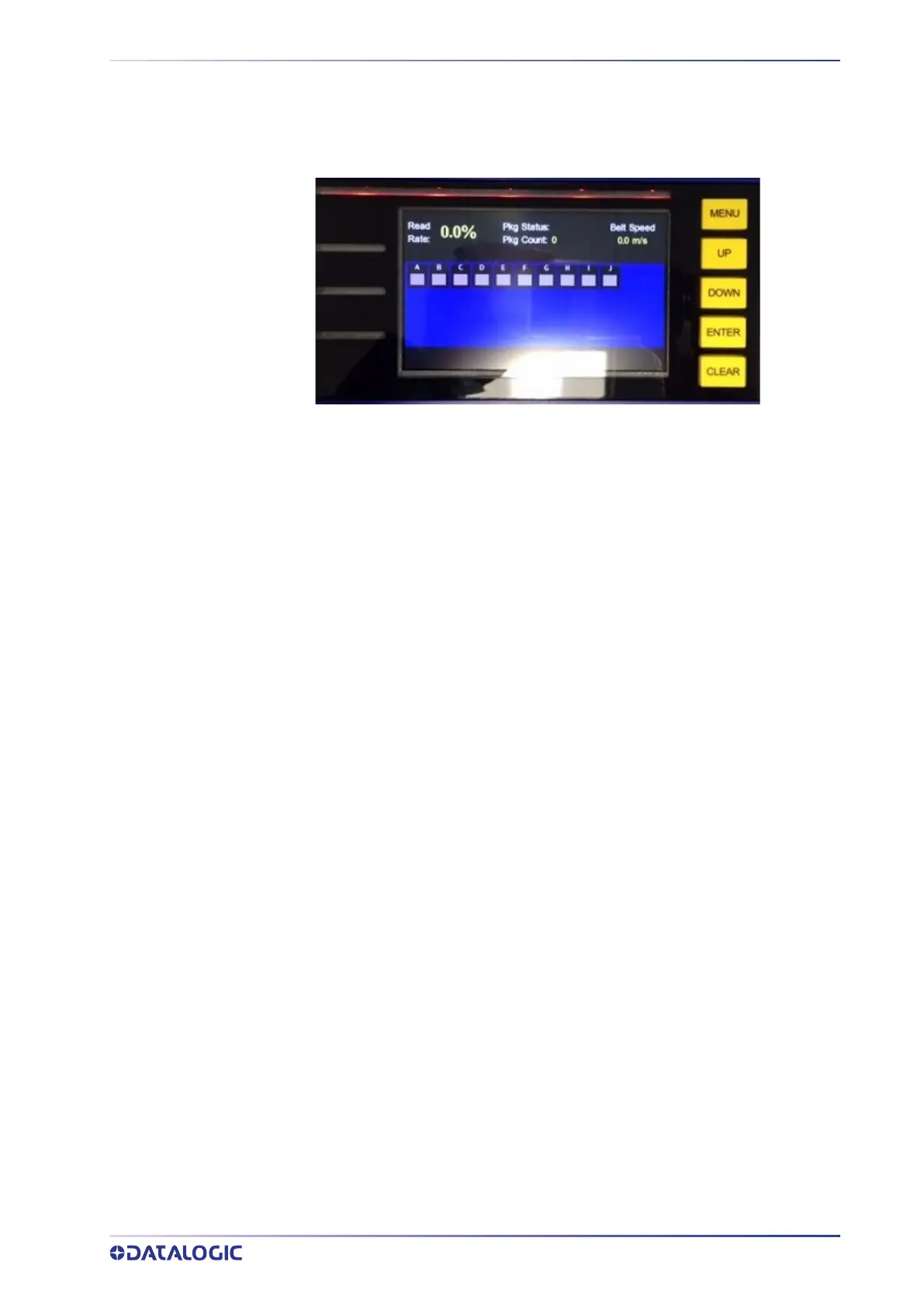
The five yellow display buttons are used to navigate between display options and to
access additional details within each display option.
When starting the SC5100, press
MENU to see the all of the display options; they are:
DASHBOARD
READ RATE
ERRORS
BARCODES
TX MSGS
RX MSGS
NETWORK
I/O
SOFTWARE
UTILITIES
Press MENU again to clear the menu options.
Press
UP to scroll up through the menu options and DOWN to scroll down. The menu
selection you are on will appear in blue.
Press
ENTER to access that menu option’s display.



 To Next Page